AutoTest Sytem Operation
Subject to Export Control, see Cover Page for details.
5-6
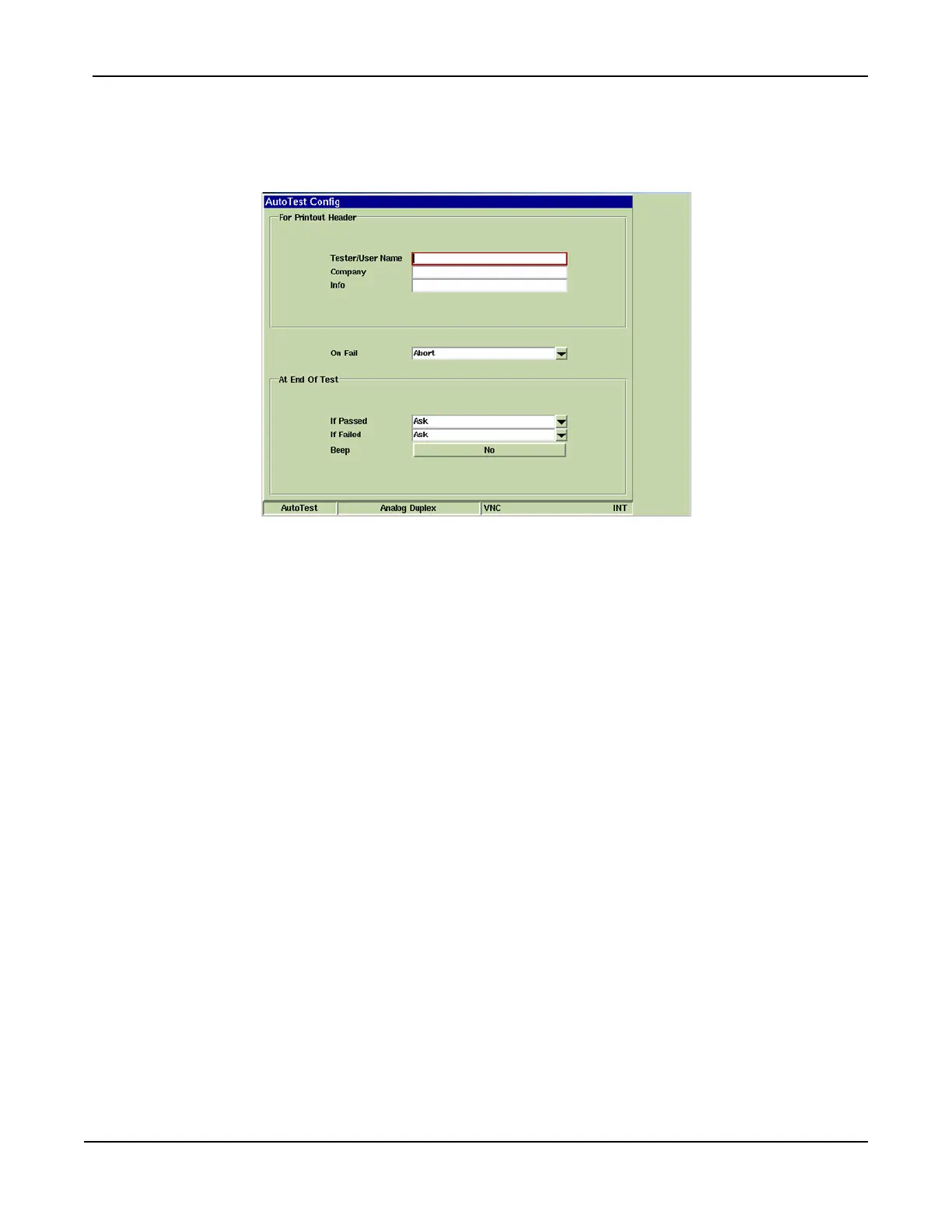
AutoTest Config Tile
The AutoTest Configuration Tile contains data fields that allow the user to enter information that
appears in completed test data. These parameters should be defined prior to running the script.
Fig. 5-6 AutoTest - Configuration Tile
For Printout Header Section
Information entered in this section of the AutoTest configuration Tile appears on the header of
printed test data. These are not required data fields.
On Fail
Defines the action the Test Set performs when a portion of a test sequence fails. Options are Pause,
Abort or Ignore.
At End of Test Section
If Passed
Defines the action the Test Set performs when a completed test passes defined criteria.
If Failed
Defines the action the Test Set performs when a completed test fails defined criteria.
Beep Button
Enables/Disables audible beep that indicates when a test is complete.













 To Next Page