Test Set Operation
Subject to Export Control, see Cover Page for details.
3-28
Store/Recall Tile
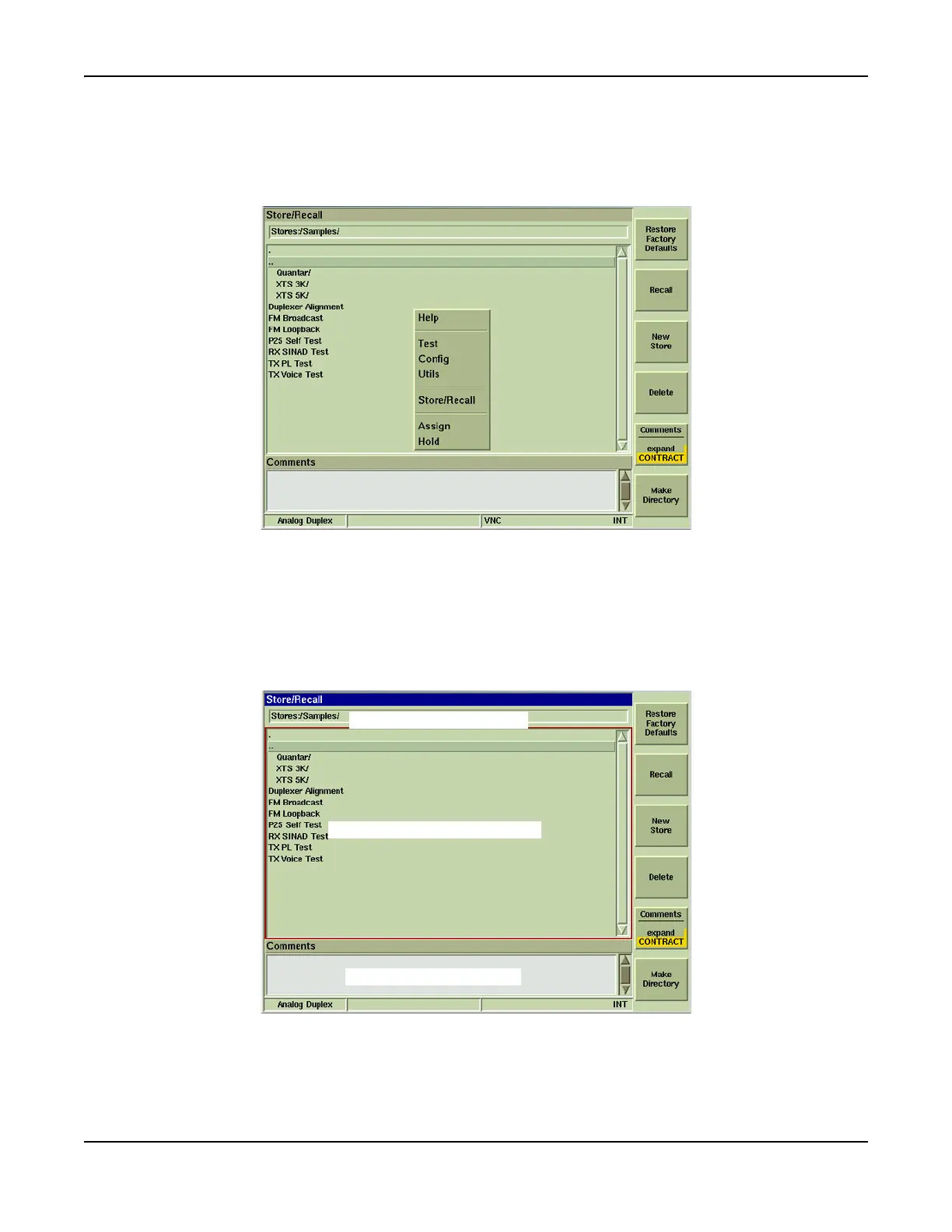
The Store/Recall function saves the Test Set’s current settings in a file that can be recalled for
later use. The Store/Recall Tile is accessed from the UTILS menu or from the TEST Floating
Menu as shown below.
Fig. 3-22 Accessing Store/Recall Tile
Soft key options vary according to the number of files that are saved on the Test Set.
Fig. 3-23 shows the soft keys associated with the main Save/Recall Tile.
● The Directory Title bar displays the selected directory.
● The Information Display Tile displays the files and any sub-directories located in the
selected directory.
● The Comments Field displays comments with the selected file.
Fig. 3-23 Save/Recall Tile
Directory Title bar
Information Display Field
Comments Field













 To Next Page