Subject to Export Control, see Cover Page for details.
4-1
Chapter 4
Acceptance Test
Introduction
The following Acceptance Test procedure applies to a new Test Set. When a 3900 is powered on, each
internal component runs a series of internal integrity checks. The acceptance procedure consists of
powering-up the Test Set in its Factory Default State, and verifying that no error messages appear
during (a) initialization and (b) system loading.
Initial Start-up in Factory Default State
1. Connect the Test Set to the AC Power Supply.
2. Turn the AC Power Supply Switch
on the rear panel to the ON position. The LED above the On/
Standby Key should change to RED.
3. Press the On/Standby Key
. Verify that no error messages appear on the display when the Test
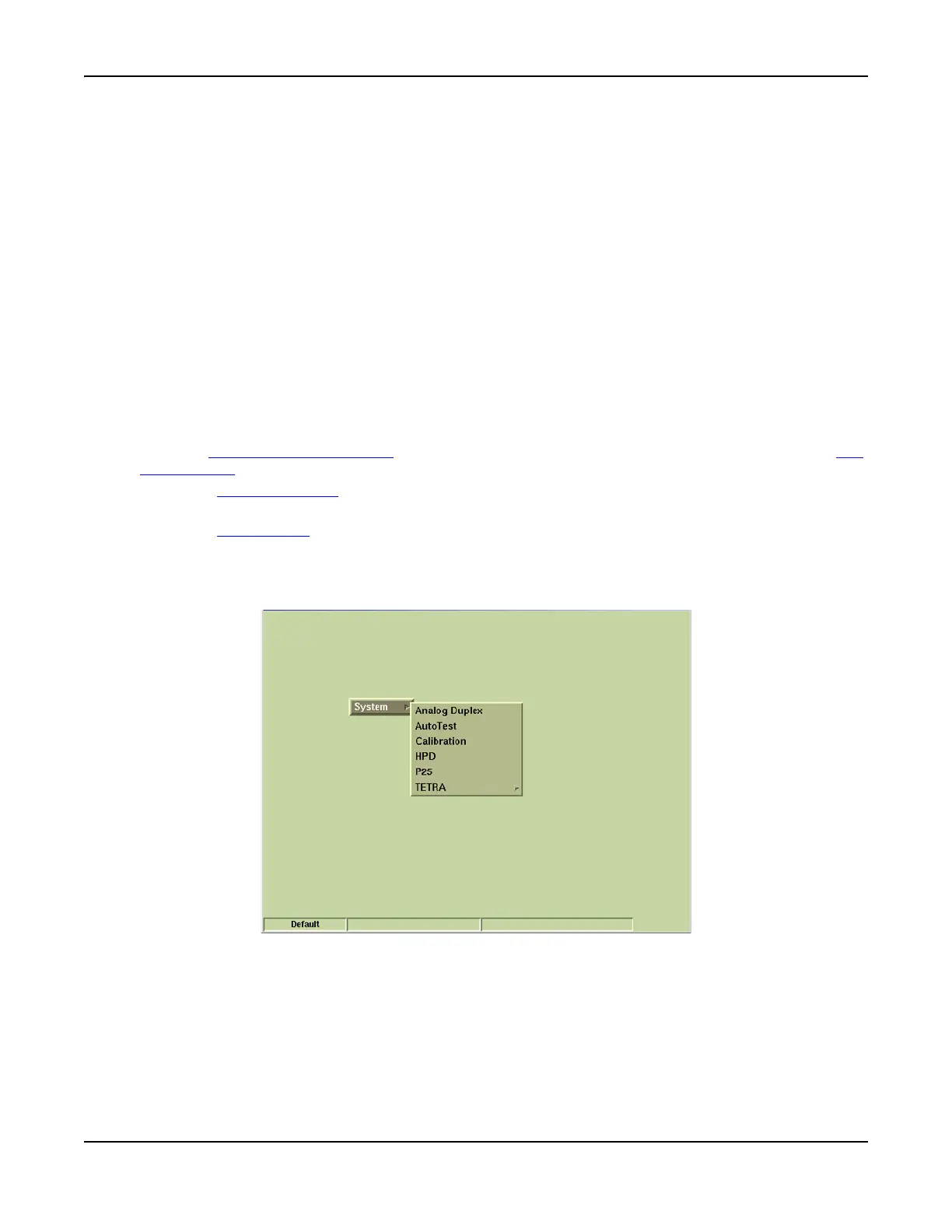
Set powers on. After a few seconds, the Factory Default Tile is displayed.
4. Using the Cursor Keys (or a mouse), select one of the systems from the System menu.
5. Verify no error messages appear while the selected system loads.
6. Test Set should now operate in accordance with the 3900 Series Operation Manual and
applicable option manual(s).
Fig. 4-1 Factory Default Display Tile













 To Next Page