Radio Test Instruments
Subject to Export Control, see Cover Page for details.
7-14
[Repeat] Soft Key
When [Repeat] is selected the trace runs repeatedly. The [Repeat] and [Single] Soft Keys define
the trace display averaging calculations.
When [Average] Soft Key is set to ON, pressing [Repeat] clears the last averaged trace and
initiates a new averaged trace. This soft key is accessed by pressing the [Trigger] Soft Key
.
[Single] Soft Key
Places the trace in Single Sweep Mode. If [Average] Soft Key on the Trace Display Tile is set to
ON, and [Single] is selected, a single trace is initiated when the trigger conditions are met. This
soft key is accessed by pressing the [Trigger] Soft Key.
Minimized View
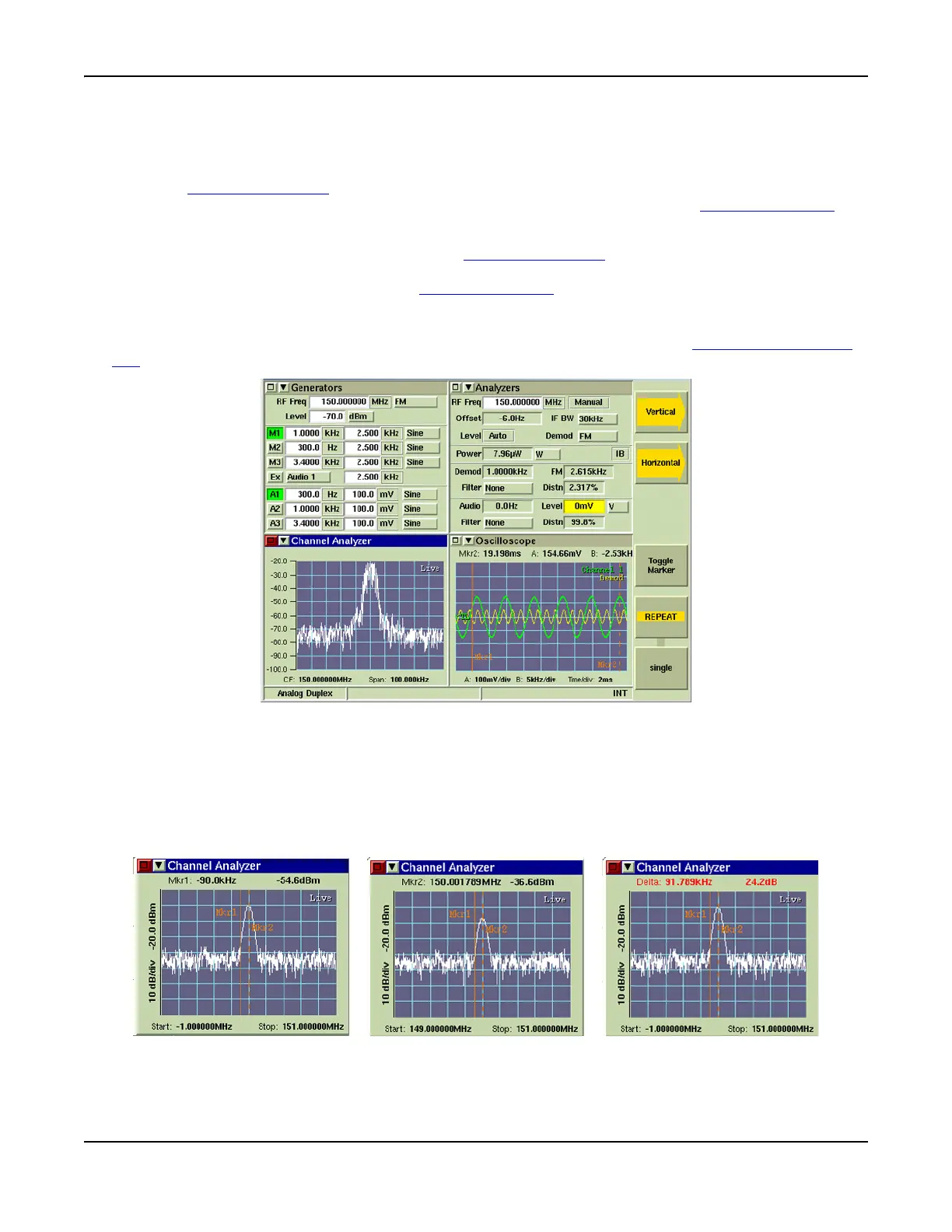
The minimized view of the Channel Analyzer Tile is shown in Fig. 7-15. The [Toggle Marker] Soft
Key is available when the Channel Analyzer is minimized.
Fig. 7-15 Channel Analyzer Tile - Minimized View
[Toggle Marker] Soft Key
The [Toggle Marker] Soft Key controls the marker readings displayed at the top of the minimized
Tile. The soft key also allows the user to click on the field to position the marker that is currently
being displayed (requires use of mouse). Pressing the soft key changes the displayed
measurements through Mkr1, Mkr2 and Delta readouts. Fig. 7-16 shows the sequence of
displayed marker data each time [Toggle Marker] is pressed.
Fig. 7-16 Toggle Marker - Change in Displayed Data













 To Next Page