AutoTest II Sytem Operation
Subject to Export Control, see Cover Page for details.
6-7
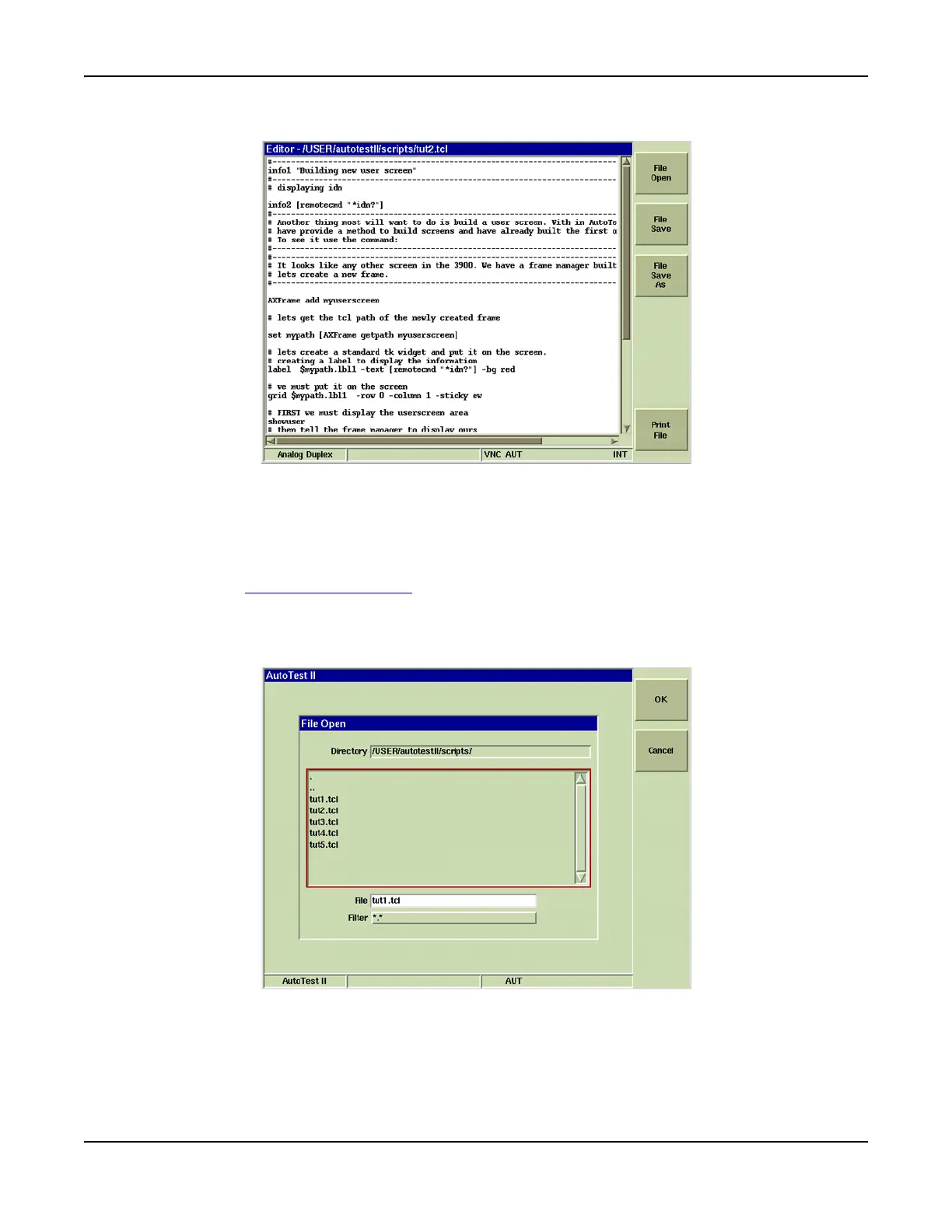
6. The screen displays contents of selected file as shown in Fig. 6-7.
Fig. 6-7 Script File in Editor Mode
Running an AutoTest Script
To run an AutoTest II script:
1. Load AutoTest II System. Wait while system loads.
2. Press the [Load Script] Soft Key.
3. Select the desired directory and test script. Verify the file name appears in File field
(example uses file tut1.tcl).
4. Select Filter type appropriate for script format. Press [OK] Soft Key.
Fig. 6-8 AutoTest Load Dialog Box













 To Next Page