AutoTest II Sytem Operation
Subject to Export Control, see Cover Page for details.
6-8
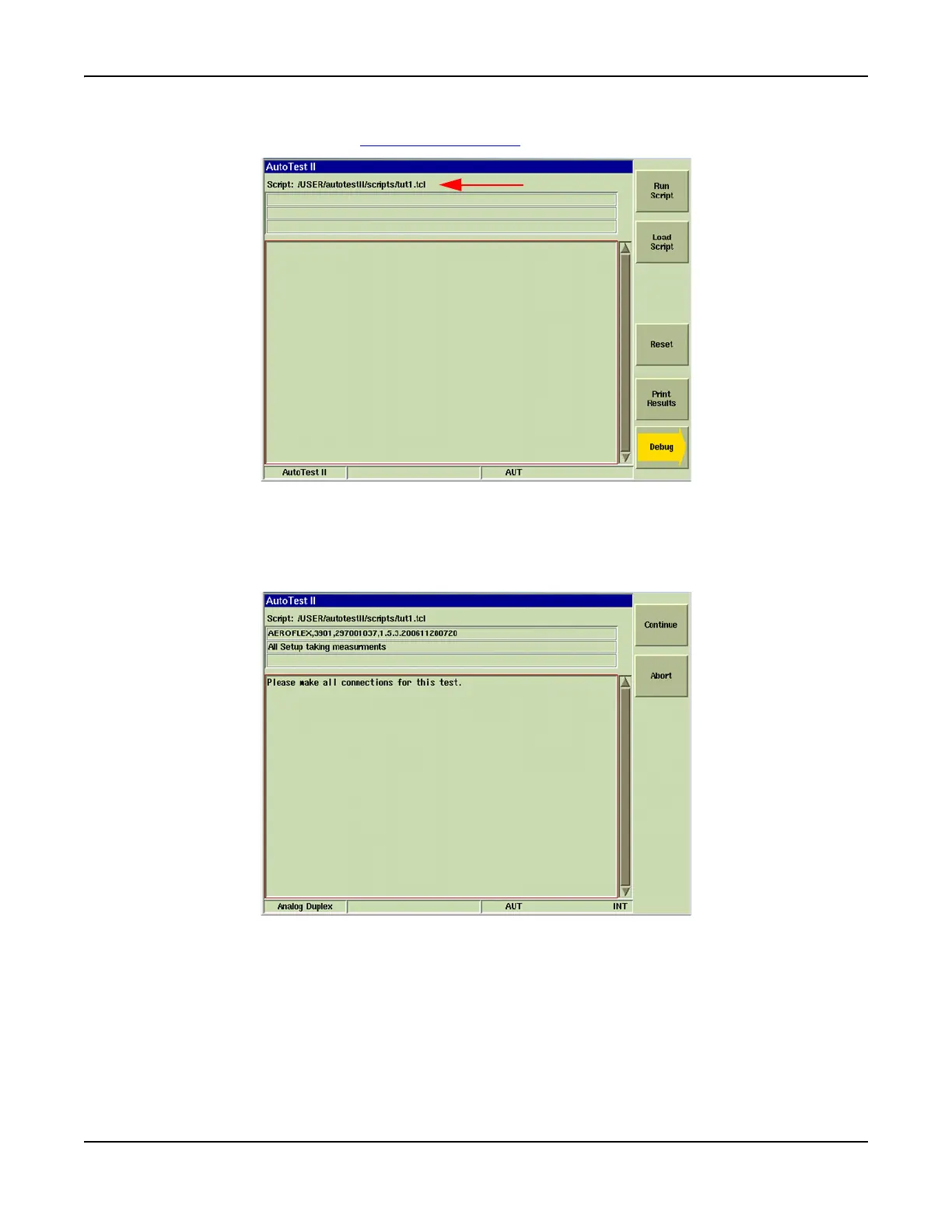
5. The script’s file name appears at the top of the display tile after the script has loaded. After
the file has loaded press [Run Script] Soft Key
.
Fig. 6-9 Loaded Script File
6. AutoTest II Tile appearance and data displayed varies throughout a test script depending on
the actions the script writing had included in the test script. Fig. 5-3 shows an example
where a prompt has been included to notify the user to make necessary connections to
continue with the test.
Fig. 6-10 AutoTest - Test in Progress













 To Next Page