Test Set Operation
Subject to Export Control, see Cover Page for details.
3-39
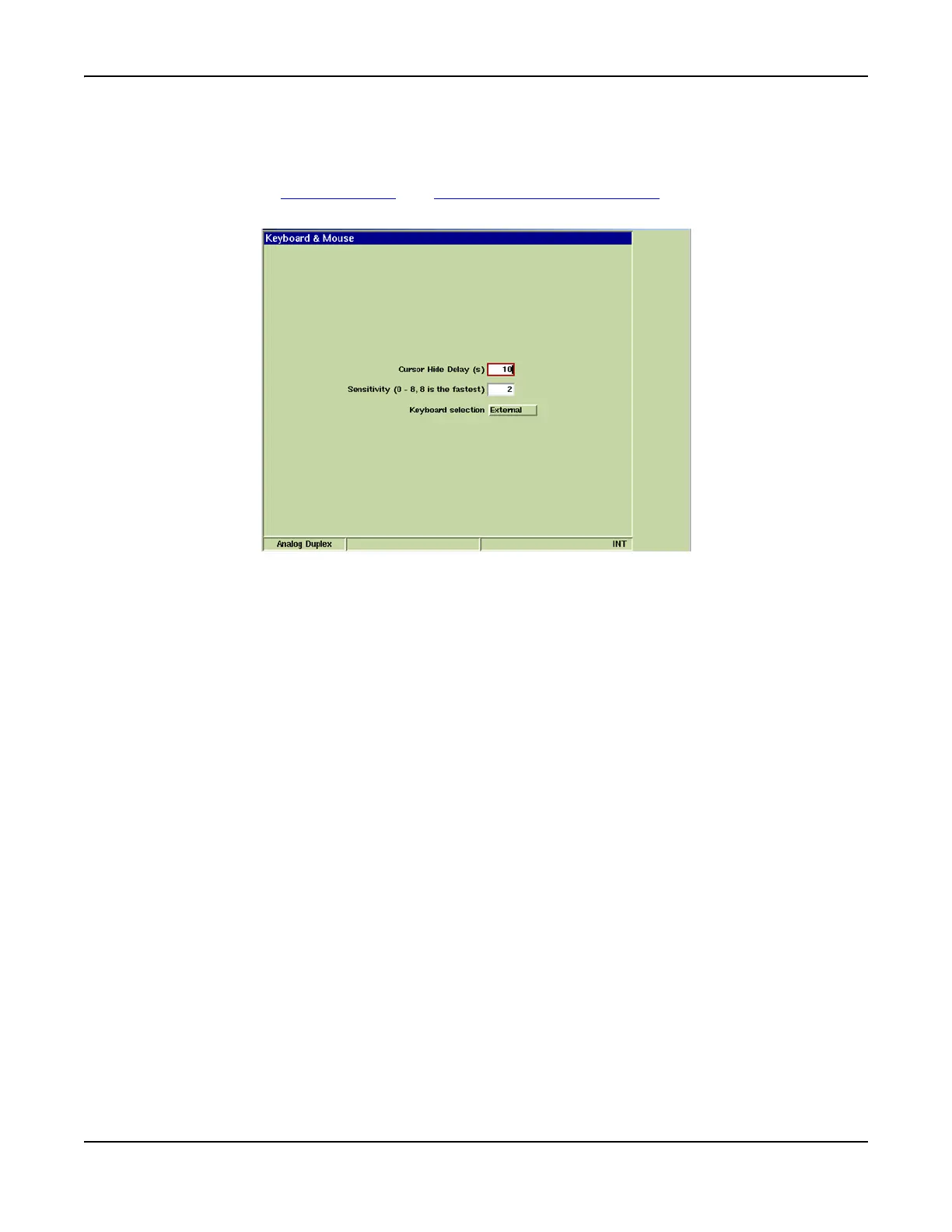
Keyboard & Mouse Tile
The Keyboard & Mouse Tile allows users to customize performance of a keyboard and/or mouse that
is connected to the Test Set.
Refer to section titled USB Connector and Keyboard Interface Connector for information on using a
Mouse with the Test Set.
Fig. 3-38 UTILS Keyboard & Mouse Tile
Field Definitions
Cursor Hide Delay
Sets how long (in seconds) mouse can remain inactive before cursor disappears. Moving mouse
reactivates cursor.
Sensitivity
Sets how fast cursor moves across display tile.
Keyboard Selection
Internal setting uses multi-press alpha/numeric functionality on the Test Set and USB keyboard
numeric keypad.
External setting de-activates the multi-press alpha/numeric functionality of the Test Set and the
USB numeric keyboard.













 To Next Page