Test Set Operation
Subject to Export Control, see Cover Page for details.
3-25
UTILS (Utilities)
The Utilities function provides access to general Test Set functions. These functions are not
specific to a particular system. When operating in TEST or CONFIG Mode, press the UTILS Key
twice to open the Configuration Menu. If Utilities Mode is already selected, press the UTILS Key
once to open the Utilities Menu.
Accessing UTILS Mode
To access the Utilities mode, press the UTILS Key. The last used UTILS Tile opens. From this
screen, press the UTILS Key
again to access the Utilities floating menu. Select the desired
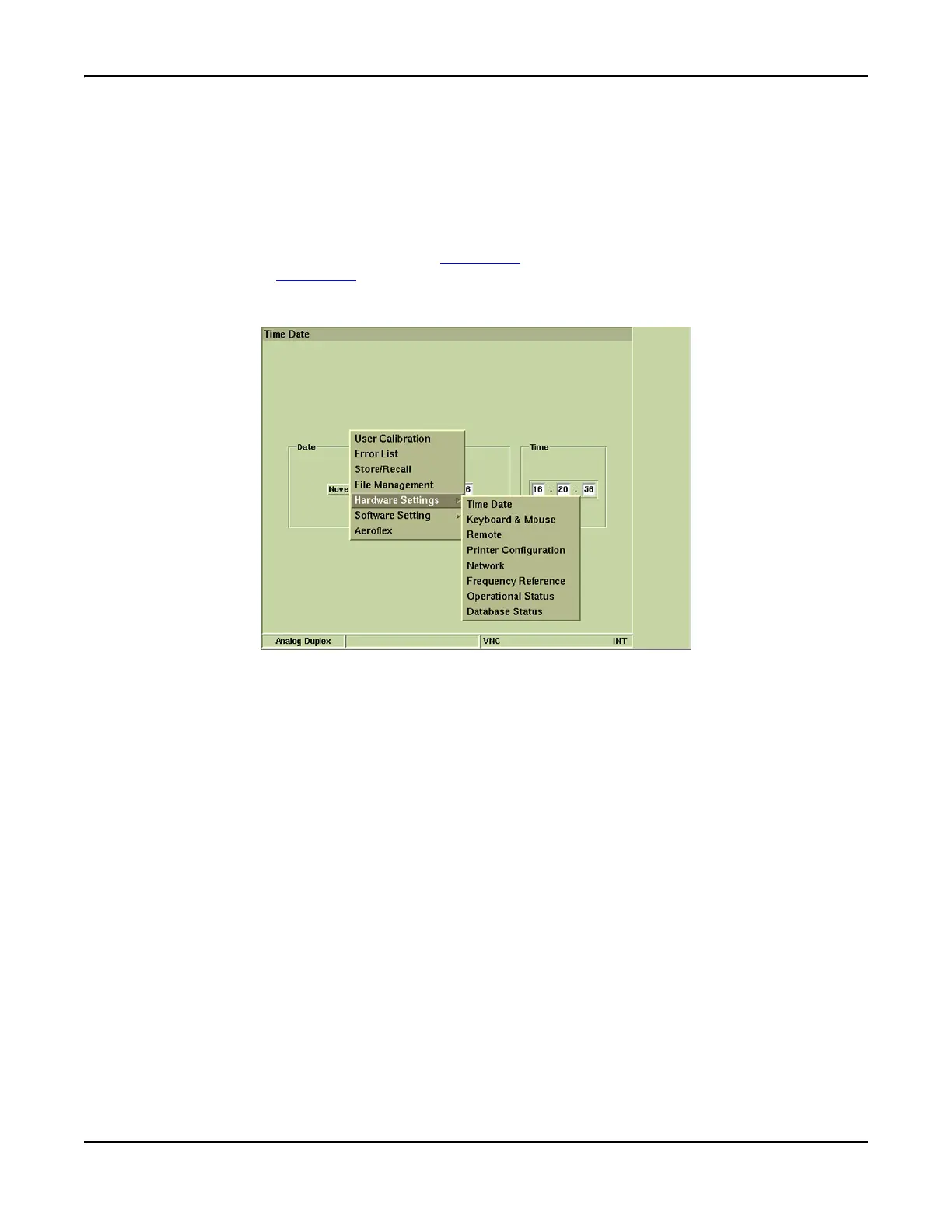
Utilities function from the UTILS floating menu. Fig. 3-19 shows Hardware Settings selected with
the expanded Hardware Settings menu.
Fig. 3-19 UTILS Floating Menu - Hardware Settings Selected













 To Next Page