Test Set Operation
Subject to Export Control, see Cover Page for details.
3-21
Soft Keys
There are six soft keys located on the front panel of the 3900. A soft key is active only when a label
is shown adjacent to it. The text on the label identifies the soft key, while the outline and
background color of the key provide information about the purpose, state and type of action the soft
key initiates.
Action Soft Keys
Action keys initiate immediate actions when pressed.
Next Level Soft Keys
Next Level soft keys have a arrow shaped gold background. Pressing one of these types of soft
keys leads to a soft key sub-menu. In some cases there is more than one sub-menu level.
Toggle Soft Keys
Toggle Soft Keys offer a choice of two, three or four options.
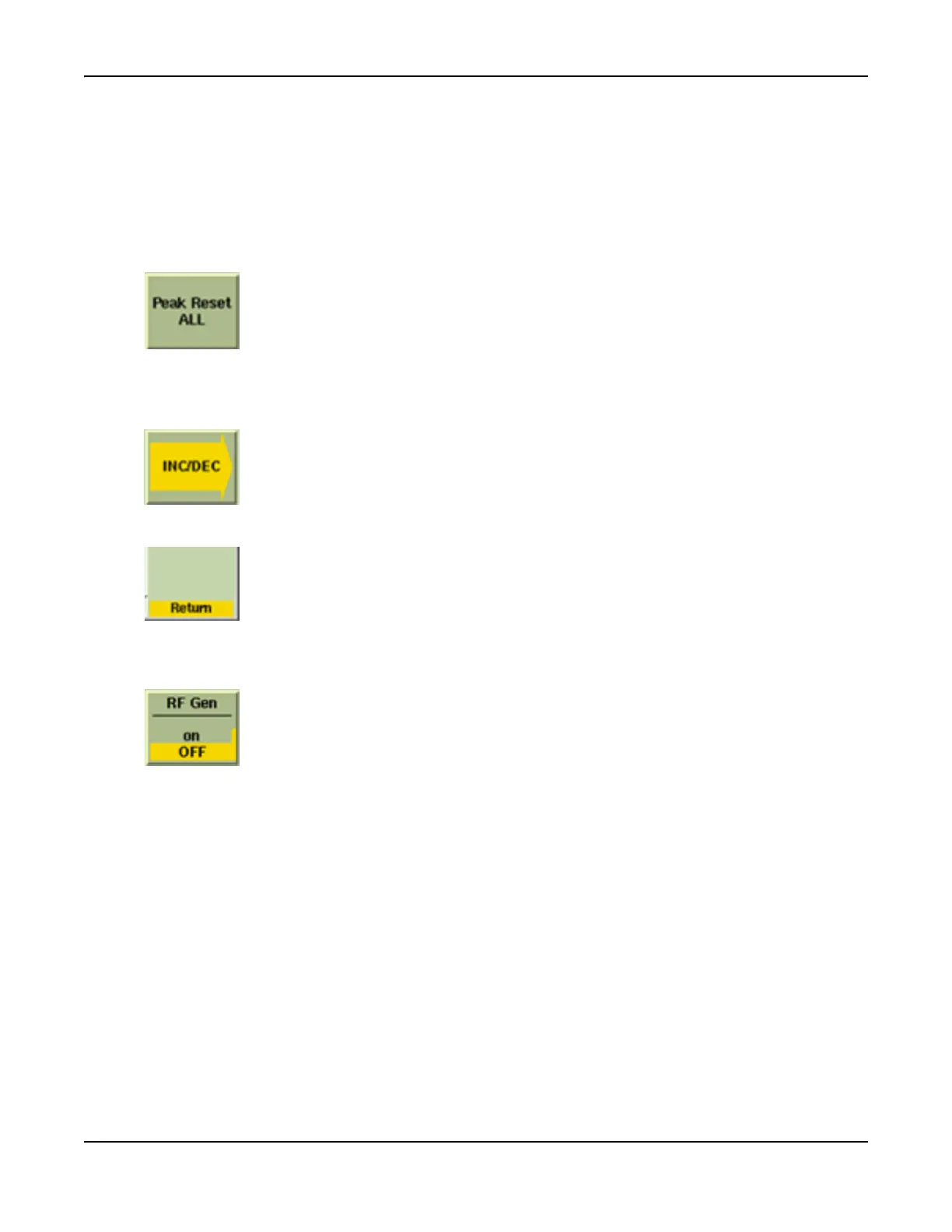
For example, the [Peak Reset ALL] soft key resets peak values for all
measurements on the associated screen.
Pressing this soft key displays a sub-menu of related soft keys. In this
example, the soft key sub-menu relates to the RF Output Frequency
incremental change value.
The RETURN prompt appears at the bottom of the soft key area when a sub-
menu choice of soft keys is displayed. This prompt is to remind users to use
the RETURN key to move back to the previous menu level.
The RF Gen toggle soft key offers the option of ON or OFF. In this example
the RF Gen is OFF; pressing the RF Gen soft key turns the RF Gen ON.













 To Next Page