Subject to Export Control, see Cover Page for details.
5-1
Chapter 5
AutoTest System Operation
Introduction
The 3900 AutoTest function allows users to create and run automated test sequences for 3900 Operating
Systems. This chapter provides an instructional description of the following:
● Selecting AutoTest
● Creating an AutoTest Script
● Running an AutoTest Script
● Storing Results
● Importing Results Files
The chapter also contains example scripts as well as commonly used test commands.
Selecting AutoTest
To select AutoTest:
1. Press CONFIG Key
to access the CONFIG Floating menu.
2. Select Systems, AutoTest from the CONFIG Floating Menu.
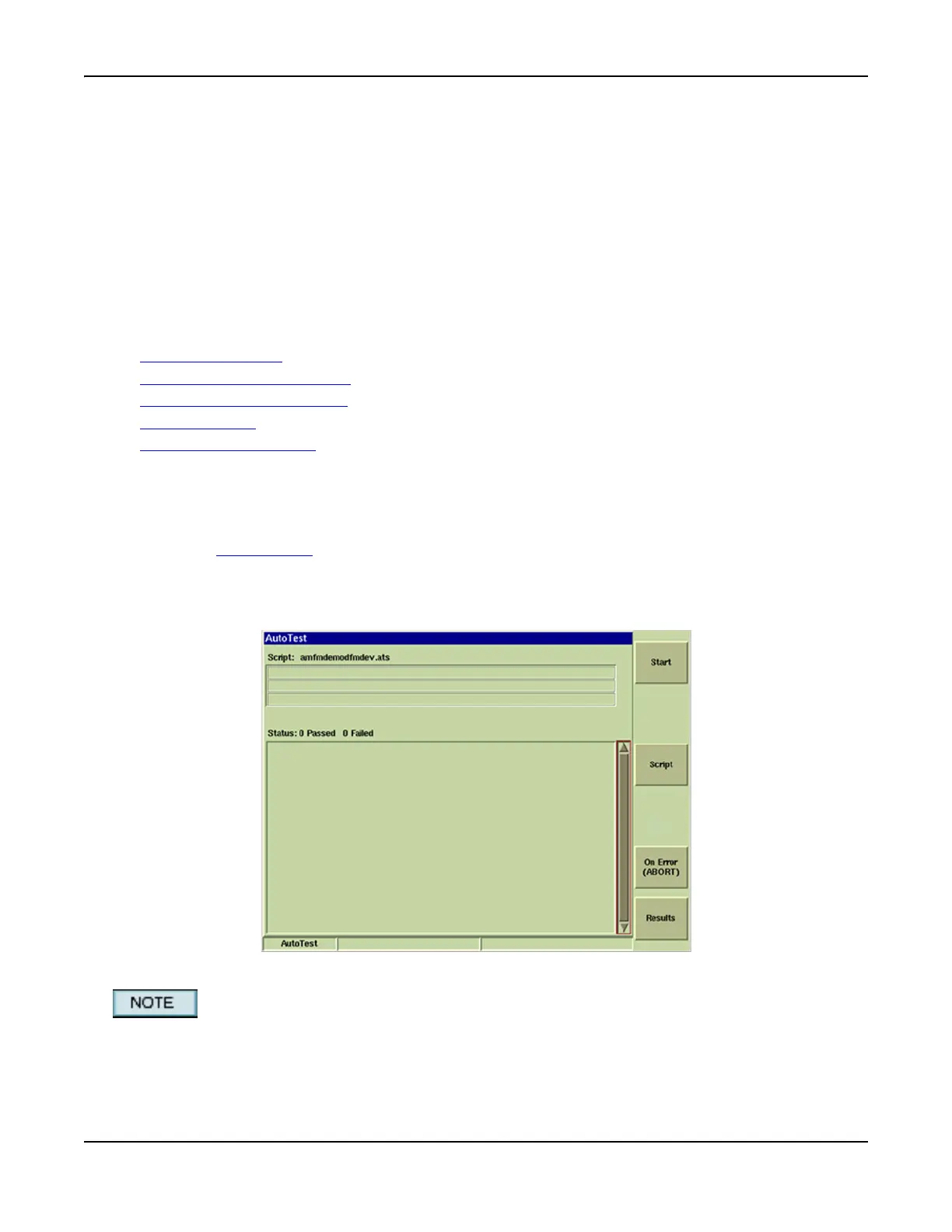
3. After AutoTest loads the display appears as shown in example below. The name of the last
run AutoTest script is shown at the top of the Tile; all other data fields appear empty.
Fig. 5-1 AutoTest Main Tile
Analog AutoTest is an optional system (390XOPT052). AutoTest scripts can only be run for
Analog Duplex, Analog AF or Analog RF Systems when the Analog AutoTest option is installed in
the Test Set.













 To Next Page