Analog Duplex System
Subject to Export Control, see Cover Page for details.
8-2
Accessing Analog Duplex System
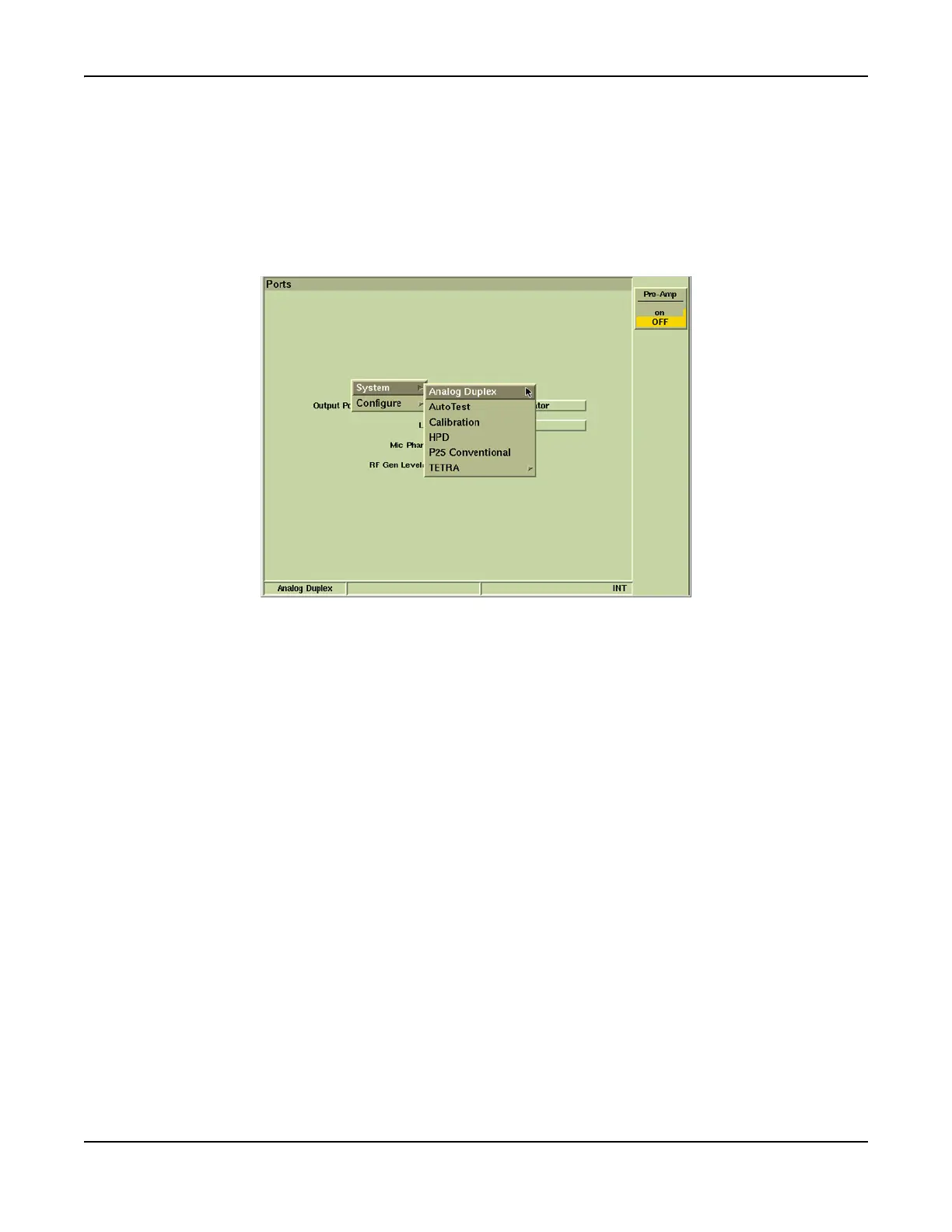
To select the Analog Duplex System:
1. Select Systems from the CONFIG floating menu.
2. Select Analog Duplex from the Systems Menu.
3. Analog Duplex system loads, configured with the operating settings from when the system
was last used. Analog Duplex is displayed on the information bar as shown in example
below.
Fig. 8-1 Selecting Analog Duplex System













 To Next Page