Radio Test Instruments
Subject to Export Control, see Cover Page for details.
7-39
[Average] Soft Key
When [Average ON] is selected, the trace is calculated by averaging the number of
measurements defined in the Averages field. A yellow progress indicator is displayed in the
upper right corner of the graph field while the average reading is accumulating. This soft key is
accessed by pressing the [Trace] Soft Key
.
Minimized View
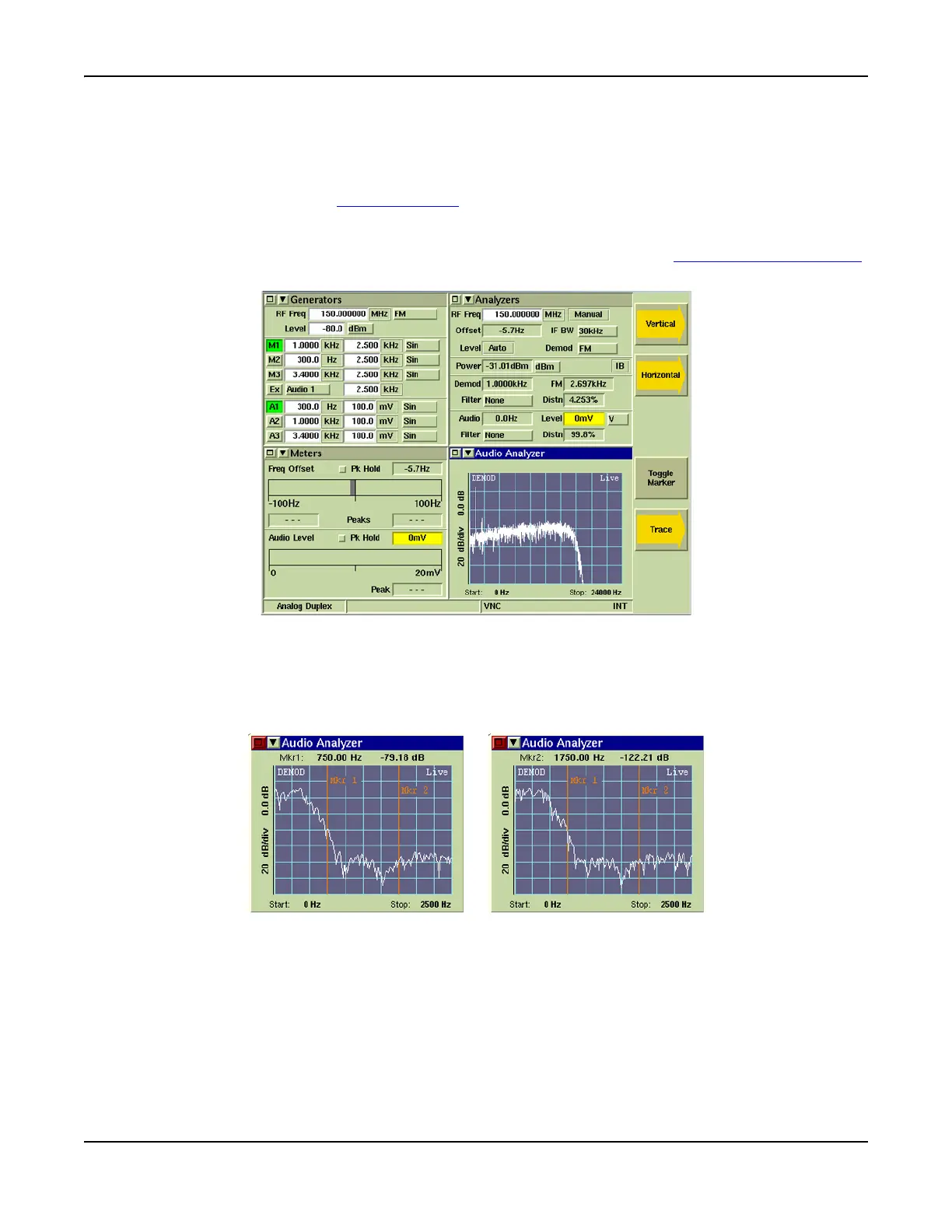
The minimized view of the Audio Analyzer Tile is shown in Fig. 7-43. The [Toggle Marker] Soft Key
is available when the Audio Analyzer is minimized.
Fig. 7-43 Audio Analyzer Tile - Minimized View
[Toggle Marker] Soft Key
Controls the marker readings displayed at the top of the minimized Tile. Pressing Toggle Marker
alternately displays readings for Marker 1 and Marker 2. Both Markers must be defined to obtain
measurements for both markers when this soft key is pressed.
Fig. 7-44 Toggle Marker - Change in Displayed Data













 To Next Page