Test Set Operation
Subject to Export Control, see Cover Page for details.
3-46
Operational Status Tile
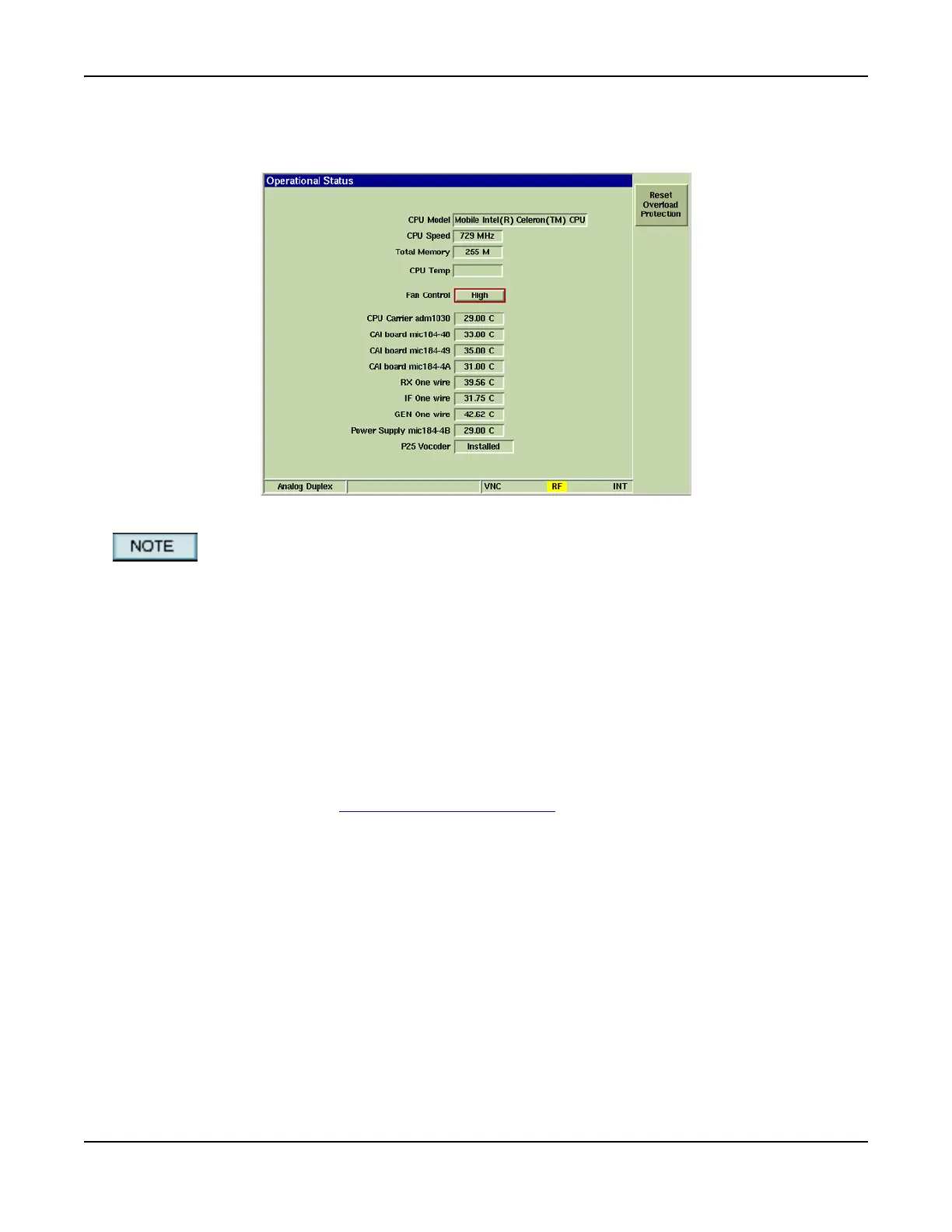
The Operational Status Tile displays the Test Set’s operational parameters.
Fig. 3-45 Operational Status Tile
CPU Temp is not currently available: field appears empty.
Field/Soft Key Definitions
Fan Control
Setting controls the fan speed of the 3900’s internal cooling fans. Fan speed should be set to
correspond to the external environment in which the Test Set is being used. For example, a High
fan setting is recommended if the equipment is used in a rack system environment where it is
surrounded by other heat-generating equipment.
Reset Overload Protection
Resets the Test Set’s input overload relay. When input exceeds maximum levels, the Test Set
generates an audible alarm tone. The alarm tone stops when the overload input is disconnected
from the Test Set, however, this soft key must be pressed to reset the Test Set’s overload
warning system. Refer to 3900 Platform Specifications
for maximum input levels.













 To Next Page