Test Set Operation
Subject to Export Control, see Cover Page for details.
3-55
Display Hold Tile
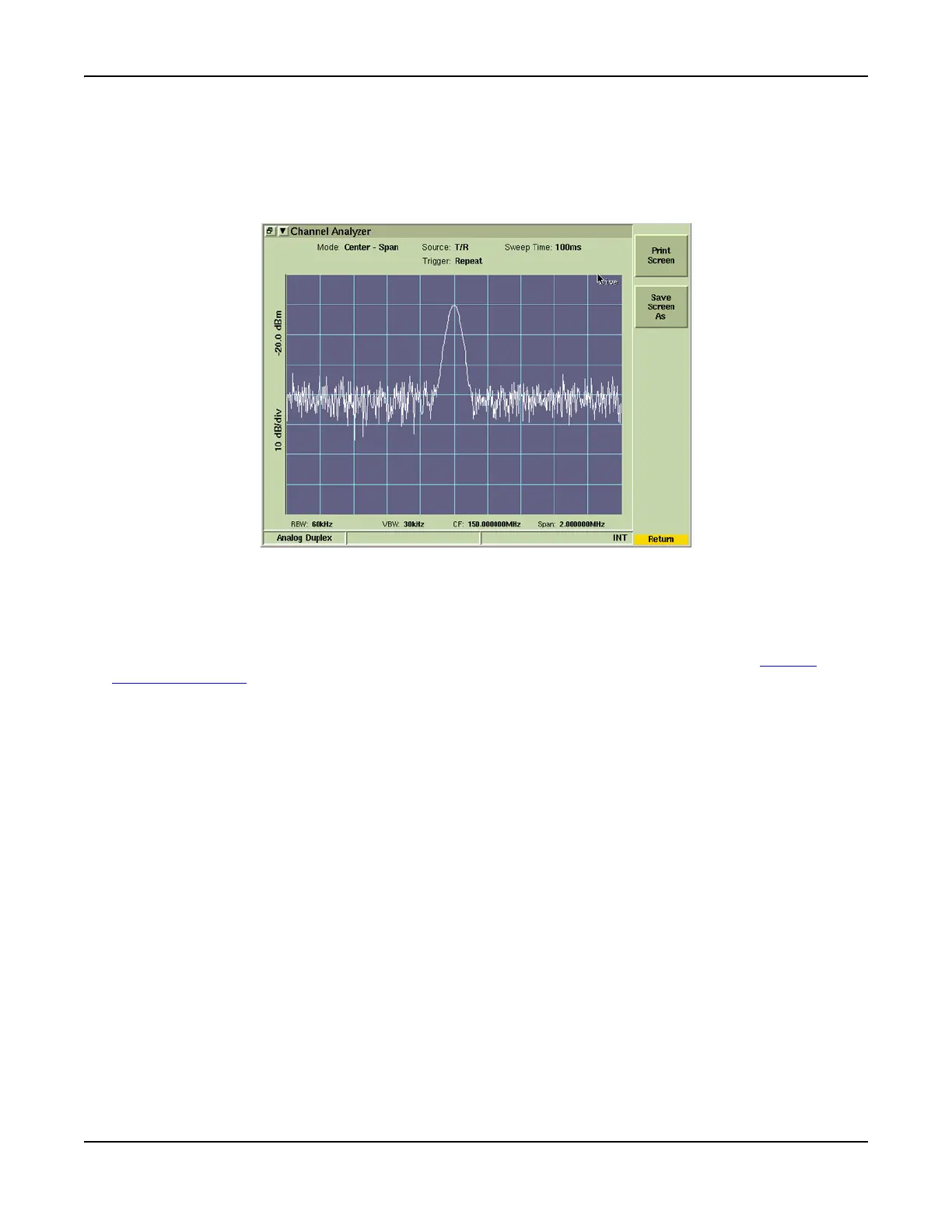
The HOLD key freezes the current display to allow the image to be saved as a full color graphics file
or to be printed to a suitable printer. Fig. 3-56 shows a screen from the Channel Analyzer when the
HOLD key has been pressed. After the HOLD key is pressed, the soft key menu changes to show the
[Print Screen] and [Save Screen As] soft keys.
Fig. 3-56 HOLD Display TIle
Print Screen Tile
To print a hard copy of the screen image, select the [Print Screen] soft key. A suitable printer must
be connected to the Test Set and properly configured to print screen images (refer to Printer
Configuration Tile).













 To Next Page