Test Set Operation
Subject to Export Control, see Cover Page for details.
3-54
Install New License (Option) File
To install a new license file:
1. Power on Test Set. Press UTILS Key to access the Utilities floating menu.
2. Select Software Upgrade, License from UTILS floating menu.
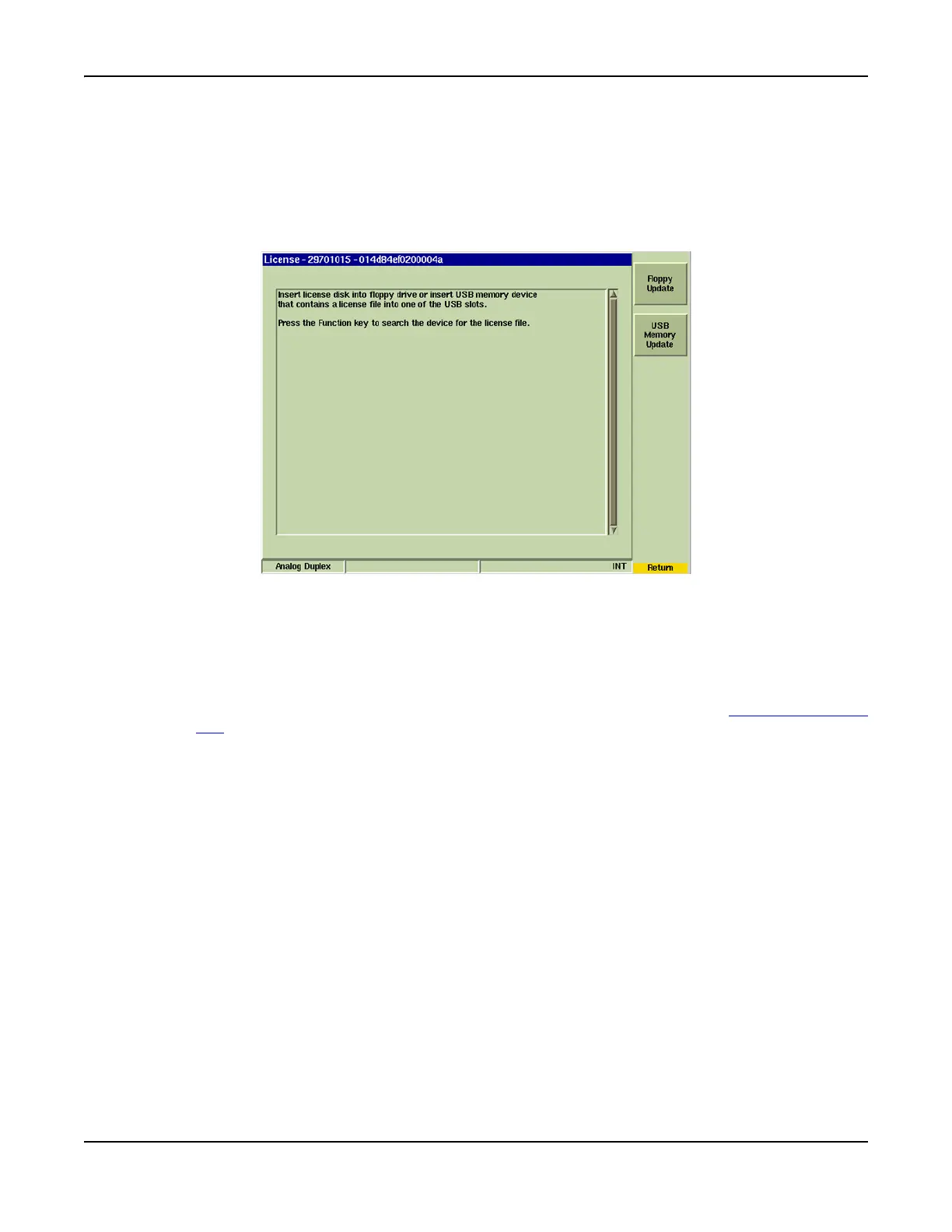
3. Press [Install New License] Soft Key on License Tile. Display changes to a screen
similar to the one shown in Fig. 3-55.
Fig. 3-55 Install License Tile
4. Insert Floppy Disk or USB memory device in Test Set. Press the [Floppy Update] or
[USB Memory Update] Soft Key as appropriate.
5. Wait while Test Set performs sequence of automated processes. A series of messages
are displayed throughout processes.
6. At prompt, press [Shutdown] Soft Key and reboot Test Set. Proceed to Software
Upgrade Procedure to enable new option(s). Refer to the section titled Software Upgrade
Tile for instructions on upgrading the Test Set.













 To Next Page