Test Set Operation
Subject to Export Control, see Cover Page for details.
3-56
Save Screen As
To save the screen image as a file:
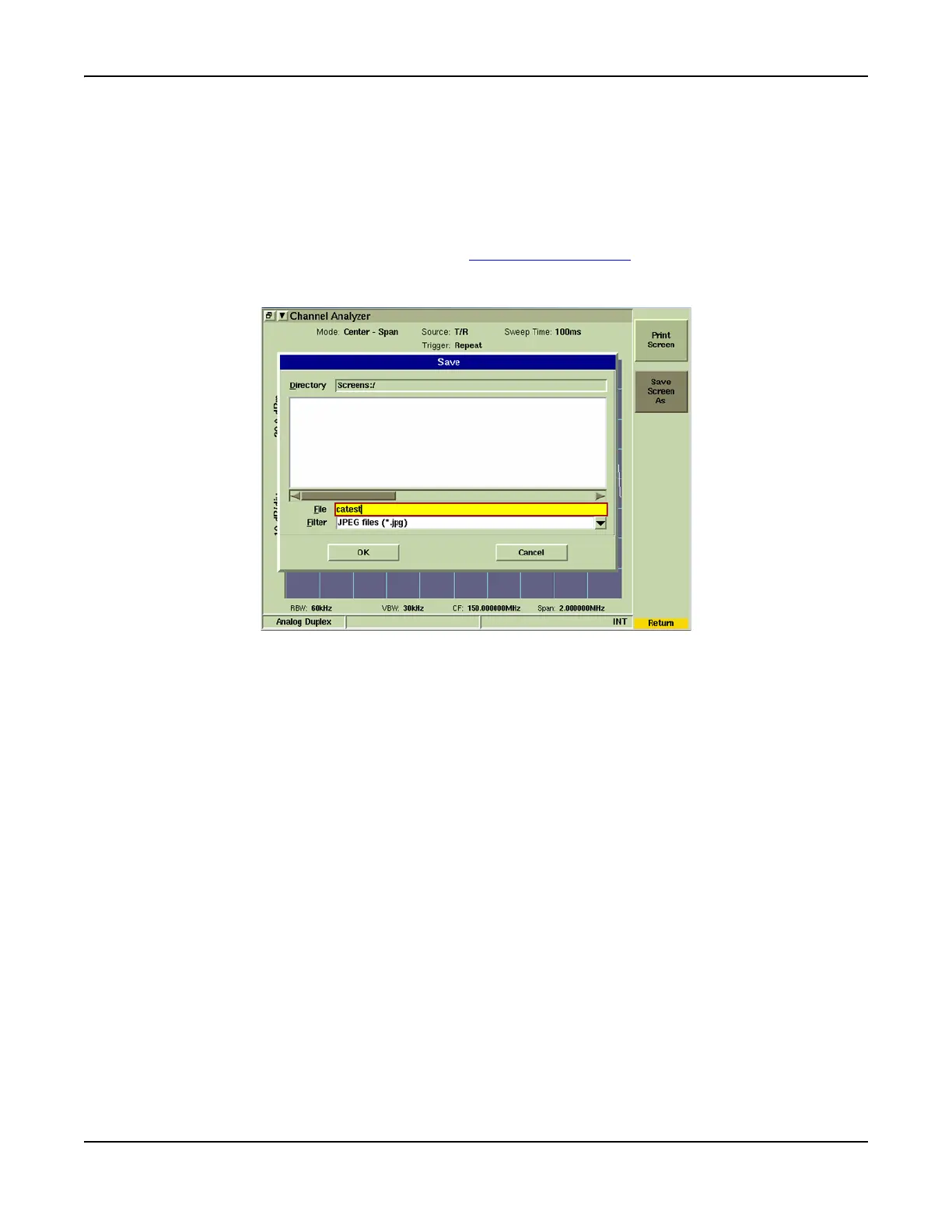
1. Select the [Save Screen As] soft key. A Save dialog box is displayed as shown in
Fig. 3-57.
2. Select the desired graphic format from the Filter drop-down menu. Graphic format
options are JPEG files (*.jpg), bmp files (*.bmp) and png files (*.png).
3. Saved files are organized using the File Management Tile
function to move them to
different directories within the Test Set or to be exported to a floppy disk or USB memory
stick.
Fig. 3-57 Save Screen As Dialog Box













 To Next Page