Test Set Operation
Subject to Export Control, see Cover Page for details.
3-32
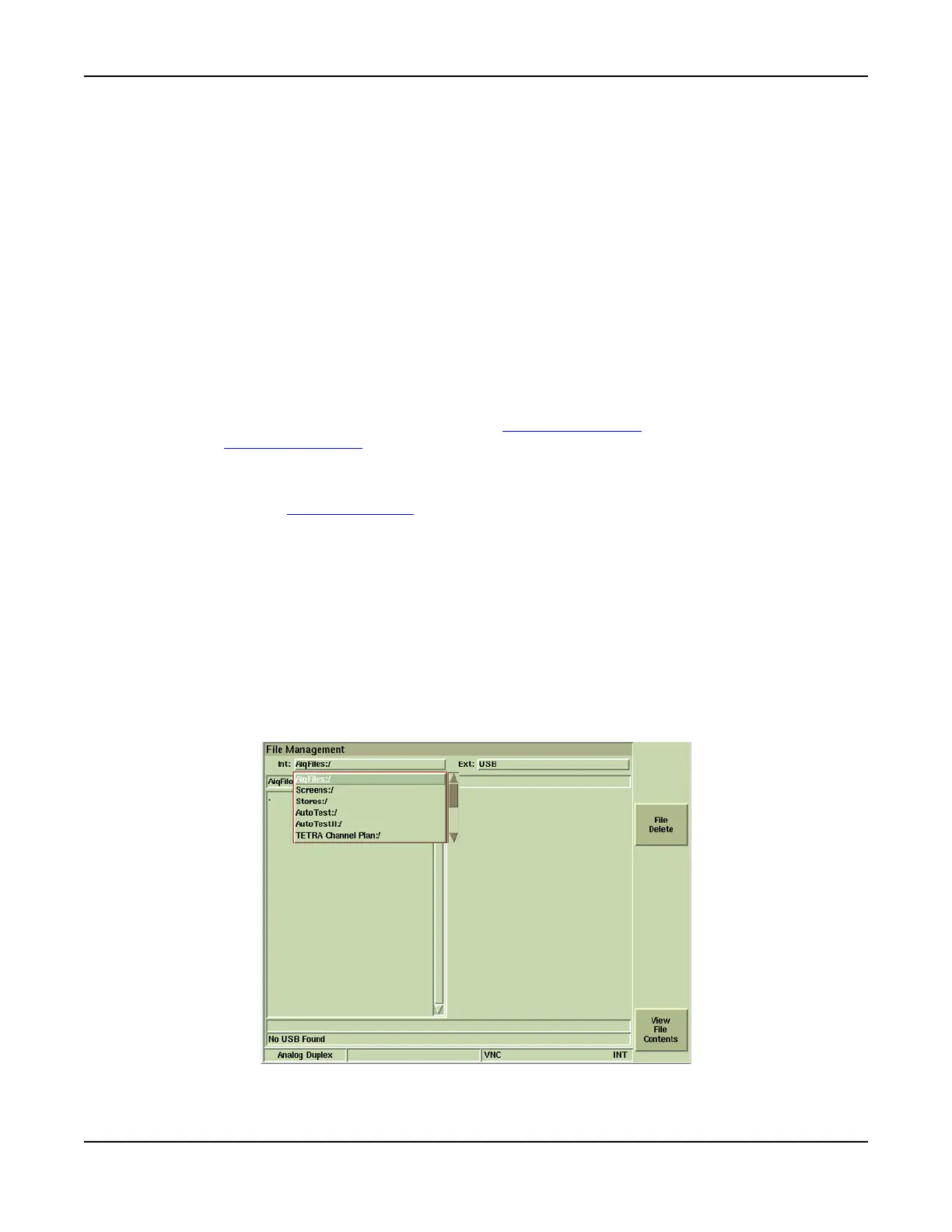
File Management Tile
The File Management Tile allows users to:
● Export files from Test Set to a USB memory stick (jump drive) or floppy drive.
● Import files from a USB memory stick (jump drive) or floppy drive to the Test Set.
● See directory listings of Test Set files.
The structure within the file management function is shown below. The following are selected from
the drop-down menu at the top of the File Management Tile.
AutoTest and AutoTest 2
The File Management - AutoTest and AutoTest 2 provides access to any Script files that are
available for use on the Test Set and to any test results that have been stored in the unit. The
AutoTest and AutoTest II drive locations are only available when the options have been installed
in the Test Set.
Screens
The File Management - Tile area provides access to any files that may have been saved by using
the screen capture function associated with the Display HOLD Key
. Refer to Miscellaneous
Functions; Display HOLD Key
for information on use of the Capture function.
Stores
The File Management - Stores area provides access to any Settings files that may have been
saved by using the Store/Recall Tile
.
TETRA Channel Plan
The File Management - TETRA Channel Plan provides access to Channel Plan files that are
common to all TETRA Systems.
TETRA MS / MST1 / BS / BST1 / DM Data Display
The File Management for specific TETRA Systems provides access to saved Data Display files
that have been saved within the selected TETRA System.
AiqFiles
The File Management for AiqFiles provides access to IQCreator® waveform files that have been
downloaded and stored in the Test Set. This drive location is only available when the IQ Gen
Option (390XOPT054) has been installed in Test Set.
Fig. 3-27 File Management Tile













 To Next Page