Test Set Operation
Subject to Export Control, see Cover Page for details.
3-33
File Management Tile Layout and Navigation
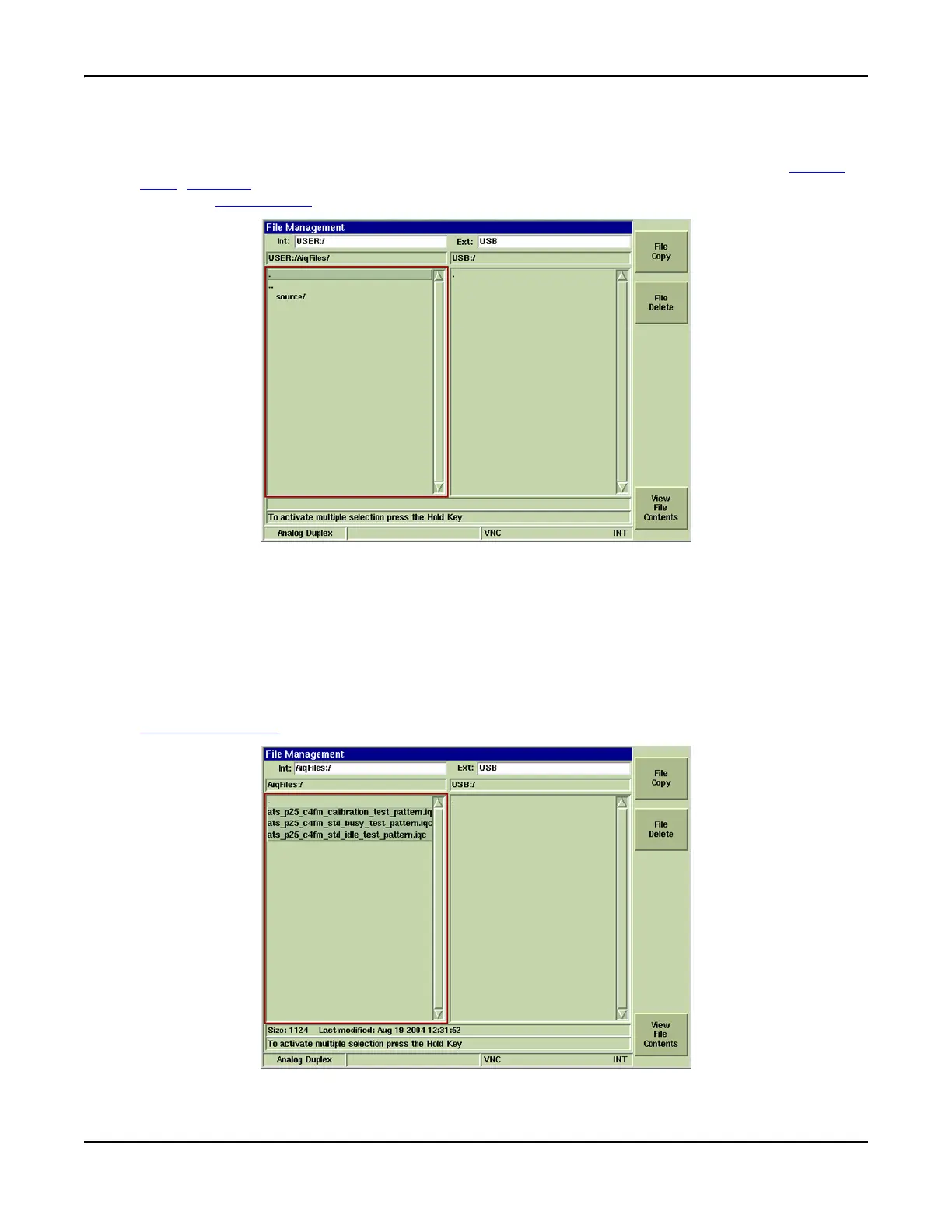
The File Management Tile is divided into two sections: the left side of the Tile displays Internal
Drive data; the right side of the Tile displays External Drive data. Navigate using the Cursor
Keys, TAB Key or by clicking on a field when using a mouse. When the desired field is selected,
press the SELECT Key
to edit the field.
Fig. 3-28 File Management Tile Layout
Samples
The Samples directory contains saved setup files that have been configured for performing
common test operations. The sample test setups can be customized and saved as different files
or they can be used in their default configurations. Sample files are reconfigured to factory
default parameters when the Restore Factory Defaults procedure is performed.
Multiple File Selection
Multiple fields can be selected (as shown in Fig. 3-29) to be copied or deleted by pressing the
Display HOLD Key
and selecting the desired files.
Fig. 3-29 File Management - Multiple Files Selected













 To Next Page