Radio Test Instruments
Subject to Export Control, see Cover Page for details.
7-23
Spectrum Analyzer
The Spectrum Analyzer is an asynchronous, swept analyzer that displays the RF spectrum of the RF
Signal received by the Test Set. Refer to Appendix B, 3900 Platform Specifications
for the Spectrum
Analyzer’s operating parameters.
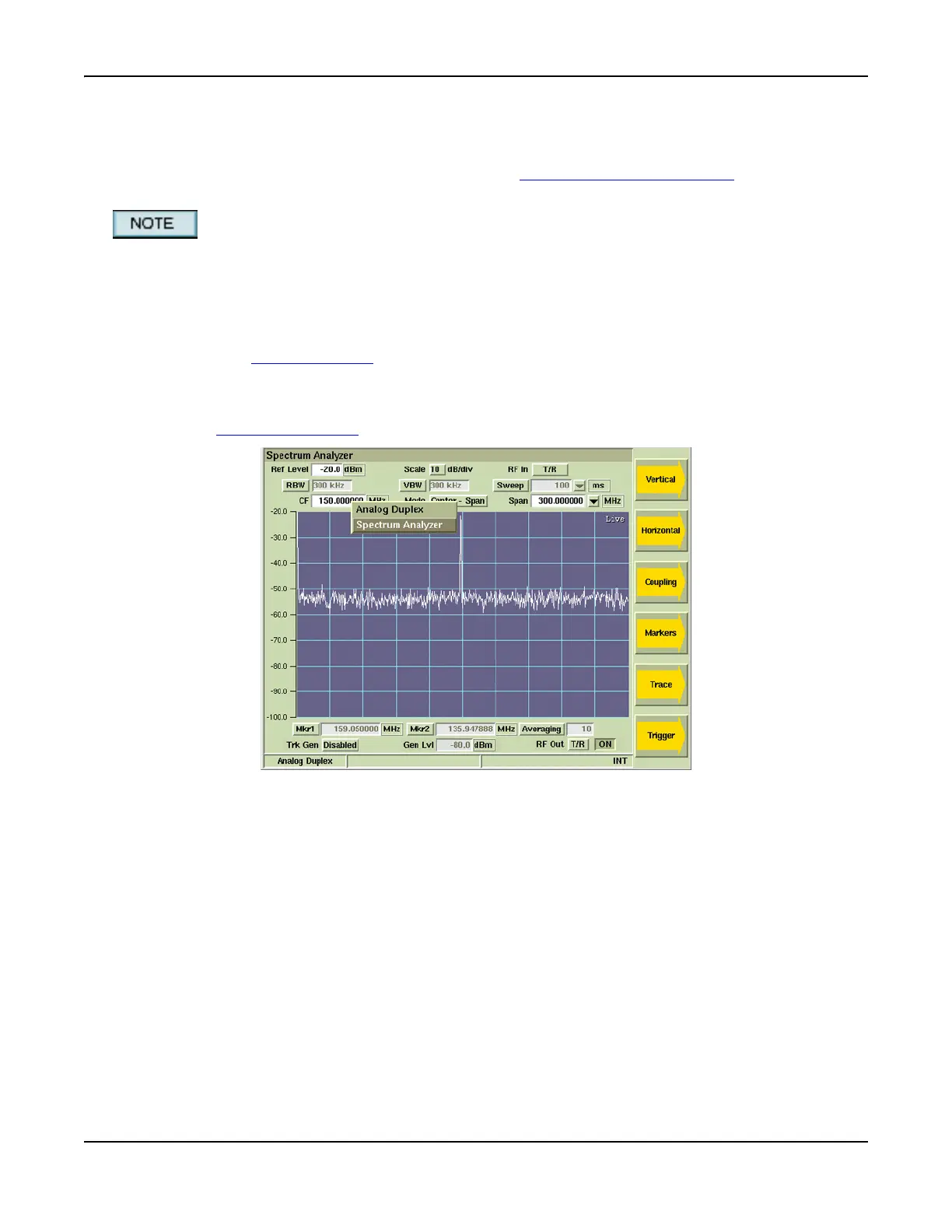
Screen captures shown throughout this section contain fields that are only available when the
Tracking Generator Option (390XOPT061) is installed in the Test Set. These fields are identified
as optional fields.
Basic Settings
When using the Spectrum Analyzer, the frequency span must include the RF Frequency being
examined and the Reference Level
must be set so the RF signal level falls within the display area.
Accessing the Spectrum Analyzer
The Spectrum Analyzer is accessed from the Test Floating menu of each 3900 Test System. Refer
to Chapter 3, Test Set Operation
for information on accessing system menus.
Fig. 7-26 Accessing Spectrum Analyzer - TEST Floating Menu













 To Next Page