Acceptance Test
Subject to Export Control, see Cover Page for details.
4-2
Run User Calibration Procedure
To run User Calibration:
1. Disconnect any leads from the front panel.
2. Press the UTILS Key twice to access the Utilities menu.
3. Select User Calibration from the Utilities menu.
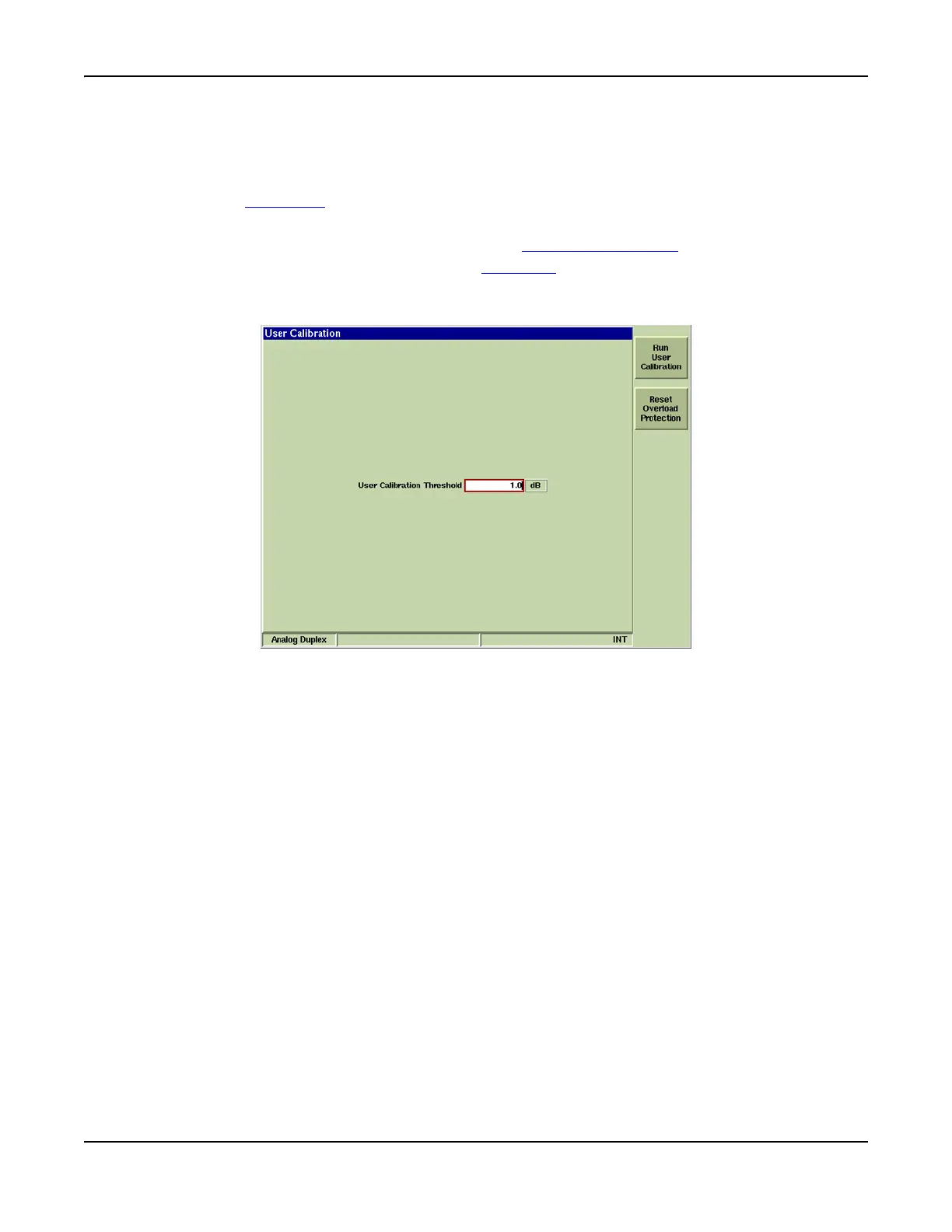
4. Select [Run User Calibration] soft key on the User Calibration Tile
Tile.
5. When User Cal has completed, press the TEST Key
to return to the previous operating
system.
Fig. 4-2 User Calibration Tile













 To Next Page