Test Set Operation
Subject to Export Control, see Cover Page for details.
3-27
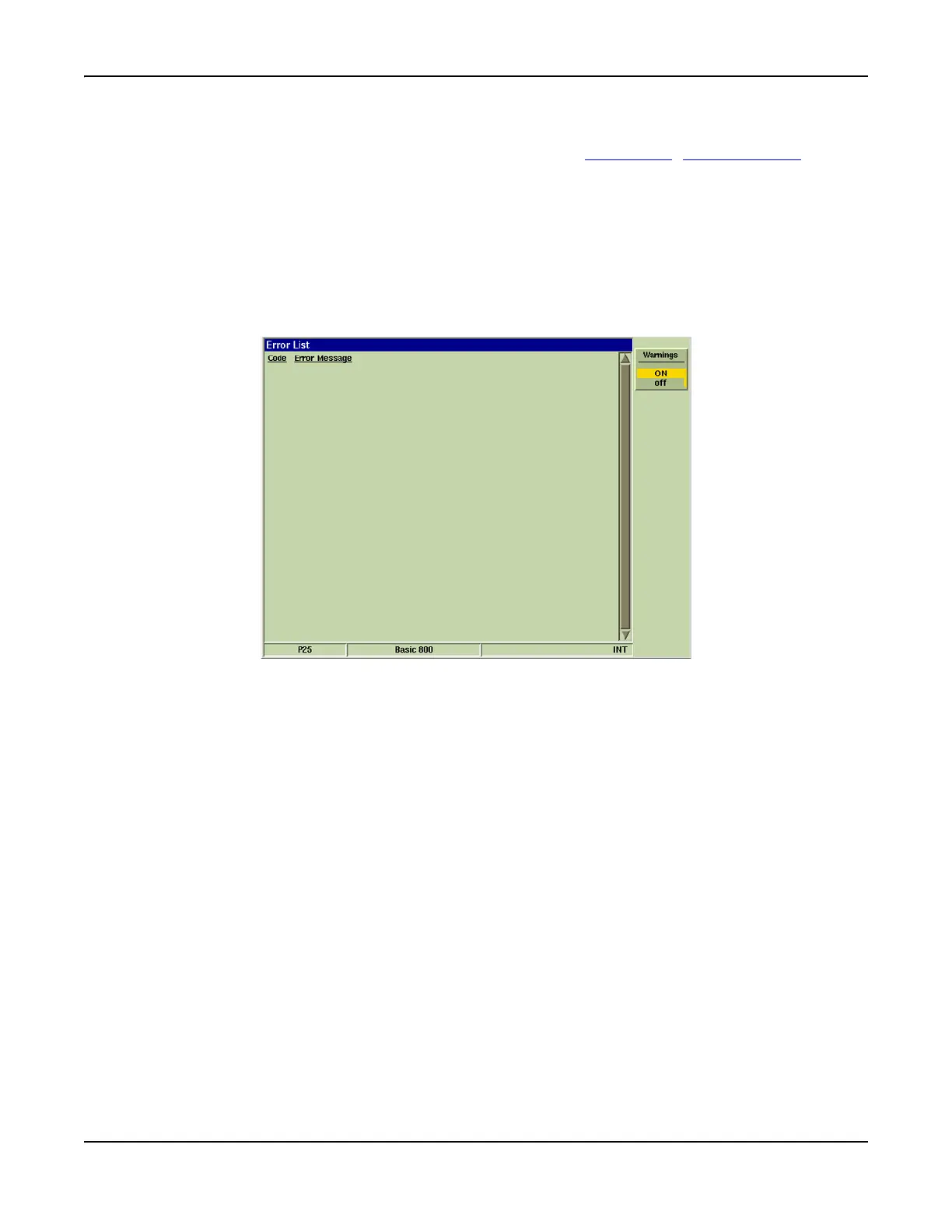
Error List Tile
Screen displays a list of the last received errors. Refer to Appendix G, Error Messages for a
description of error messages.
Soft Key Definition
[Warnings] Soft Key
The [Warnings] Soft Key allows the user to turn off the “pop-up” warning messages that are
generated by the Test Set when the user attempts to enter an invalid value or parameter.
When the warning messages are deactivated (OFF) the Test Set does not indicate when the user
is attempting to enter and invalid value or parameter: the Test Set simply does not process the
operation.
Fig. 3-21 UTILS Error List Tile













 To Next Page