Radio Test Instruments
Subject to Export Control, see Cover Page for details.
7-34
Audio Analyzer
The Audio Analyzer is an optional feature (390XOPT055) that allows users to evaluate the audio
frequency band of a demodulated or externally input signal. The Audio Analyzer is only available
when the Audio Analyzer Option (390XOPT055) has been installed in the Test Set.
Basic Settings
The frequency span of the display must include the AF Frequency being examined. The
Reference Level of the display must be set so that the AF signal level falls within the display
area. The Audio Analyzer Tile can be used in maximized view as shown in Fig. 7-38, or in
minimized view as shown in Fig. 7-43.
Accessing the Audio Analyzer
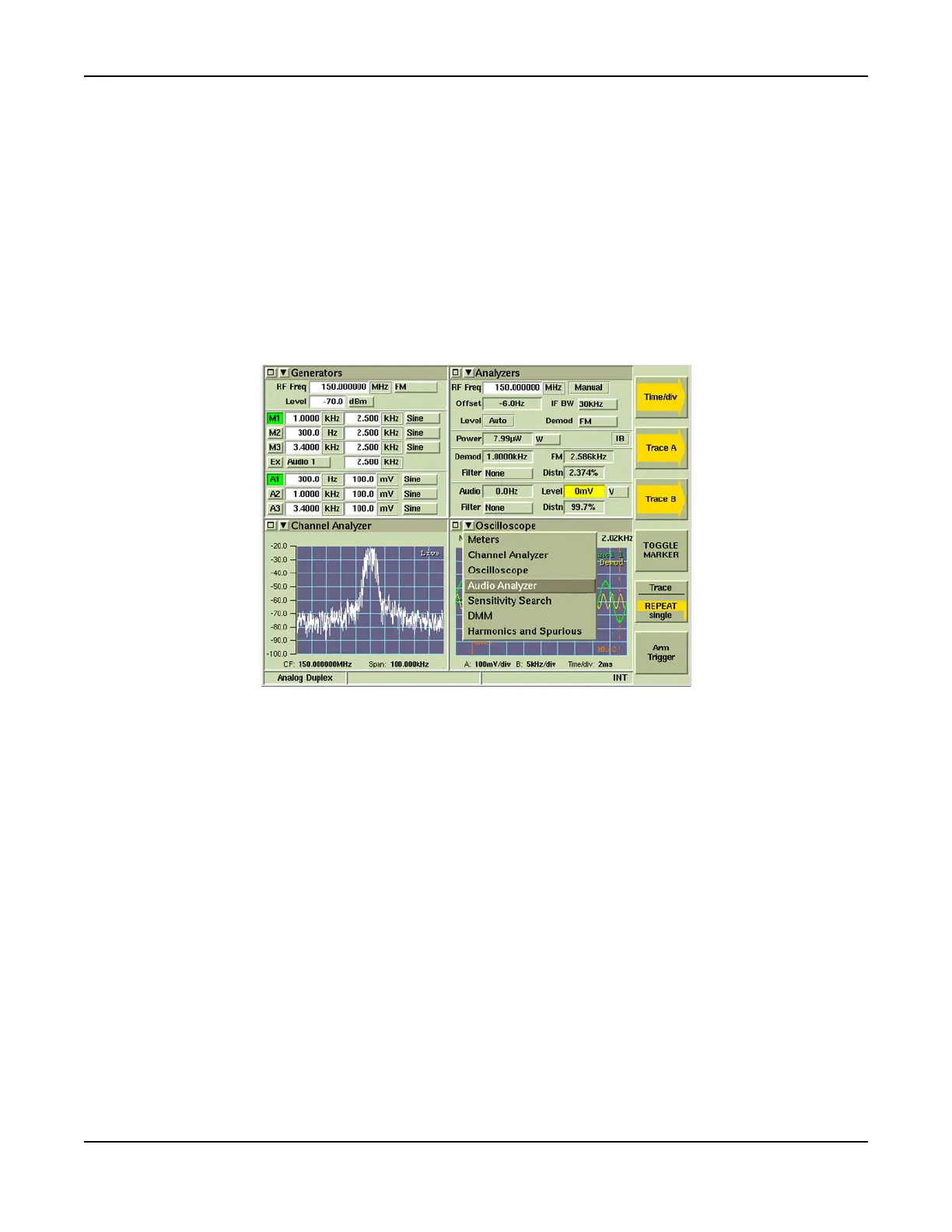
The Audio Analyzer is accessed from the drop-down menus on System Test Measurements Tiles.
Fig. 7-37 Accessing Audio Analyzer













 To Next Page