AutoTest II Sytem Operation
Subject to Export Control, see Cover Page for details.
6-9
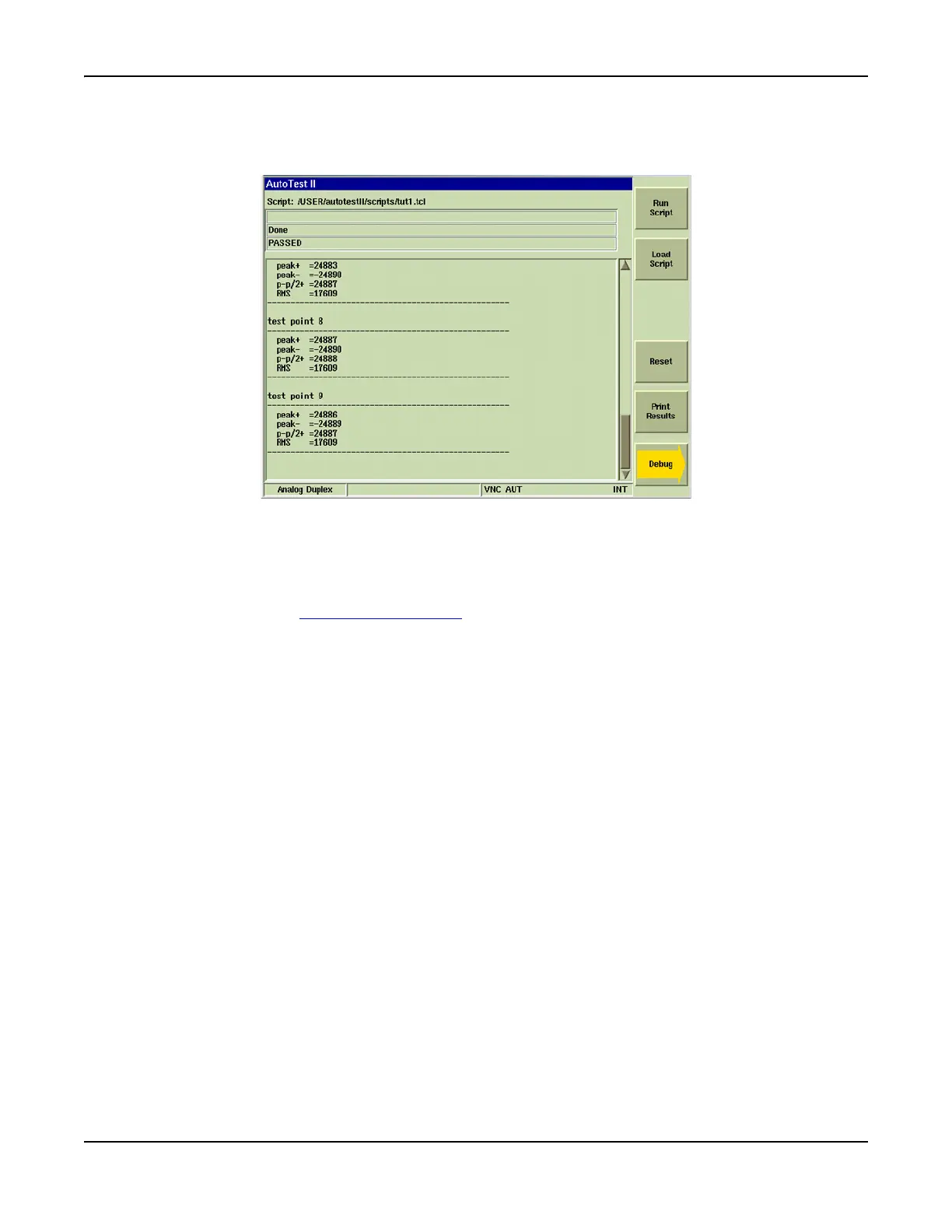
7. Data displayed at the completion of a test script is also dependent on the commands included
in the script. Fig. 6-11 shows the screen configured to display Done in the second
information field and test status (PASSED) in the third information field.
Fig. 6-11 AutoTest - Complete
Storing Results
AutoTest II stores results directly to the Test Set’s internal hard drive. Saved test results can then
be exported from the Test Set to a USB device using the File Management feature. Refer to
Chapter 3, section titled File Management Tile
for information on using this feature.
Printing Results
AutoTest II test results and test scripts can be printed by pressing the [Print Results] or [Print File]
Soft Key.













 To Next Page