Test Set Operation
Subject to Export Control, see Cover Page for details.
3-42
Printer Configuration Tile
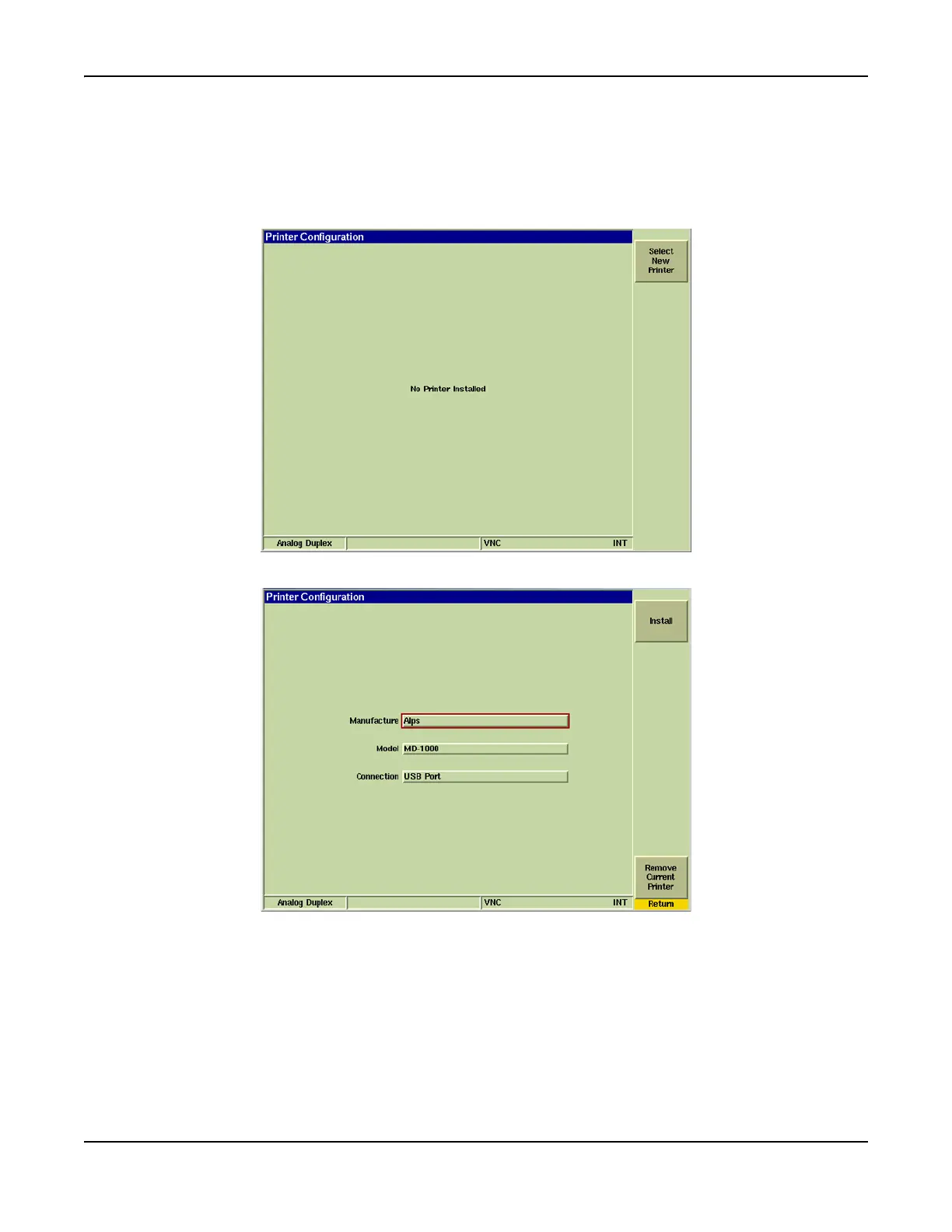
The 3900 Test Set supports a large selection of laser, ink jet and dot matrix printers. Use the Printer
Configuration Tile drop-down menus to select the make and model of printer.
The printer can be connected to either the Parallel Printer Connector or to one of the USB ports. A
drop-down menu provides this selection.
Fig. 3-41 UTILS Printer Configuration Tile - Main Tile
Fig. 3-42 UTILS Printer Configuration - New Printer Install Tile













 To Next Page