Test Set Operation
Subject to Export Control, see Cover Page for details.
3-41
Access Test Set via Ethernet Connection (RCI Operation)
To access Test Set via Ethernet Connection:
1. Configure Test Set for network access (refer to Network Tile
).
2. Set Remote Source
field on Remote Tile to TCP/IP.
3. Set TCP/IP Port
field on Remote Tile to match your Network Configuration (see your IT
Department for this information).
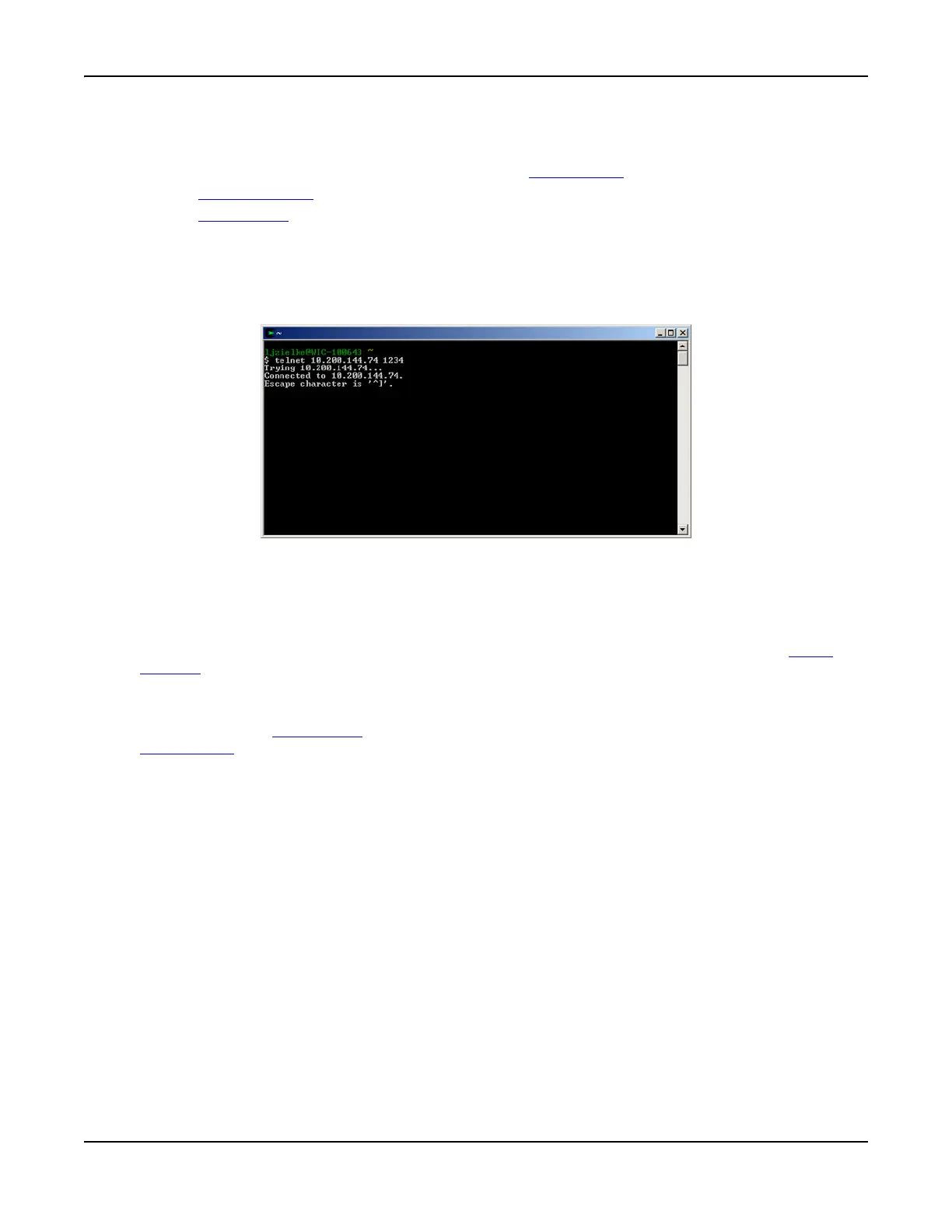
4. The Test Set can now be accessed using desired application. For example, open a
command window and enter telnet Test Set’s IP Address TCP/IP Port. Refer to Fig. 3-40
which shows an open command window connected to Test Set IP Address 10.200.144.74 on
port 1234.
Fig. 3-40 Command Window Example
Field Definitions
Remote Source
GPIB
Enables GPIB remote operation. Selecting GPIB requires an address to be set in the GPIB
Address field.
TCP/IP
Enables remote operation over an ethernet connection. When TCP/IP is selected, a value must
be defined in the TCP/IP Port
field. Use of TCP/IP also requires network access (refer to
Network Tile
).
GPIB Address
Sets Test Set primary GPIB address for use with GPIB remote operation.
TCP/IP Port
Sets Test Set port for use with TCP/IP remote operation.
VNC Viewer Password
Sets password required for VNC client to access the Test Set via the ethernet.













 To Next Page