Test Set Operation
Subject to Export Control, see Cover Page for details.
3-24
Configuring the Display
When the Test Set is in CONFIG Mode, parameters and functions are accessed and configured
from the user interface. To open a system Configuration Menu, press the CONFIG Key
. The
Configuration menu lists the configuration screens applicable to the current operating system.
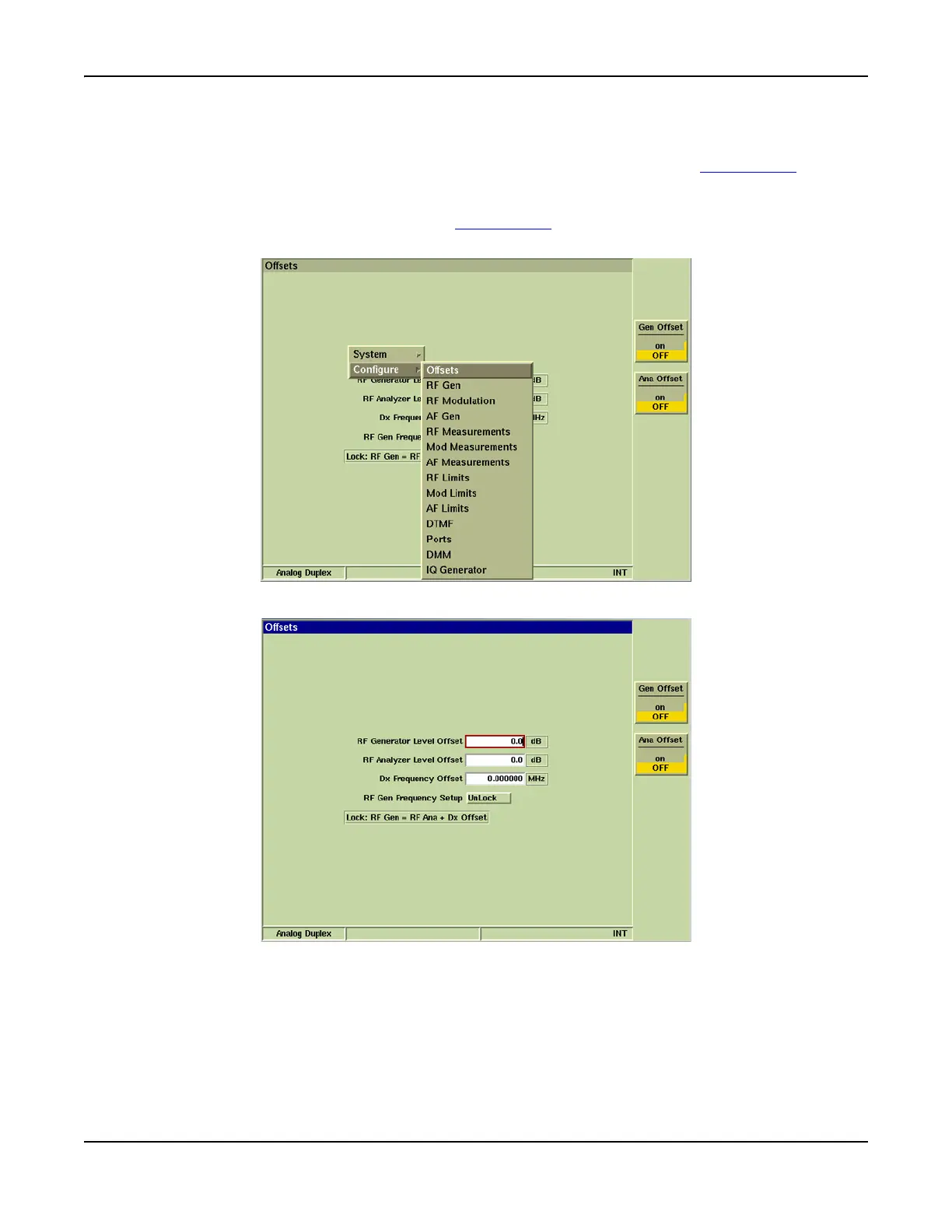
Fig. 3-17 shows the Configuration menu for the Analog Duplex System, with the Offsets
Configuration Tile highlighted. When the SELECT Key
is pressed, the Analog Duplex Offsets
Configuration Tile is displayed as shown in Fig. 3-18.
Fig. 3-17 Analog Duplex Configuration Floating Menu
Fig. 3-18 Analog Duplex Offsets Configuration Tile













 To Next Page