Test Set Operation
Subject to Export Control, see Cover Page for details.
3-38
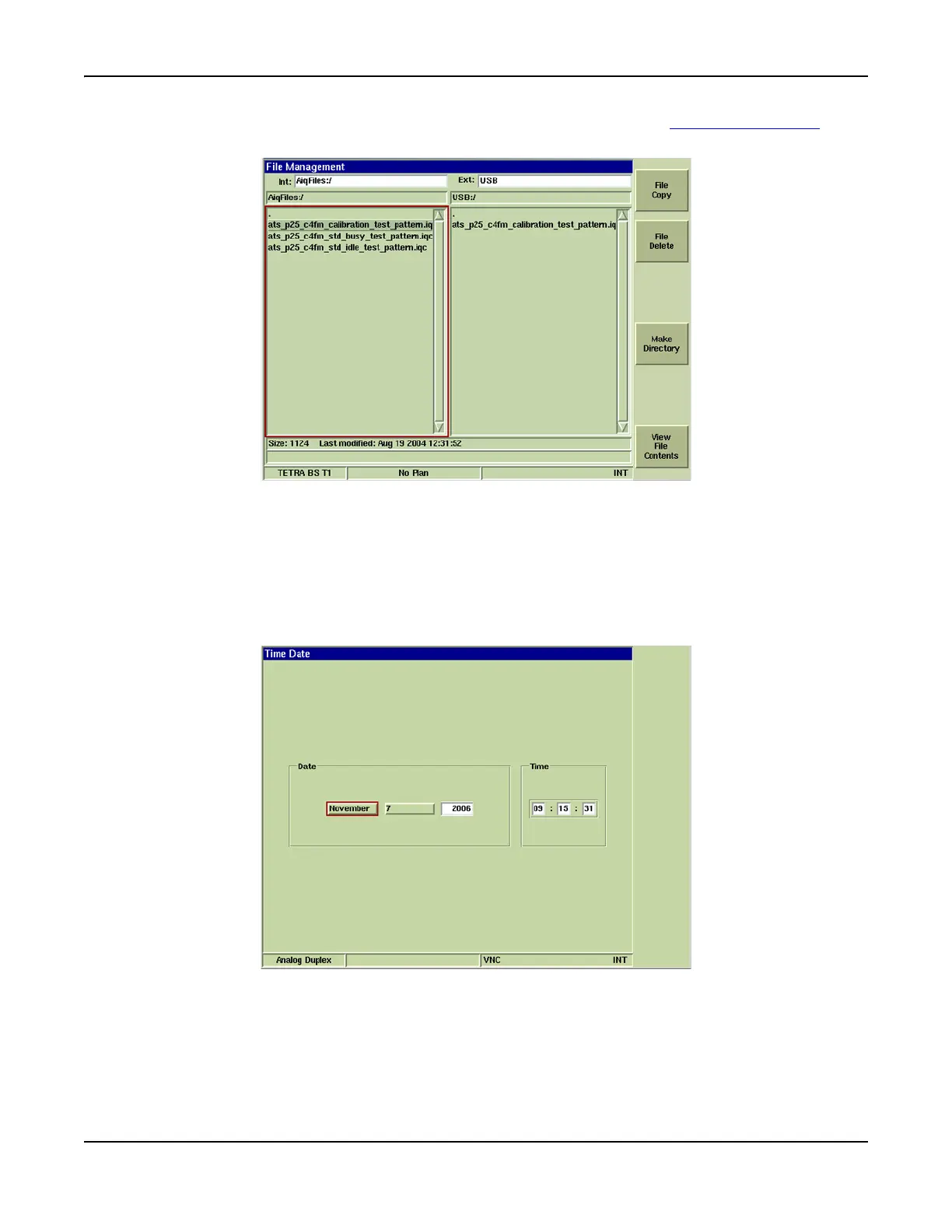
7. Select file to be copied from Test Set to USB device and press the [File Copy] Soft Key. File
appears under the USB:/ Directory when copy is complete (refer to Fig. 3-33).
Fig. 3-36 File Management - File Selected
Time & Date Tile
Settings files created in the Test Set are date and time stamped using the values from the Test Set’s
internal clock. The Time & Date Tile allows users to set the clock in the Test Set. The Month and
Date settings boxes have drop-down menus. The Numeric Day setting and the Year have data entry
boxes.
Fig. 3-37 UTILS Time and Date Tile













 To Next Page