Test Set Operation
Subject to Export Control, see Cover Page for details.
3-37
Copying Files from Test Set
To copy files from Test Set:
1. Power on Test Set.
2. Press UTILS Key to access the UTILS Floating Menu.
3. Select File Management from the UTILS Floating Menu.
4. Connect memory device (example uses USB device) to Test Set USB Connector.
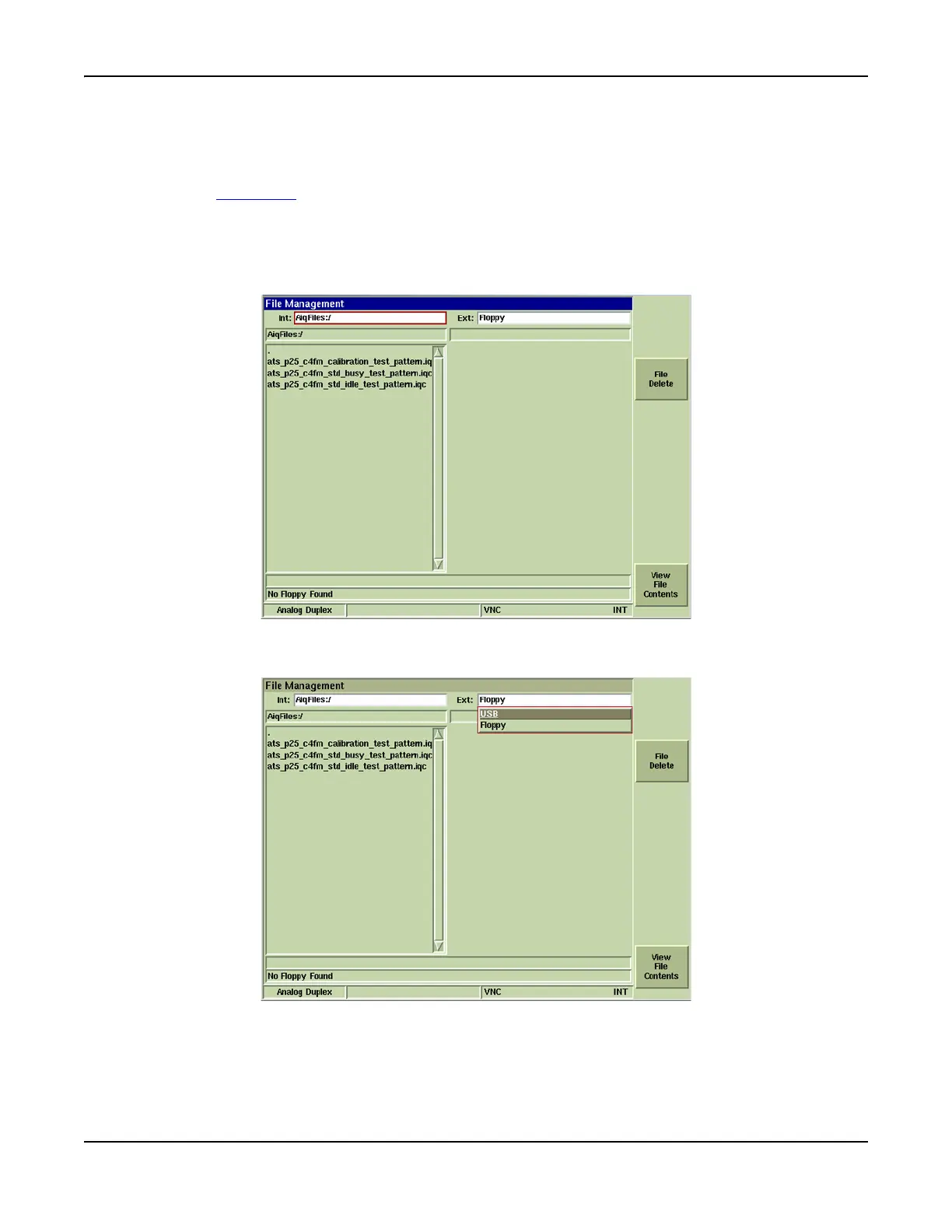
5. Select internal drive to copy file(s) from: Internal Drive: drop-down menu (example uses
AiqFiles).
Fig. 3-34 Select Internal Drive
6. Select drive to copy file(s) to from the External Drive: drop-down menu (example uses USB).
Fig. 3-35 Select External Drive













 To Next Page