Test Set Operation
Subject to Export Control, see Cover Page for details.
3-36
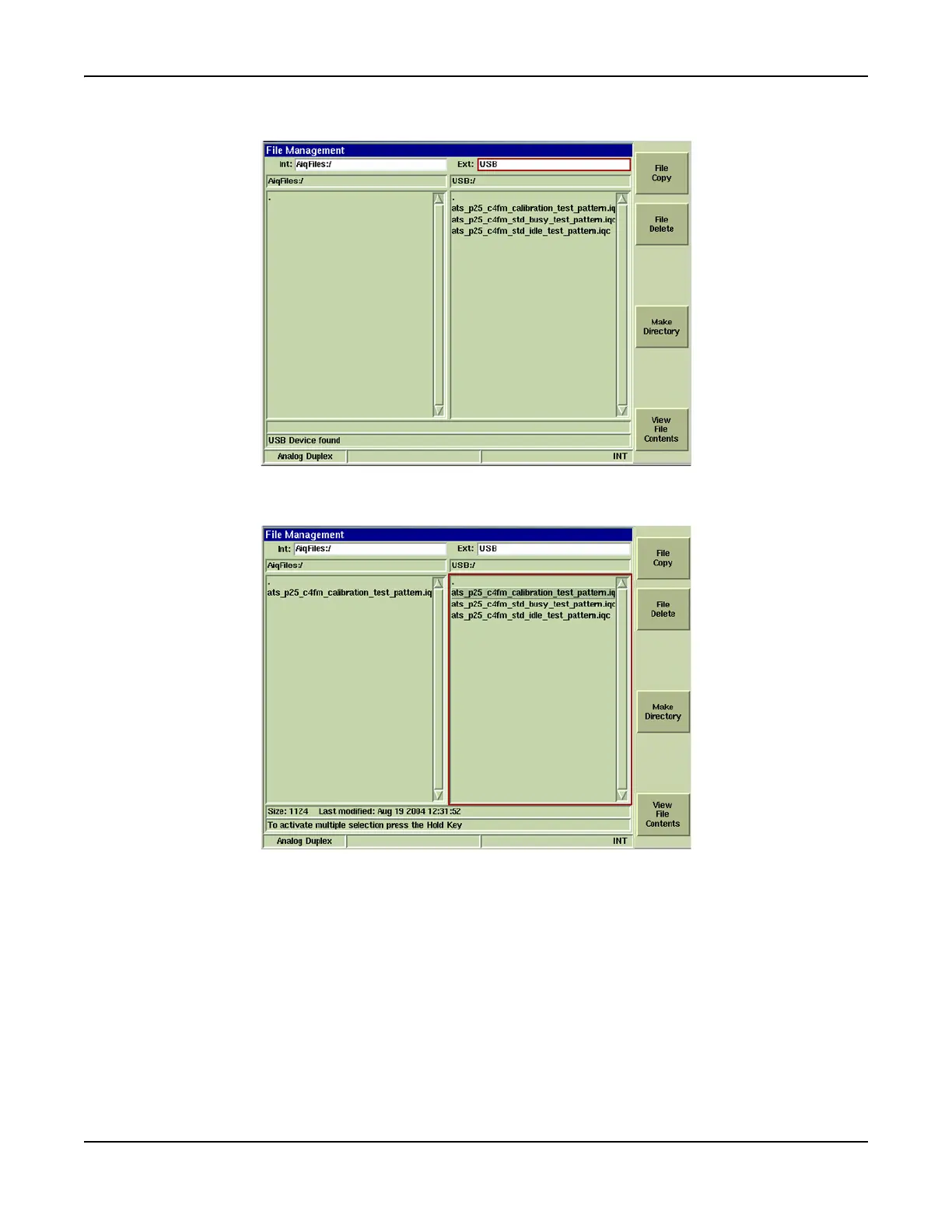
8. Select file(s) to be copied from USB and press [File Copy] Soft Key.
Fig. 3-32 File Management Tile - File Selected to Copy
9. Imported file(s) now appears in data field (refer to Fig. 3-33).
Fig. 3-33 File Management Tile - Copy Complete













 To Next Page