Test Set Operation
Subject to Export Control, see Cover Page for details.
3-31
Recalling Settings
To recall a stored settings file:
1. Select Store/Recall from the UTILS menu.
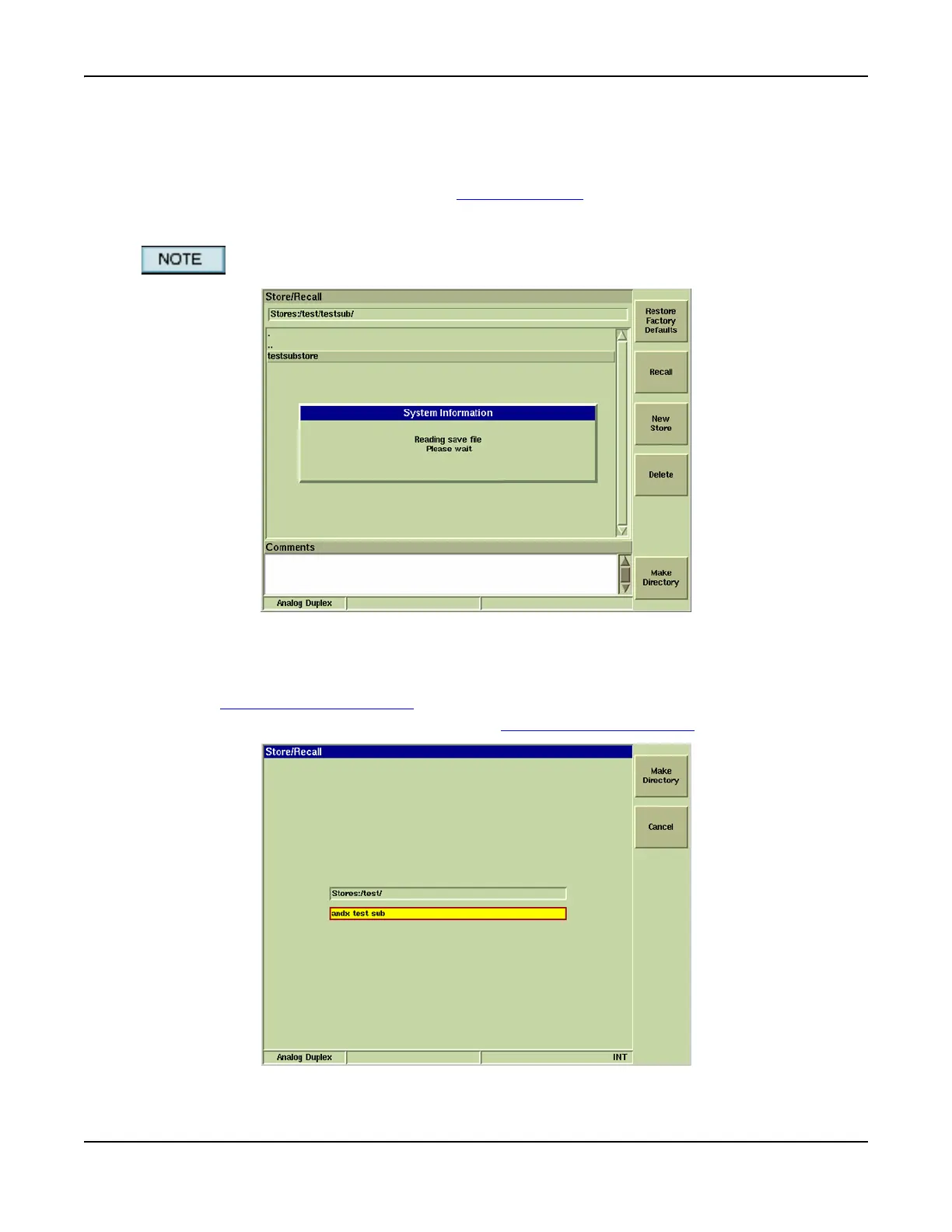
2. Select desired file from list and press [Recall] Soft Key to initiate recall procedure. During
the recall process a message is displayed as shown in the example below. When the file is
loaded, all of the Systems in the Test Set are loaded with the Settings contained in the file.
If using a USB Mouse, double click the desired file to recall the settings.
Fig. 3-25 Store / Recall Dialog Box
Creating New Directory
1. Select Store/Recall from the UTILS menu.
2. Select [Make Directory] Soft Key
.
3. Enter directory name in title field and press [Make Directory] Soft Key
.
Fig. 3-26 Creating New Directory













 To Next Page