Test Set Operation
Subject to Export Control, see Cover Page for details.
3-30
Managing Files
Creating a Settings File
1. Select Store/Recall from the UTILS menu.
2. Select [New Store] Soft Key
.
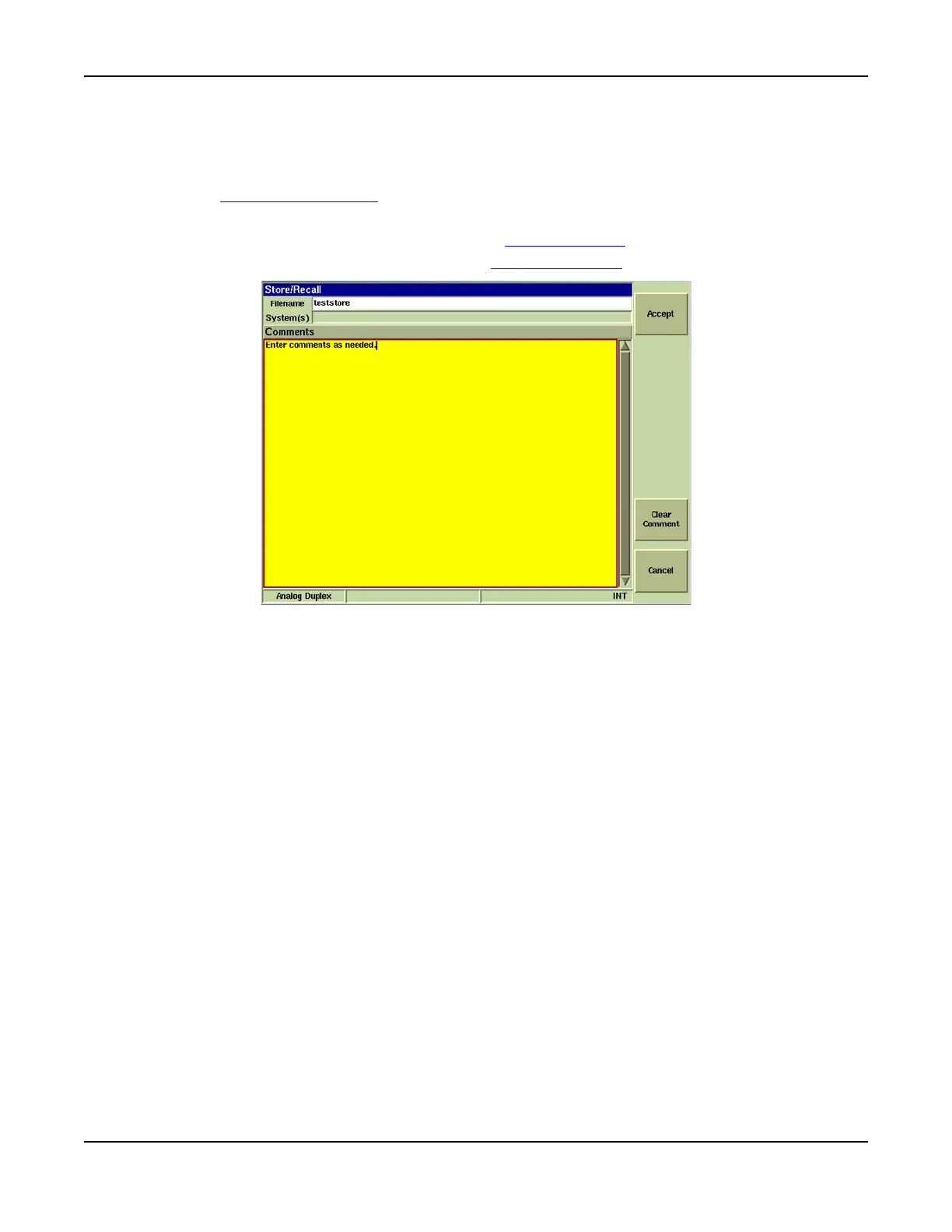
3. Enter the filename in Title bar and comments (if desired) in Comment field.
4. If no comments are to be entered, press the [Store] Soft Key to save the file.
5. If comments have been entered, press the [Accept] Soft Key
to save the file.
Fig. 3-24 Creating a Settings File
6. File now appears in the list on the Save/Recall Tile.













 To Next Page