Test Set Operation
Subject to Export Control, see Cover Page for details.
3-22
Grouped Soft Keys
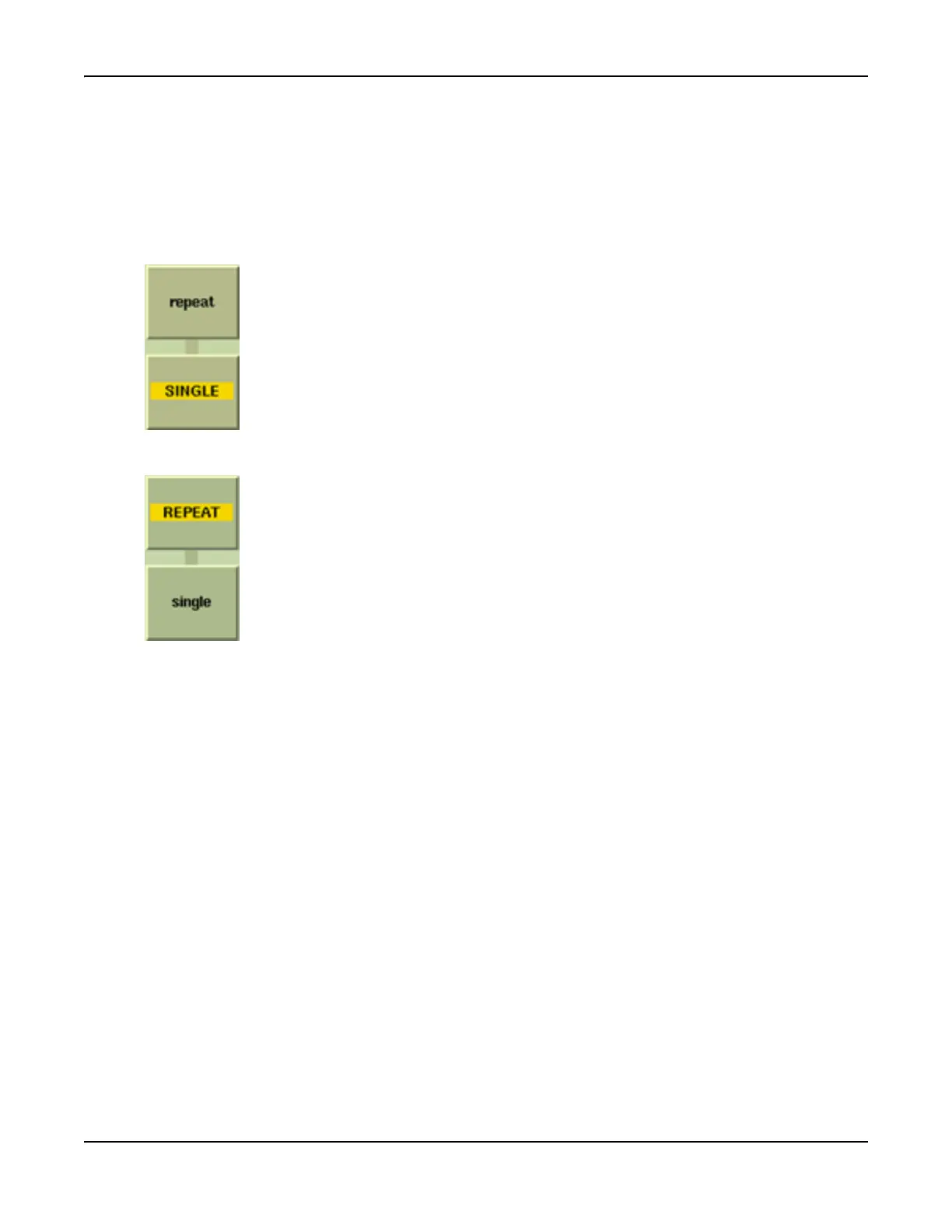
Some soft keys are grouped together and function interdependently. A dark vertical bar between
two soft keys indicates that they are linked. When one of a pair of linked soft keys is selected
the text on the selected soft key appears capitalized and the text background of the selected key
changes to a gold bar.
The soft keys in the following are linked:
Example A
Example B
As shown here, the [SINGLE] soft key is active, indicated by the title shown
in upper case with a gold background stripe. In the particular application,
the action to make a single measurement lasts for a finite time, then reverts
to the inactive, standby state as shown in Example A.
As shown here, the [REPEAT] soft key is active, indicated by the title shown
in upper case with a gold background stripe. In the particular application,
the action to repeat a measurements continues until terminated by pressing
the [Single] soft key. The [REPEAT] soft key then reverts to the inactive,
standby state as shown in Example A.













 To Next Page