Radio Test Instruments
Subject to Export Control, see Cover Page for details.
7-13
[Capture] Soft Key
When [Capture] is selected the current trace is held on the display. To resume normal sweep
operation select the [Clear] Soft Key. The [Clear] Soft Key disappears until [Capture] is pressed
again. This soft key is accessed by pressing the [Trace] Soft Key
.
A captured trace can be saved by pressing the HOLD Key, then selecting the [Save As] Soft Key.
Refer to Chapter 3, section titled Store/Recall Tile for additional information on saving and
storing files.
[Clear] Soft Key
Clears the current captured trace and resumes display of Live trace. This Soft Key is only visible
when a trace is in “Captured” state.
[Peak Hold] Soft Key
When [Peak Hold ON] is selected, the maximum value at each frequency point is displayed to
produce the RED Max Hold trace (refer to Fig. 7-13). This trace is cleared by selecting [Peak
Hold OFF]. Peak Hold must be reset (toggled ON/OFF) when Average readings are Enabled/
Disabled. The white Live trace is also displayed and can be averaged depending on the current
setting. This soft key is accessed by pressing the [Trace] Soft Key
.
[Average] Soft Key
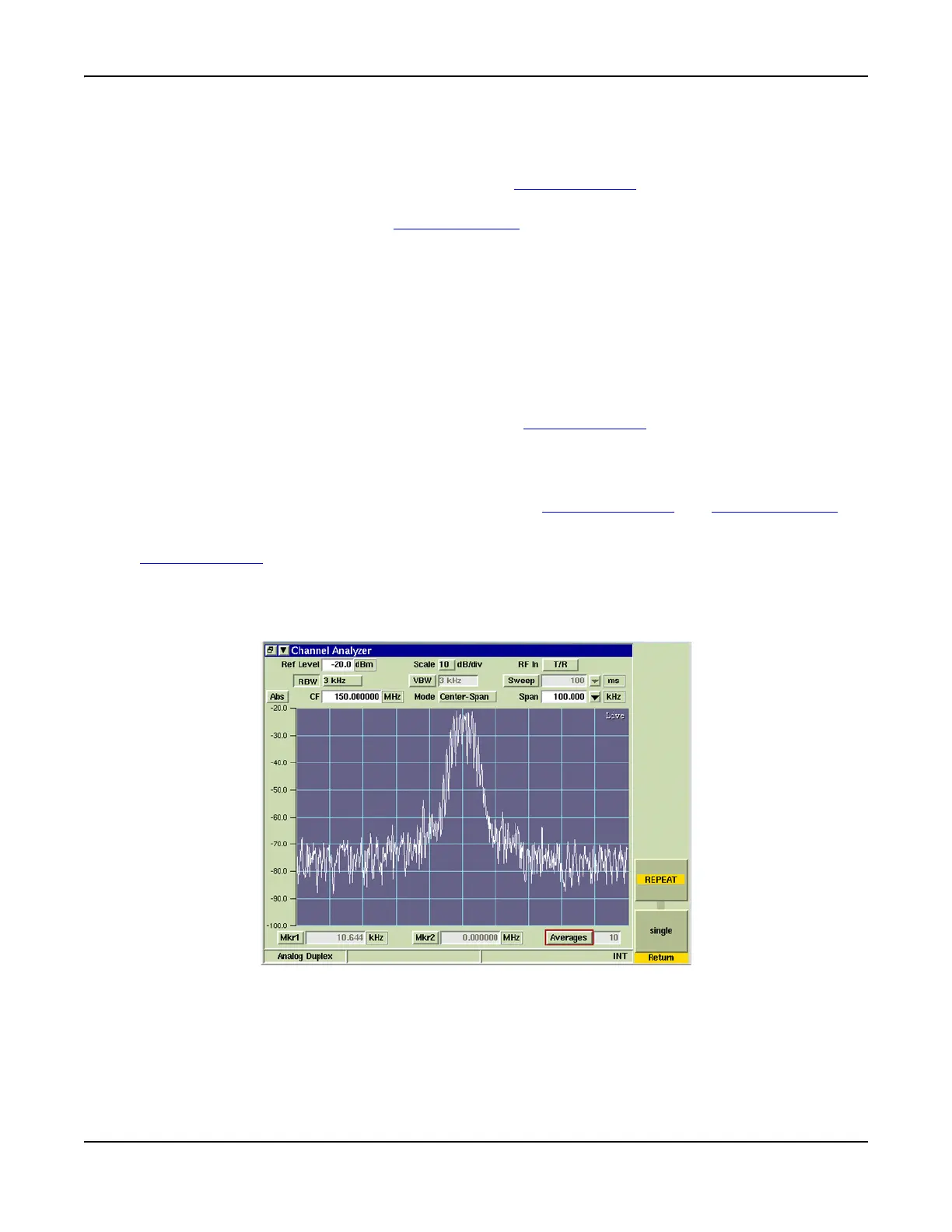
When [Average ON] is selected, the trace is calculated by averaging the number of
measurements defined in the Averages field. The calculated value is a rolling average or a one-
shot average as defined on the Trigger Tile using the [Repeat] Soft Key and [Single] Soft Key. A
yellow progress indicator is displayed in the upper right corner of the graph field while the
average reading is accumulating (refer to Fig. 7-11). This soft key is accessed by pressing the
[Trace] Soft Key
.
[Trigger] Soft Key
The [Trigger] Soft Key accesses features to control how the trace is triggered. The Channel
Analyzer trace is configured to free run repetitively.
Fig. 7-14 Channel Analyzer with Trigger Soft Keys













 To Next Page