Radio Test Instruments
Subject to Export Control, see Cover Page for details.
7-8
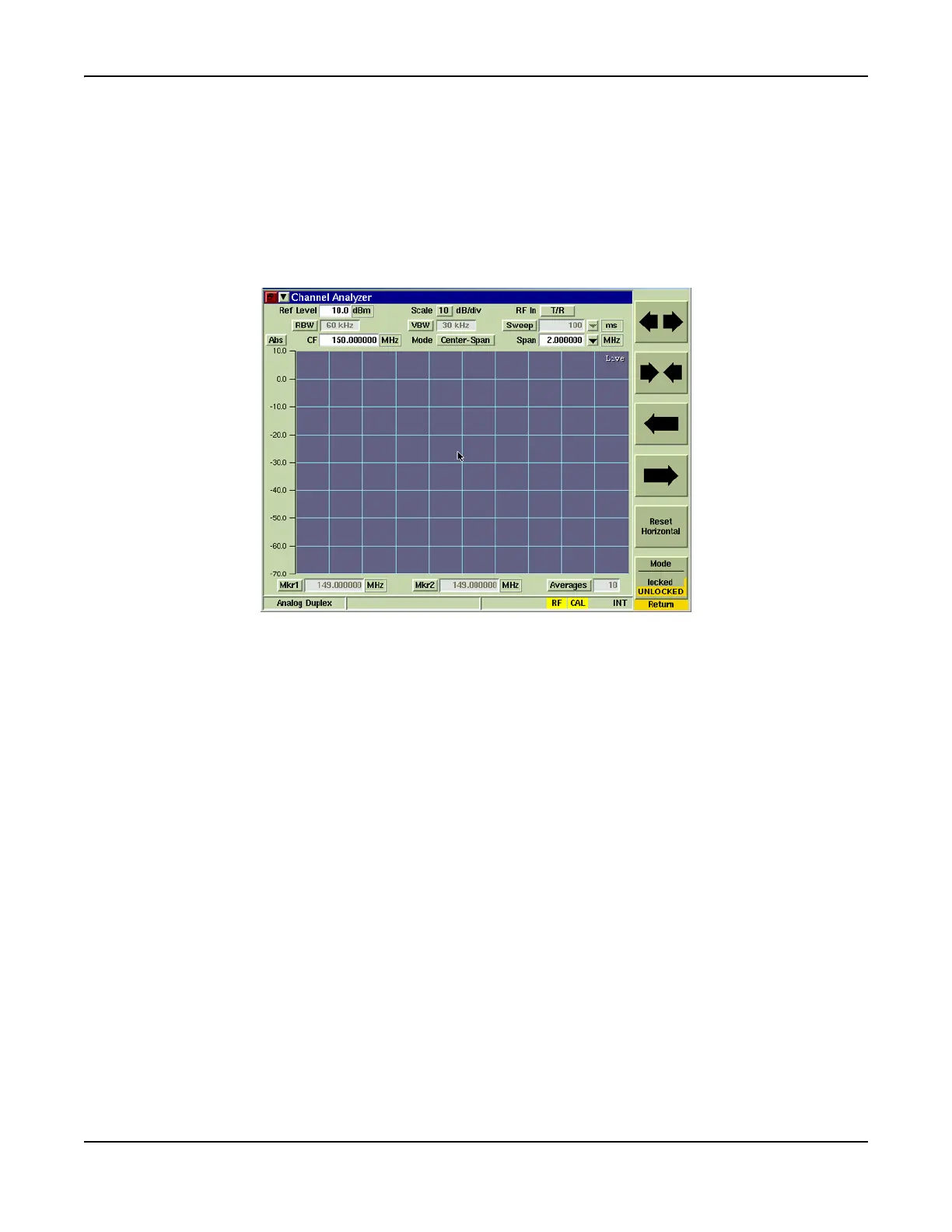
[Horizontal] Soft Key
The [Horizontal] Soft Key accesses additional soft keys that adjust the signal’s horizontal scaling
and position. The left/right arrow keys move the trace right or left on the display field, which
simultaneously adjusts the Center Frequency or Start/Stop Frequency, depending on selected
span mode. The [Expand/Contract] Soft Keys adjust the span of the trace, which can also be
adjusted by changing the Span setting. Pressing the [Reset Horizontal] Soft Key re-centers the
trace horizontally on the display. The [Mode] Soft Key Locks or Unlocks the horizontal
positioning of the signal to the center of the receiver frequency. When Locked, changing the RF
Receiver Frequency (RF Frq) also changes the Receiver RF Freq on the Analyzers Tile.
Fig. 7-9 Channel Analyzer Start and Stop Frequency Setting













 To Next Page