Radio Test Instruments
Subject to Export Control, see Cover Page for details.
7-36
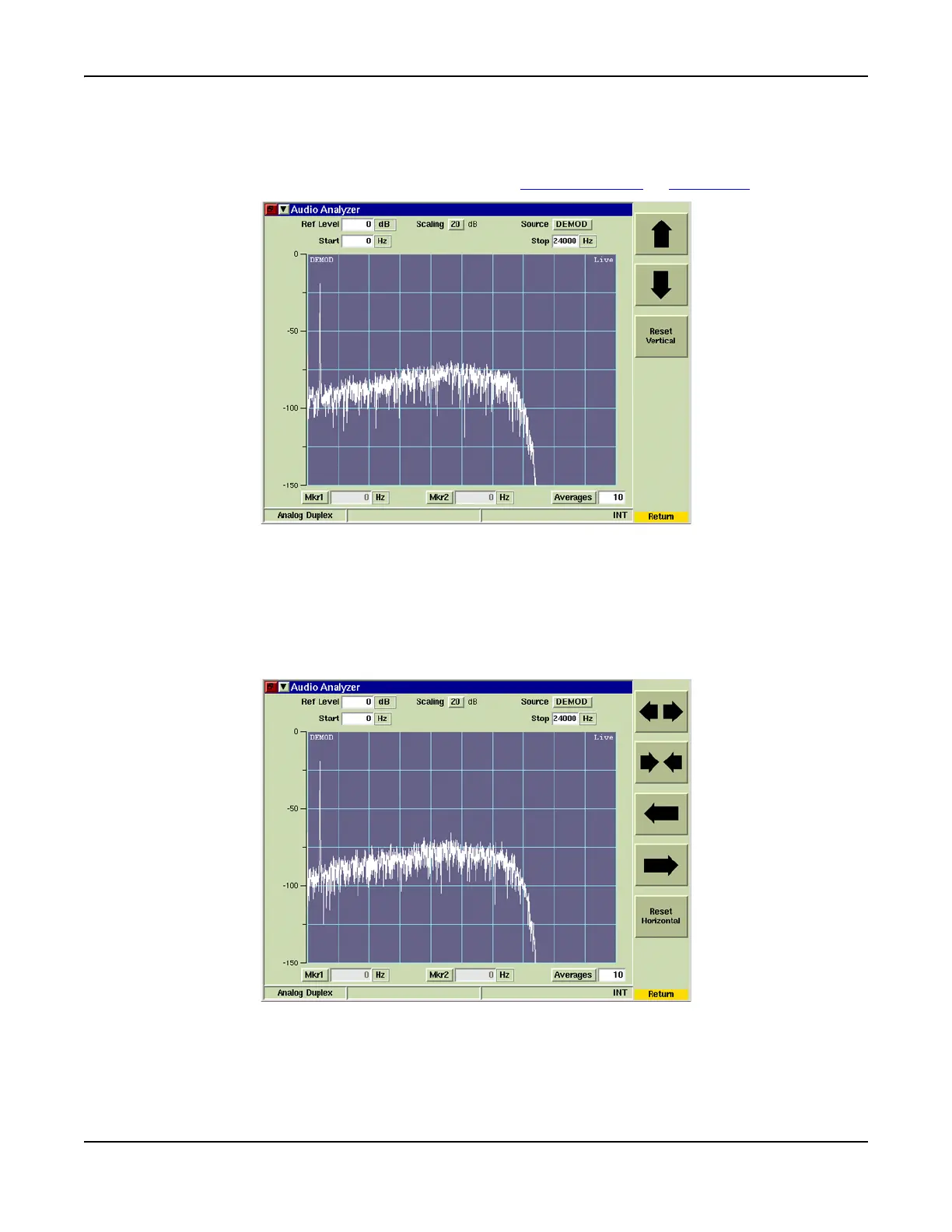
[Vertical] Soft Key
The [Vertical] Soft Key accesses scaling and positioning controls that adjust the trace’s position
on the display. The up/down arrow keys move the signal trace up or down on the display. The
signal trace can also be adjusted by changing the Reference Level
or Scaling dB values.
Fig. 7-39 Audio Analyzer - Ref Level and Scale Settings
[Horizontal] Soft Key
The [Horizontal] Soft Key accesses a group of soft keys that adjust the horizontal scaling and
position of the signal. The left/right arrow soft keys move the trace left or right on the display
field, which simultaneously adjusts the Start or Stop Frequency. The [Expand/Contract] Soft
Keys adjust the span of the trace, which can also be adjusted by changing the Start and Stop
frequencies.
Fig. 7-40 Audio Analyzer Start and Stop Frequency Setting













 To Next Page