TROUBLESHOOTING
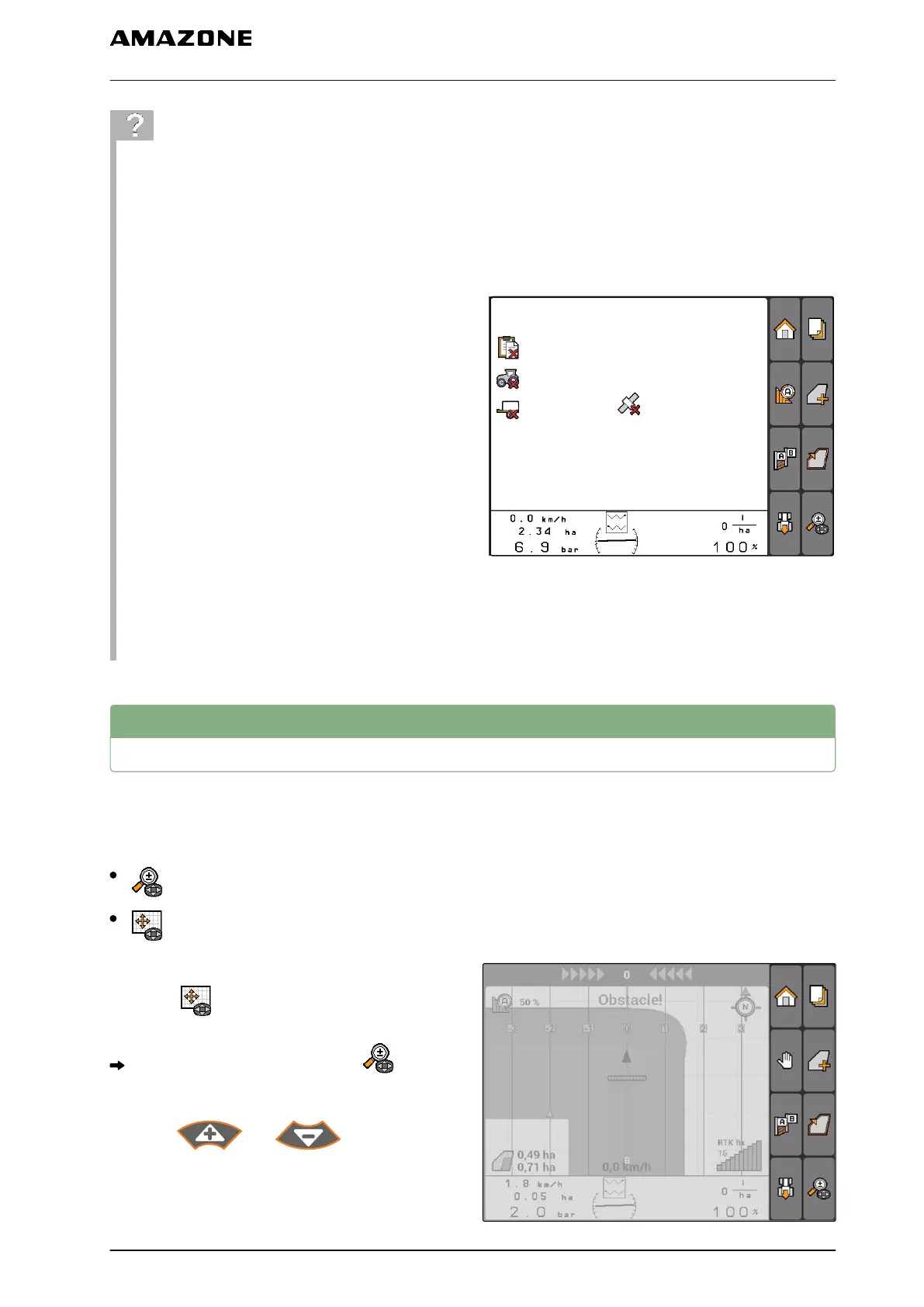
Are the contents not being displayed on the GPS
switch map?
The requirements for starting GPS switch have
not been met. Error symbols are flashing on the
GPS switch map.
CMS-I-001543
1. Check the requirements for starting GPS switch.
2. Restart GPS switch.
11.4
Zooming the map
The map is zoomed and panned with the
directional pad. The GPS switch menu shows
which of the two functions is currently active:
: Zoom
: Map panning
1. When map panning is active:
Select .
The symbol for zooming is shown: .
2. To zoom the map in small increments,
press and .
CMS-T-003545-A.1
11 | Using the GPS switch
Zooming the map
MG5560-EN-II | E.1 | 21.04.2020
95



 To Next Page