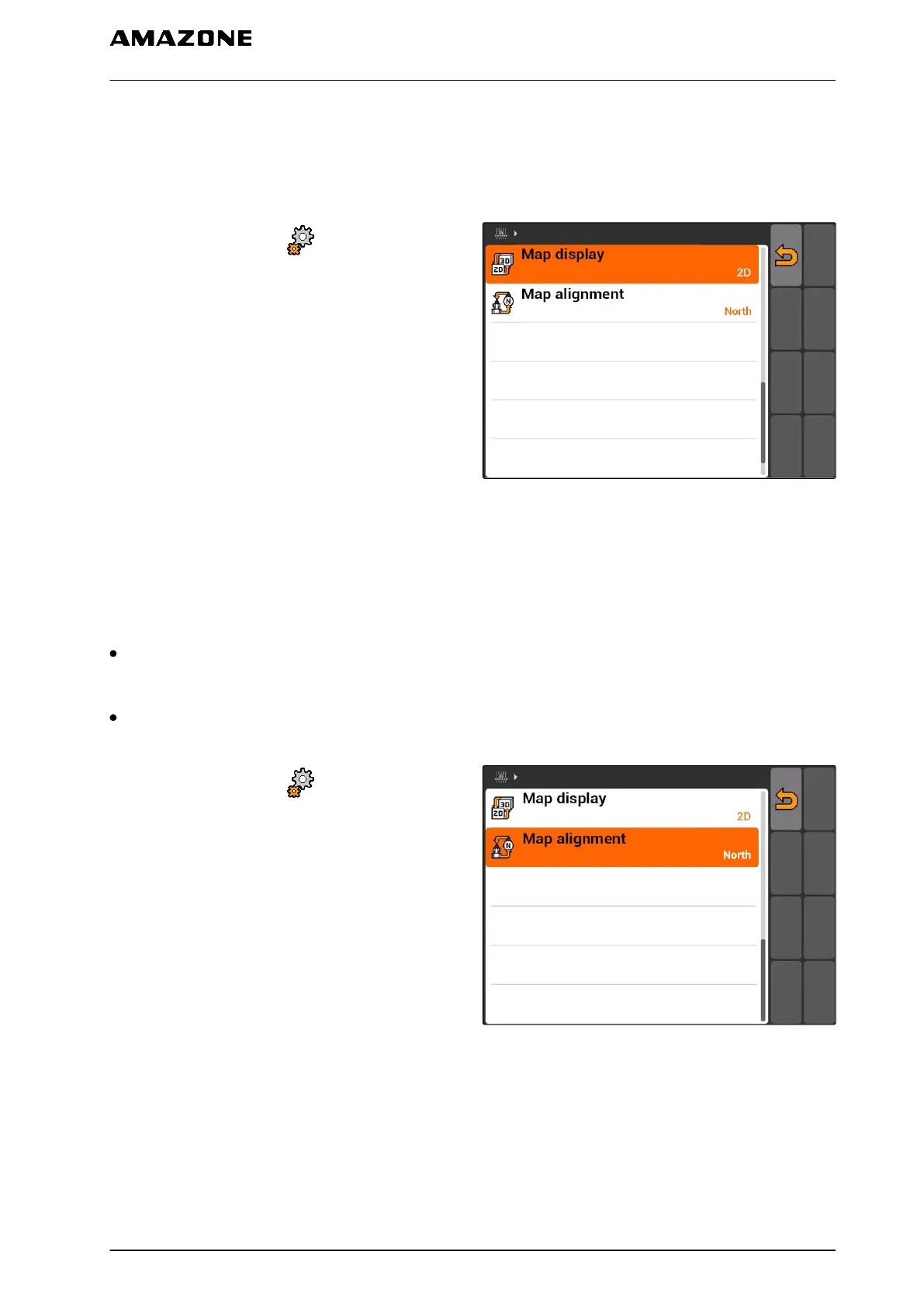
11.2.4 Defining the map display
The map in GPS switch can be displayed in two or
three dimensions.
1. Select "GPS switch" > > "Map display".
2. Select the desired map display.
CMS-I-001826
11.2.5
Defining the map alignment
There are 2 possible settings for the map
alignment:
"Driving direction": The map rotates together with
the vehicle. The compass on the map shows the
current driving direction.
"North": The map always has the same
orientation.
1. Select "GPS switch" > > "Map alignment".
2. Select the desired map alignment.
CMS-I-001817
CMS-T-003405-A.1
CMS-T-003395-A.1
11 | Using the GPS switch
Entering the basic settings for GPS switch
MG5560-EN-II | E.1 | 21.04.2020
81



 To Next Page