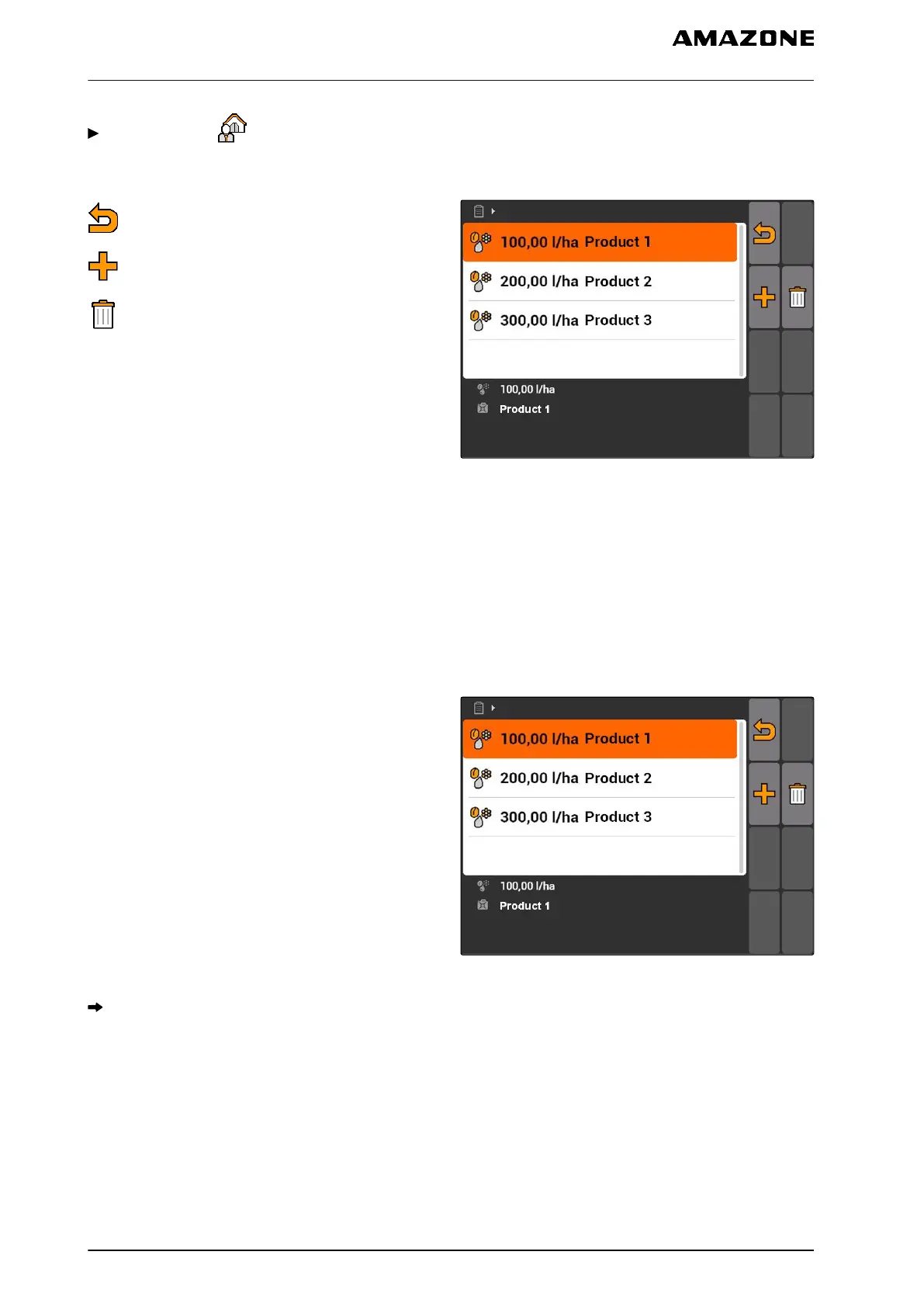
Select "Jobs" > > "Setpoints".
Setpoint menu overview
: Opens the master data menu
: Adds a setpoint
: Deletes the selected setpoint
CMS-I-001461
10.3.3
Editing the setpoints
Setpoints can consist of several products to
document which product was used for the job.
To group setpoints from different products, the
products must be created, see page 72.
1. Select a setpoint from the list
or
Add a new setpoint.
CMS-I-001461
The "Setpoint" menu will be opened.
CMS-T-003930-A.1
10 | Using the job management
Using master data management
MG5560-EN-II | E.1 | 21.04.2020
68



 To Next Page