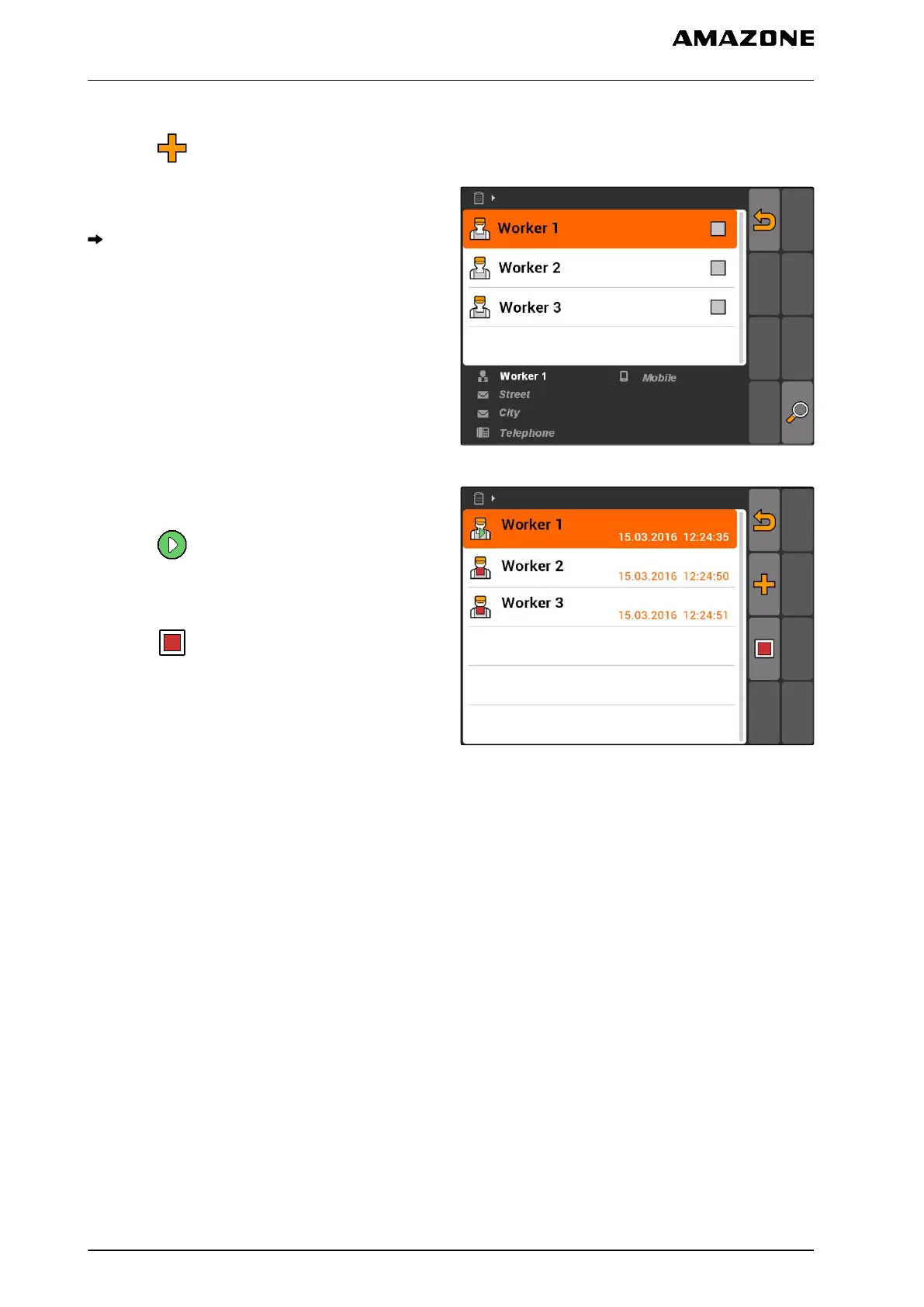
3. To add a worker:
select .
4. Select the desired worker from the list.
The selected worker will be added to the job.
CMS-I-001747
5. To start the working time recording for a
worker:
select .
6. To stop the working time recording for a
worker:
select .
CMS-I-001751
10.2.4
Adding implements and tractors to a job
Implements and tractors can be assigned to a job to
record the working time for these implements and
tractor.
CMS-T-004387-A.1
10 | Using the job management
Editing jobs
MG5560-EN-II | E.1 | 21.04.2020
60



 To Next Page