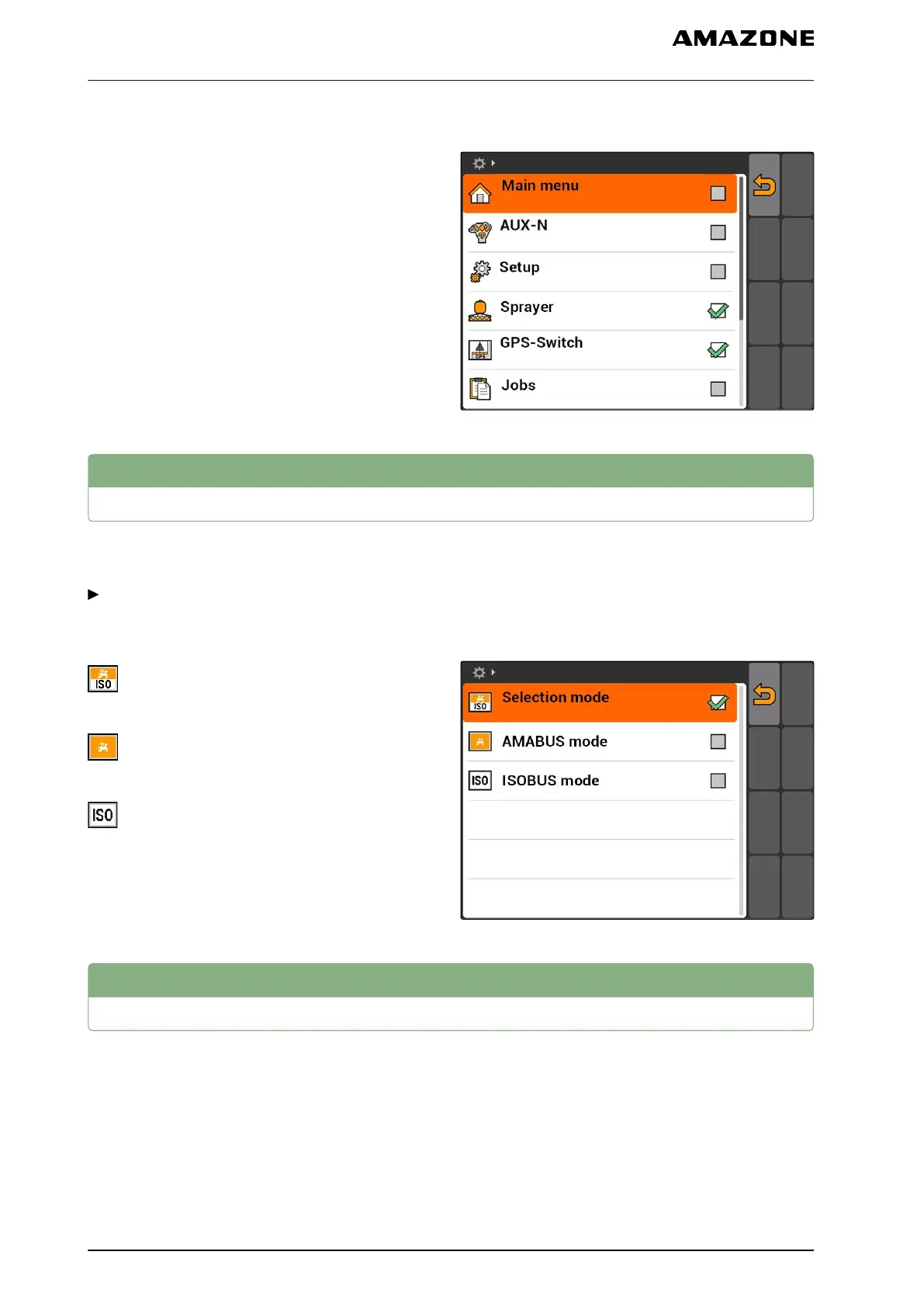
1. Select "Setup" > "Settings" > "Toggle button".
2. Select the menus that should be reached using
the toggle button.
7.7
Defining the start mode
The AMATRON 3 can be started in 3 different modes.
Select "Setup" > "Settings" > "Start mode".
Possible settings:
: The BUS mode can be selected when the
AMATRON 3 is started.
: The AMATRON 3 always starts in AMABUS
mode
: The AMATRON 3 always starts in ISOBUS
mode
7.8
Configuring parallel operation
Multiple terminals can be used simultaneously. To be
able to use several terminals at the same time, the
ISOBUS must be configured in the ISOBUS settings
and if applicable, in the implement controls (UT), see
page 24. This menu defines which functions should
be performed by the AMATRON 3. If for example two
AMATRON 3 terminals are being used, one
AMATRON 3 can be used to display the implement
CMS-T-001948-A.1
CMS-T-001953-A.1
7 | AMATRON 3 configuration
Defining the start mode
MG5560-EN-II | E.1 | 21.04.2020
30



 To Next Page