Application maps
Headlands
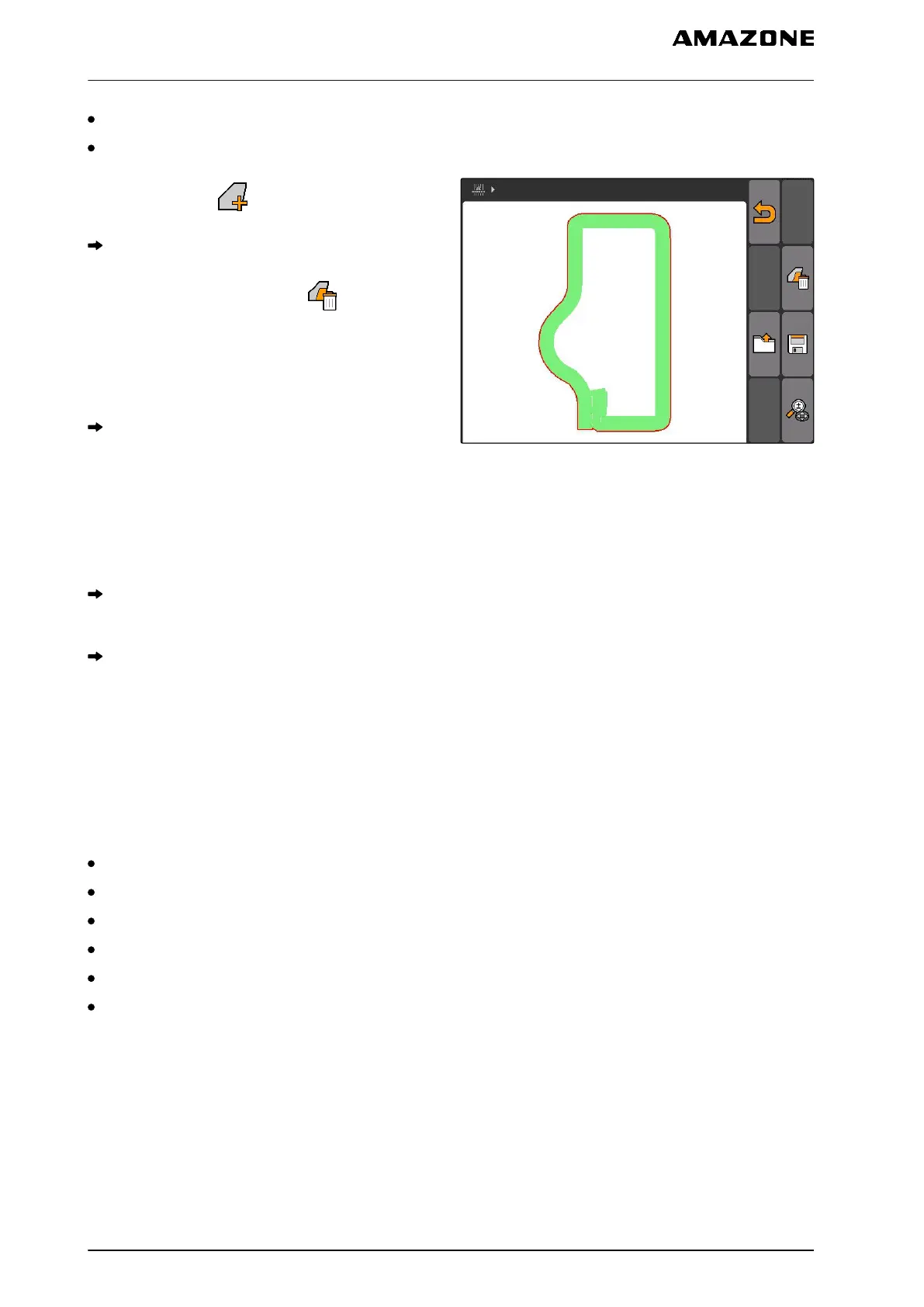
1. "GPS switch" > .
The field data menu will be opened.
2. In the field data menu, select .
3. If the
field data should be deleted without
saving the field data to the USB flash drive,
Select "No".
The field data will be deleted from the current job.
4. If the recorded field data should be saved to the
USB flash drive before deleting the field data,
Select "Yes".
5. Enter the name for the field data and confirm.
The field data will be saved to the USB flash
drive.
The field data will be deleted.
11.14.3
Loading field data from recordings
Recordings are field data files that were created with
an AMATRON 3 and saved.
The following field data can be loaded:
Field boundaries
Worked area
Track lines
Obstacles
Application maps
Headlands
CMS-T-003515-B.1
11 | Using the GPS switch
Managing field data
MG5560-EN-II | E.1 | 21.04.2020
118



 To Next Page