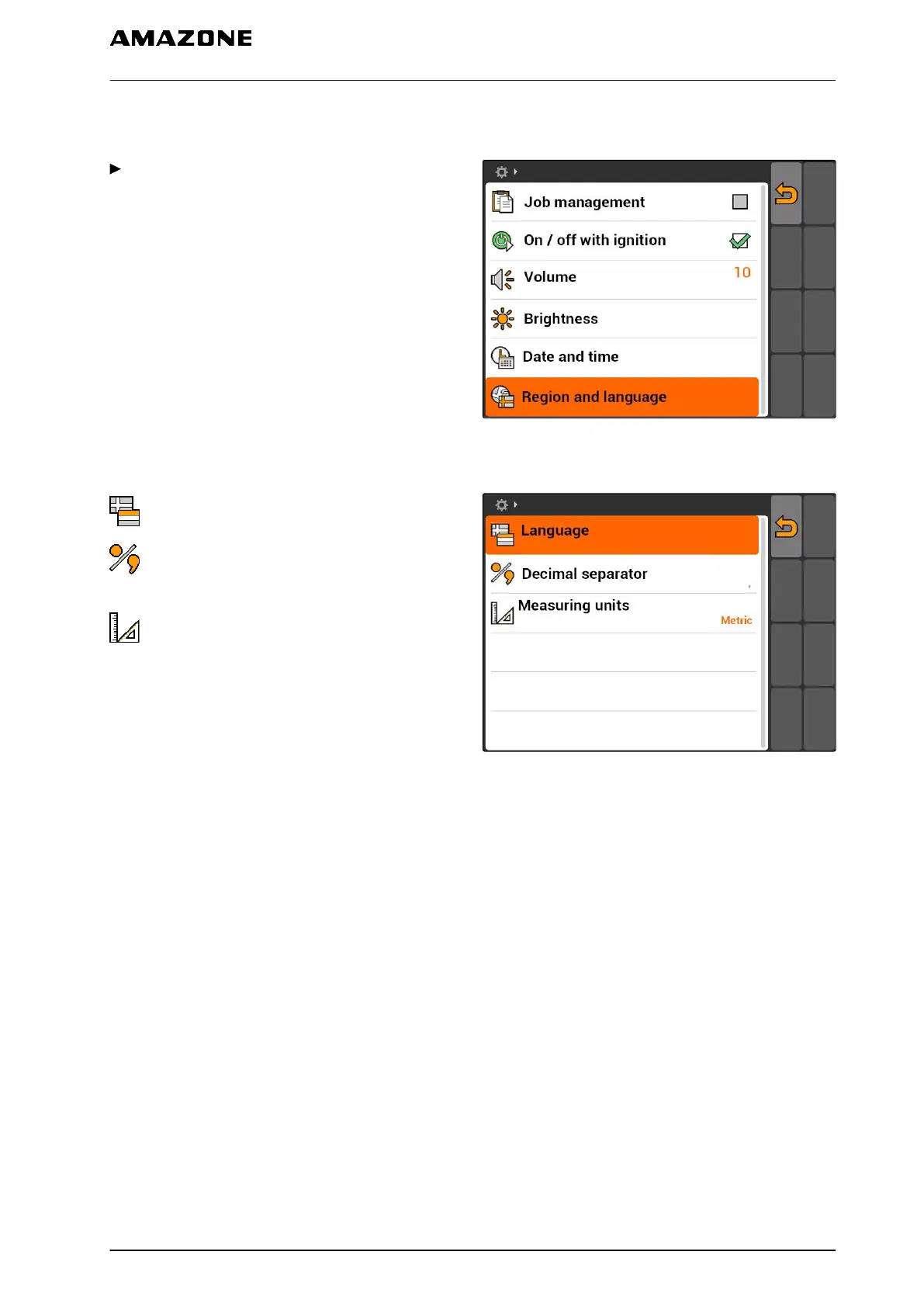
7.1.6 Setting the region and language
Select "Setup" > "Settings" > "Basic settings" >
"Region and language".
CMS-I-002381
Possible settings:
: Language for the user interface
: Point or comma as a separator for decimal
numbers (0.1 or 0,1)
: System of units for the units of measure
CMS-I-001204
CMS-T-001974-A.1
7 | AMATRON 3 configuration
Entering the basic settings
MG5560-EN-II | E.1 | 21.04.2020
23



 To Next Page