11.3
Starting the GPS switch
11.3.1 Starting GPS switch with job management
When job management is enabled, jobs in ISO-XML
format can be imported and processed.
REQUIREMENTS
If GPS switch should be started with job
management, the following requirements must
be met:
GPS is configured; see page
For ISOBUS implements and AMABUS
implements: Implement is connected
For ISOBUS implements: ISOBUS is properly
configured, see page 24
For AMABUS implements and implements that
cannot communicate with the terminal:
Implement is selected, see page 45
The tractor is selected, see page 52
Job management is enabled, see page 19
USB flash drive is inserted
Job in ISO-XML format is imported or created:
Importing jobs, see page
Creating jobs, see page 55
Job is started, see page 64
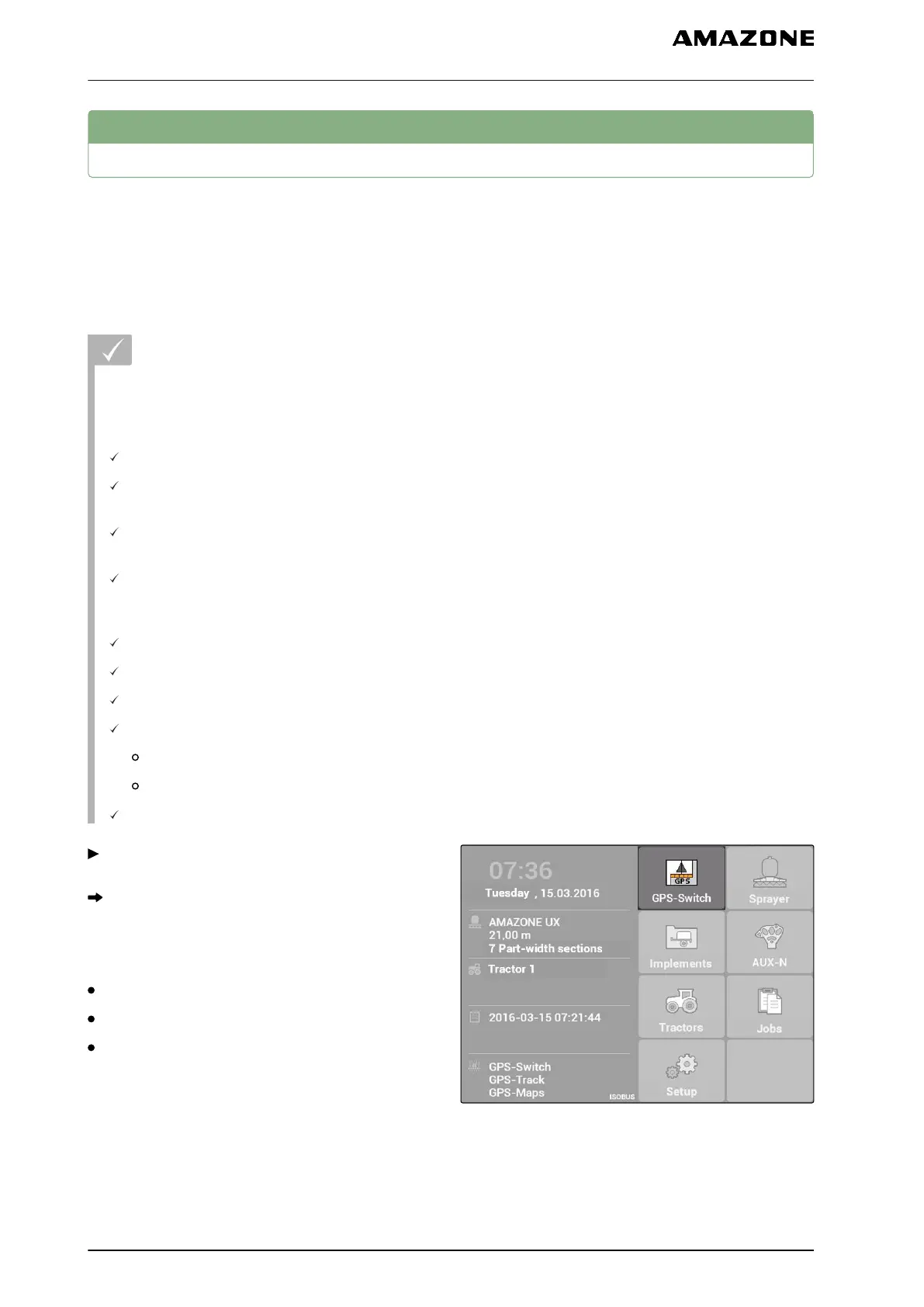
Select Main menu > "GPS switch".
GPS switch will be started.
The following contents are shown on the GPS
switch map.
A tractor symbol
An implement symbol
The field boundary and application map created in
the job
CMS-I-002167
CMS-T-00004702-A.1
CMS-T-005147-A.1
11 | Using the GPS switch
Starting the GPS switch
MG5560-EN-II | E.1 | 21.04.2020
92



 To Next Page