11.14.5 Loading field data from a shape file
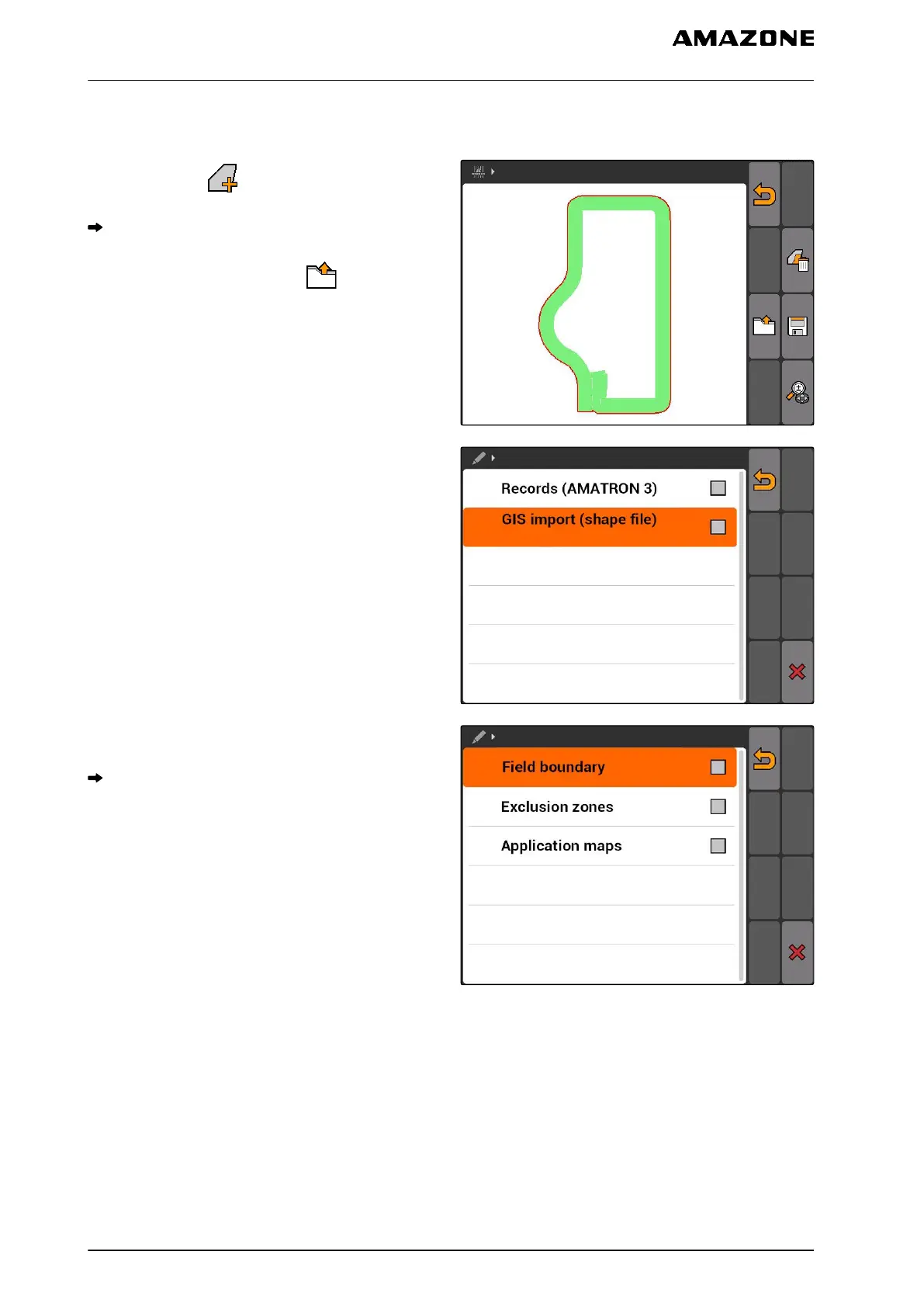
1. GPS switch > .
The field data menu will be opened.
2. In the field data menu, select .
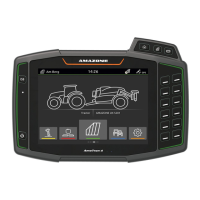
3. Select "GIS import".
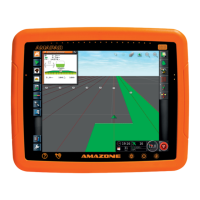
4. Select which field data type should be imported.
The content of the USB flash drive will be shown.
CMS-T-003504-B.1
11 | Using the GPS switch
Managing field data
MG5560-EN-II | E.1 | 21.04.2020
122


 To Next Page