Select "Jobs" > > "Worker".
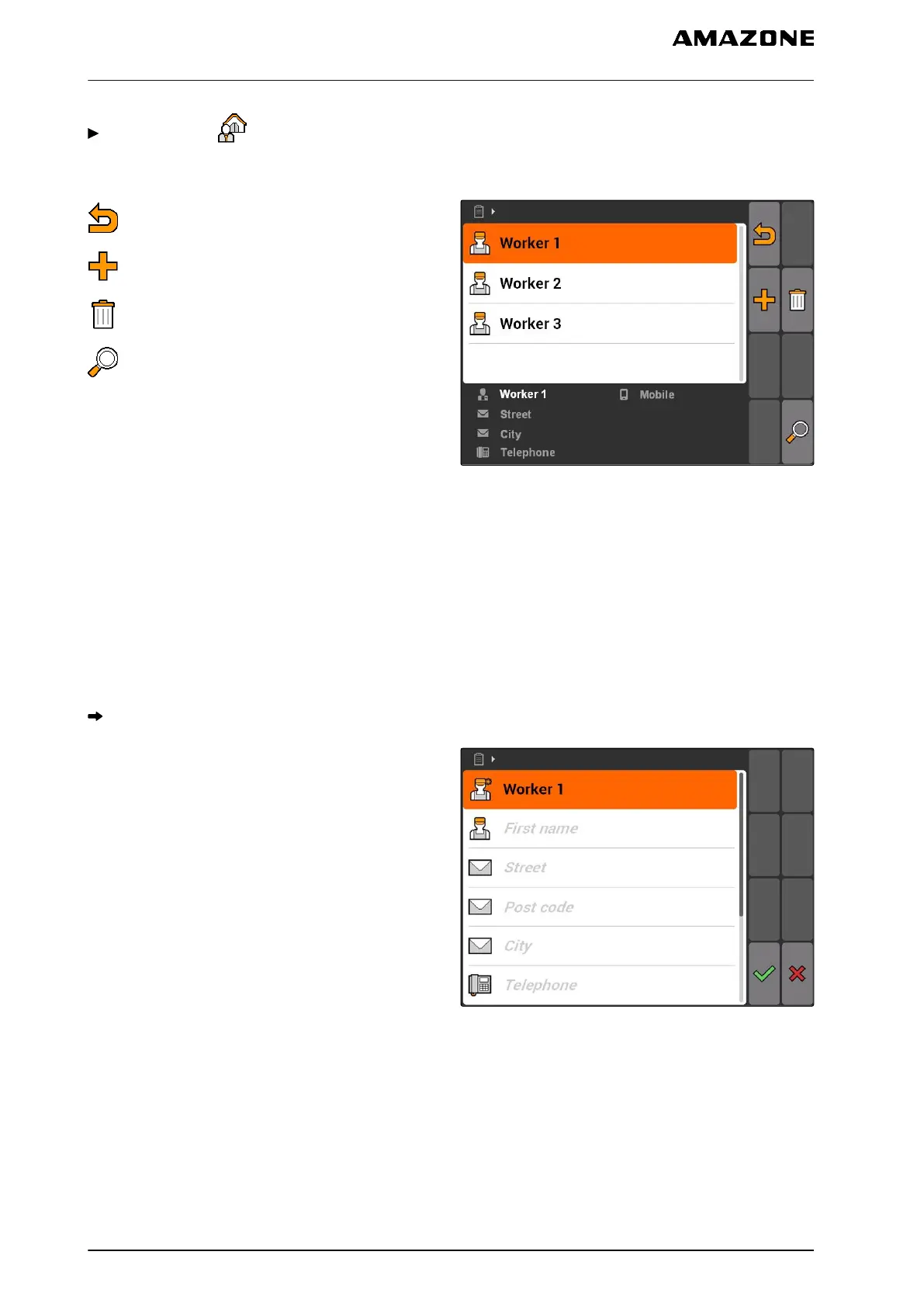
Worker menu overview
: Opens the master data menu
: Adds a worker
: Deletes the selected worker
: Opens the search function
CMS-I-001500
10.3.9
Editing worker data
1. Select a worker from the list
or
Add a new worker.
The "Worker data" menu will be opened.
2. Enter the worker data.
3. Confirm entries.
CMS-I-001297
10.3.10
Managing products
Products can be added to the setpoints. This enables
the documentation of quantities used for each
product.
CMS-T-003415-A.1
CMS-T-002461-B.1
10 | Using the job management
Using master data management
MG5560-EN-II | E.1 | 21.04.2020
72



 To Next Page