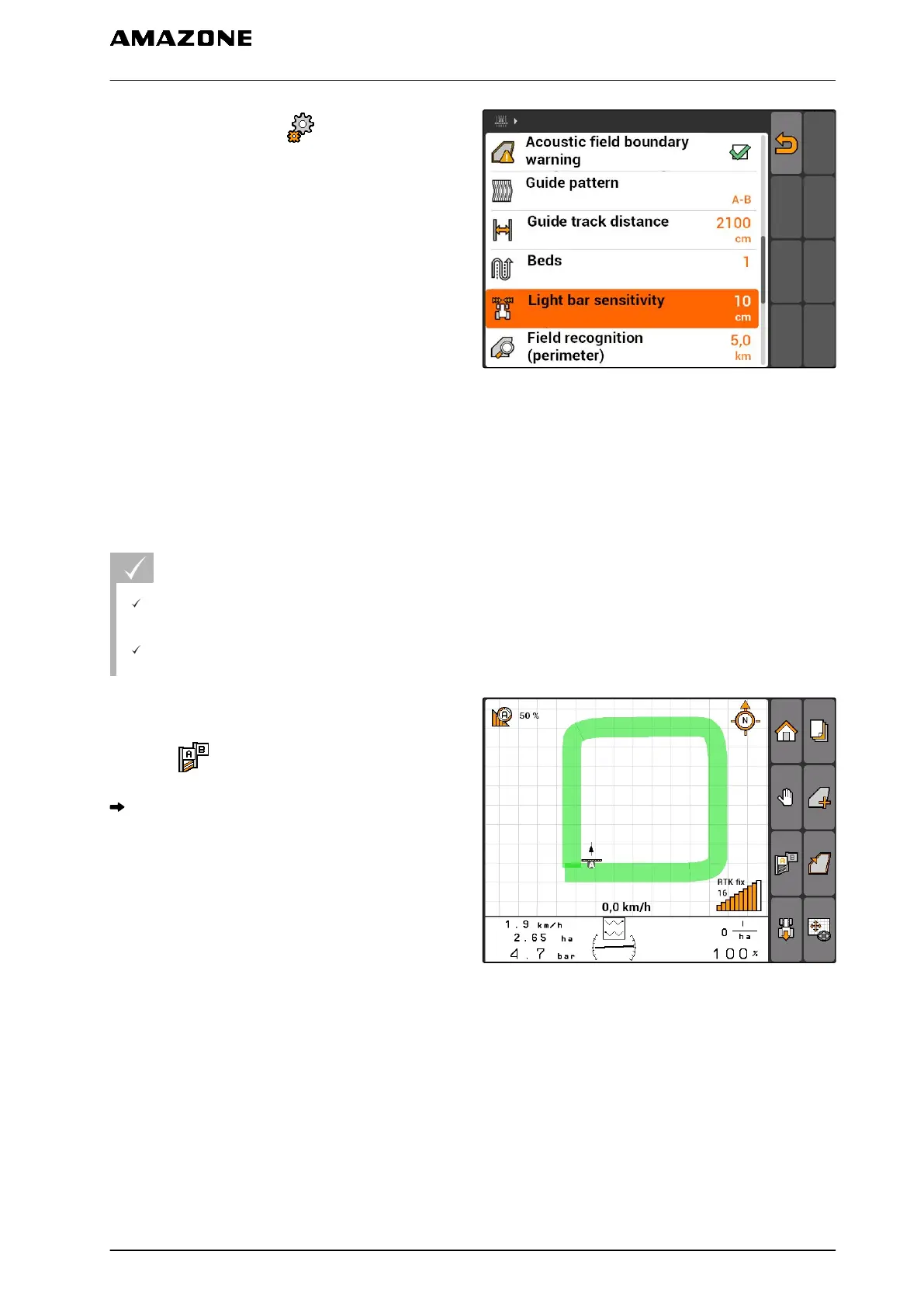
1. Select "GPS switch" > > "Light bar
sensitivity".
2. Enter the length of the required track line
deviation and confirm.
CMS-I-002086
11.12.5 Creating track lines
11.12.5.1
Creating an A-B line
REQUIREMENTS
"A-B" track line pattern is selected, see
page 103
The end point of the track line must be at least
15 m away from the start point.
1. Drive to the beginning of the row.
2. select .
The start point of the track line is set on the
vehicle position.
CMS-I-002055
CMS-T-00004689-A.1
CMS-T-005582-A.1
11 | Using the GPS switch
Using track lines
MG5560-EN-II | E.1 | 21.04.2020
107



 To Next Page