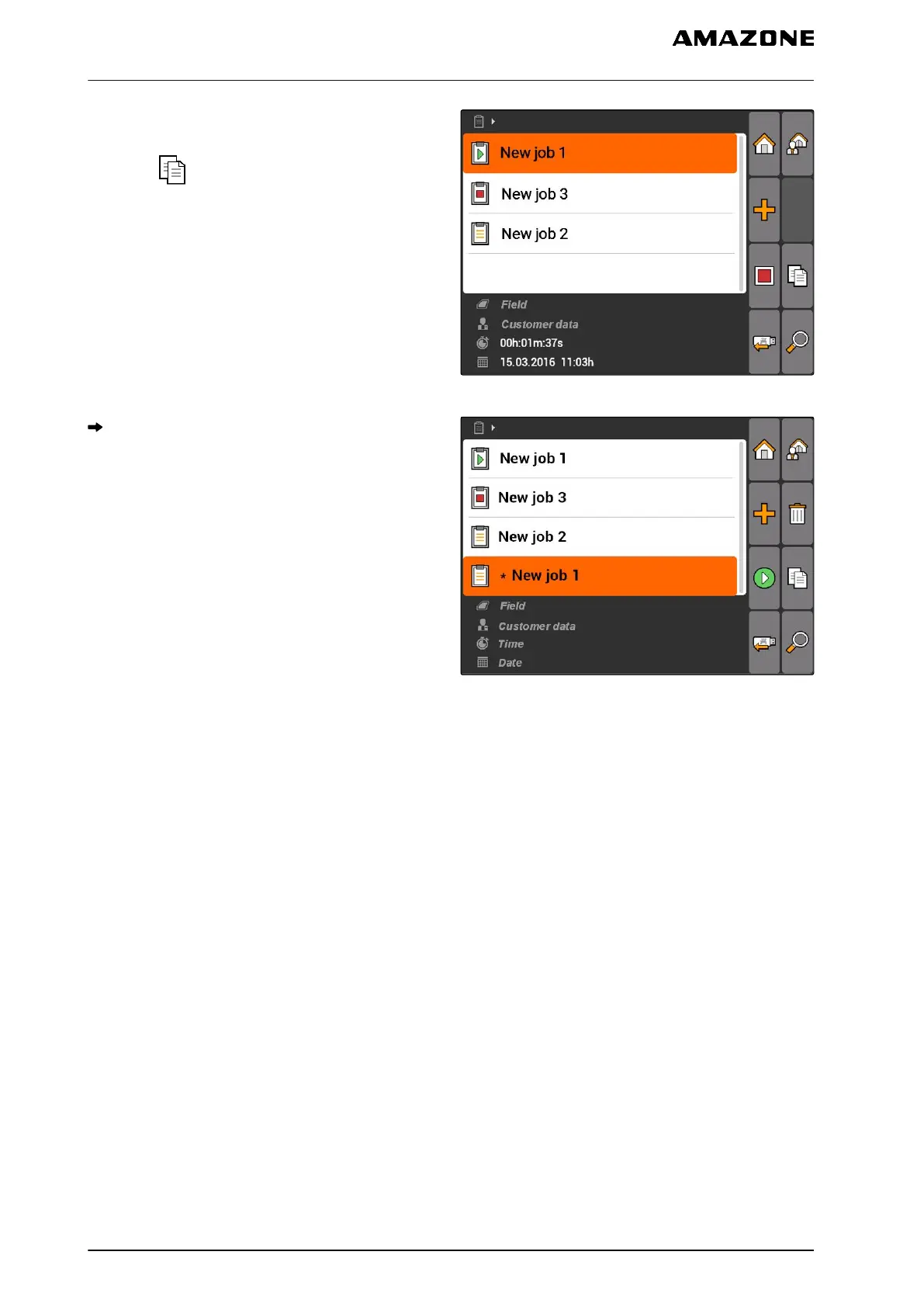
1. "Jobs" > Select a job.
2. select .
3. Confirm the copying.
CMS-I-002248
The job will be copied and marked with a "*".
CMS-I-001983
10.2.8
Starting a job
When a job is started, the job data is recorded. The
field data stored in the job are shown on the map in
GPS switch.
CMS-T-001583-A.1
10 | Using the job management
Editing jobs
MG5560-EN-II | E.1 | 21.04.2020
64



 To Next Page