7.1.5 Setting the date and time
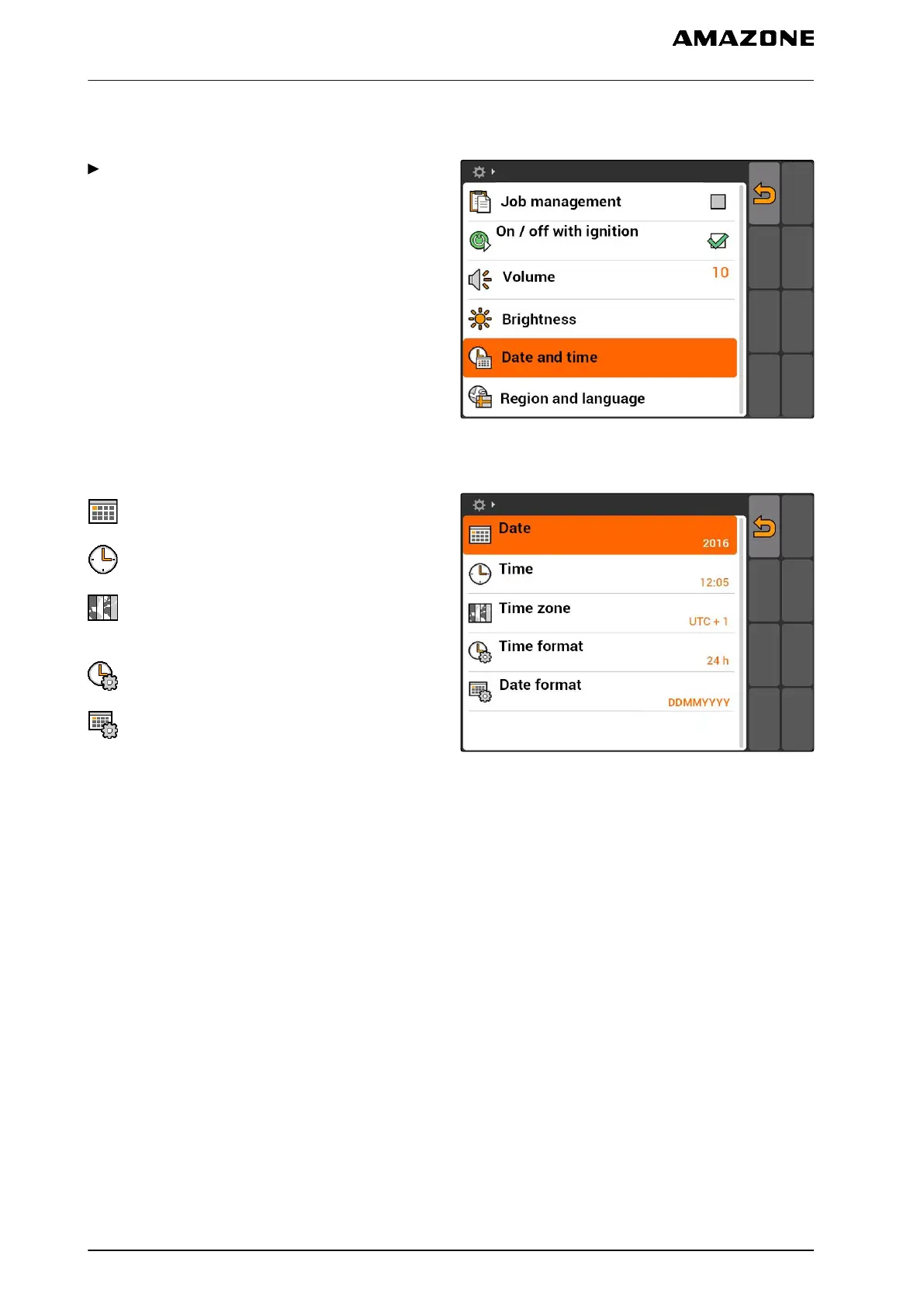
Select "Setup" > "Settings" > "Basic settings" >
"Date and time".
CMS-I-001700
Possible settings:
: Day, month and year for the current date
: Hours and minutes for the current time
: Value between -13 and +12 for the
corresponding time zone
: 24-hour format or 12-hour format
: Various date formats, "DD" for the day, "MM" for
the month, "YYYY" for the year
CMS-I-001200
CMS-T-001969-A.1
7 | AMATRON 3 configuration
Entering the basic settings
MG5560-EN-II | E.1 | 21.04.2020
22



 To Next Page