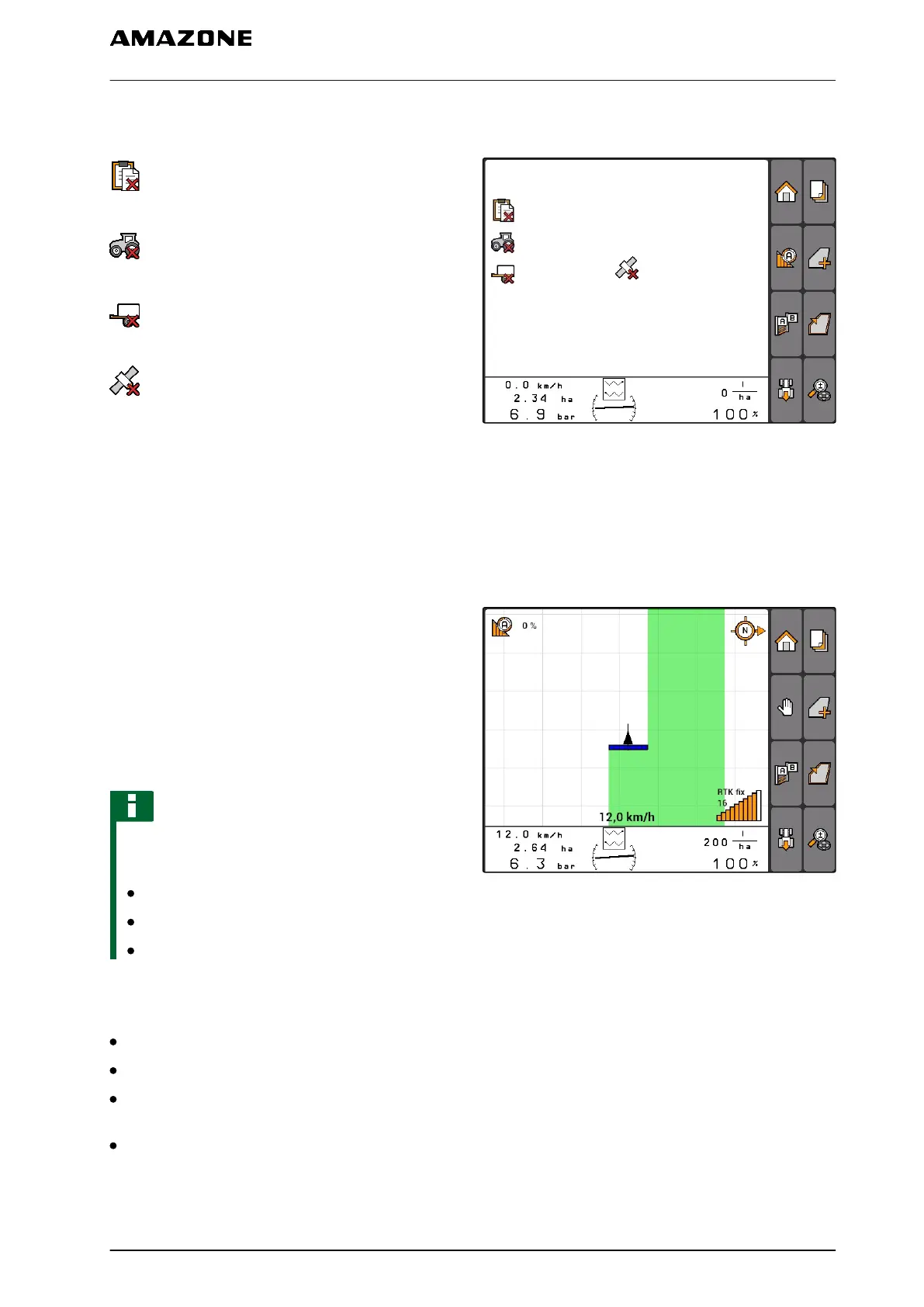
11.1.1.4 Error symbols
: No job data available. Create job data, see
page
: No Tractor-ECU available, create tractor, see
page 47
: No implement available, create implement, see
page 42
: No GPS signal available, configure the GPS,
see page
CMS-I-001543
11.1.2 GPS switch functions
11.1.2.1
Automatic part-width section control
When the part-width sections of the connected
implement are switched on, the worked area is
marked in green on the map of the AMATRON 3. To
achieve optimal coverage, the AMATRON 3 can
automatically switch the part-width sections of the
connected implement on and off. To do so, the
AMATRON 3 uses the GPS signal from the
connected GPS receiver.
NOTE
The connected receiver must send the
following messages to the terminal:
GGA
GSA
VTG
For automatic part-width section control, the
following settings are available:
Degree of overlap of 0%, 50% or 100%
Overlap tolerances up to 25 cm
Overlap tolerances at the field boundary up to 25
cm
Overlaps or underlaps in the direction of travel
from -1000 cm to +1000 cm
CMS-I-001528
CMS-T-005233-A.1
CMS-T-00004686-A.1
CMS-T-004862-A.1
11 | Using the GPS switch
GPS switch overview
MG5560-EN-II | E.1 | 21.04.2020
77



 To Next Page