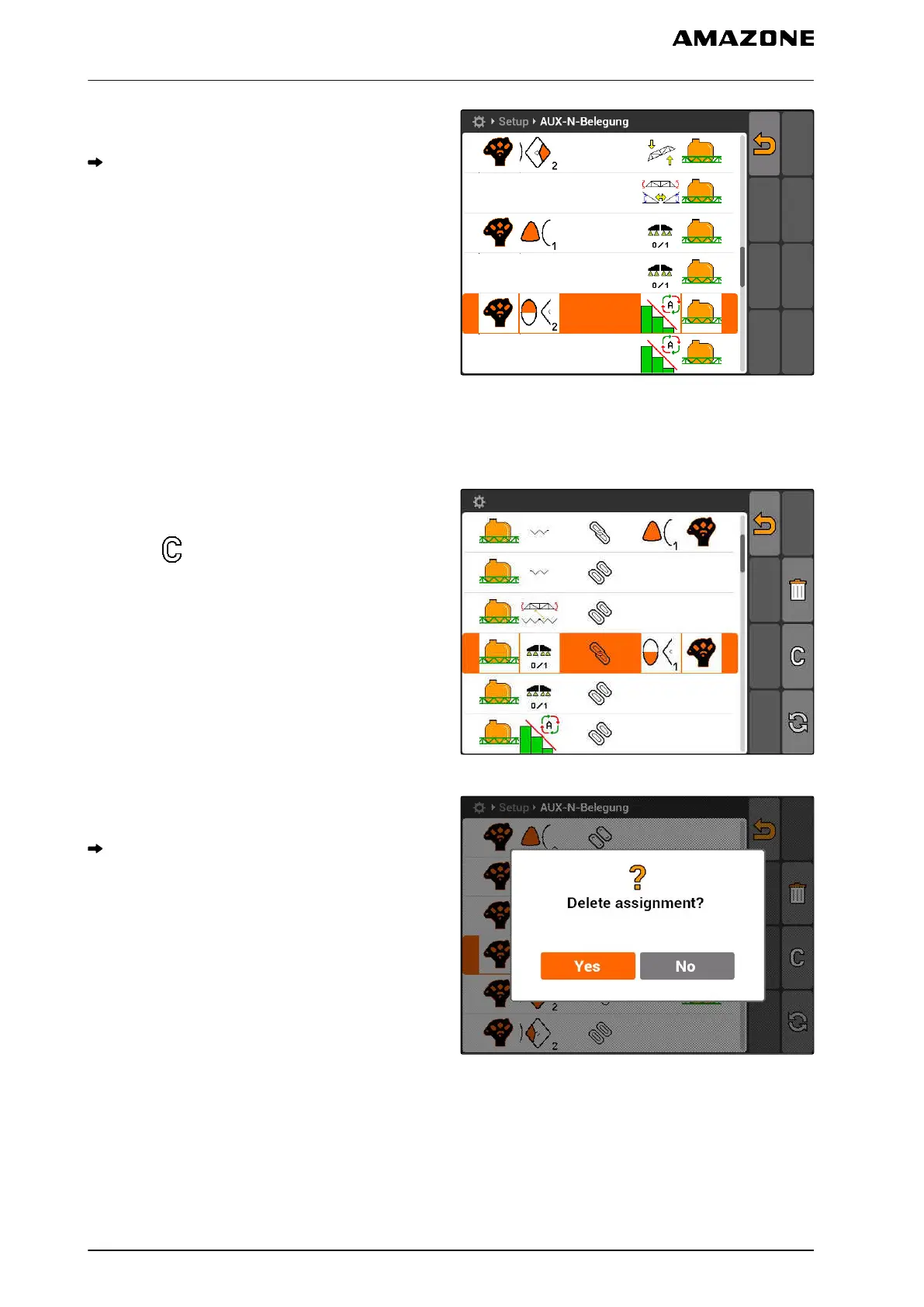
3. Select a function from the list.
The button is assigned to the selected function.
CMS-I-001180
7.9.4 Deleting the selected AUX-N assignment
1. Select the desired assignment from the list.
2. select .
CMS-I-001774
3. Confirm with "Yes".
The assignment will be deleted.
CMS-I-001523
CMS-T-005136-A.1
7 | AMATRON 3 configuration
Using AUX-N input devices
MG5560-EN-II | E.1 | 21.04.2020
36



 To Next Page